Dispatch Systems: Assign, Track, and Confirm Every Route
Dispatch systems replace clipboard routing and text-message tracking with optimized routes, live driver maps, and delivery confirmation.

Business
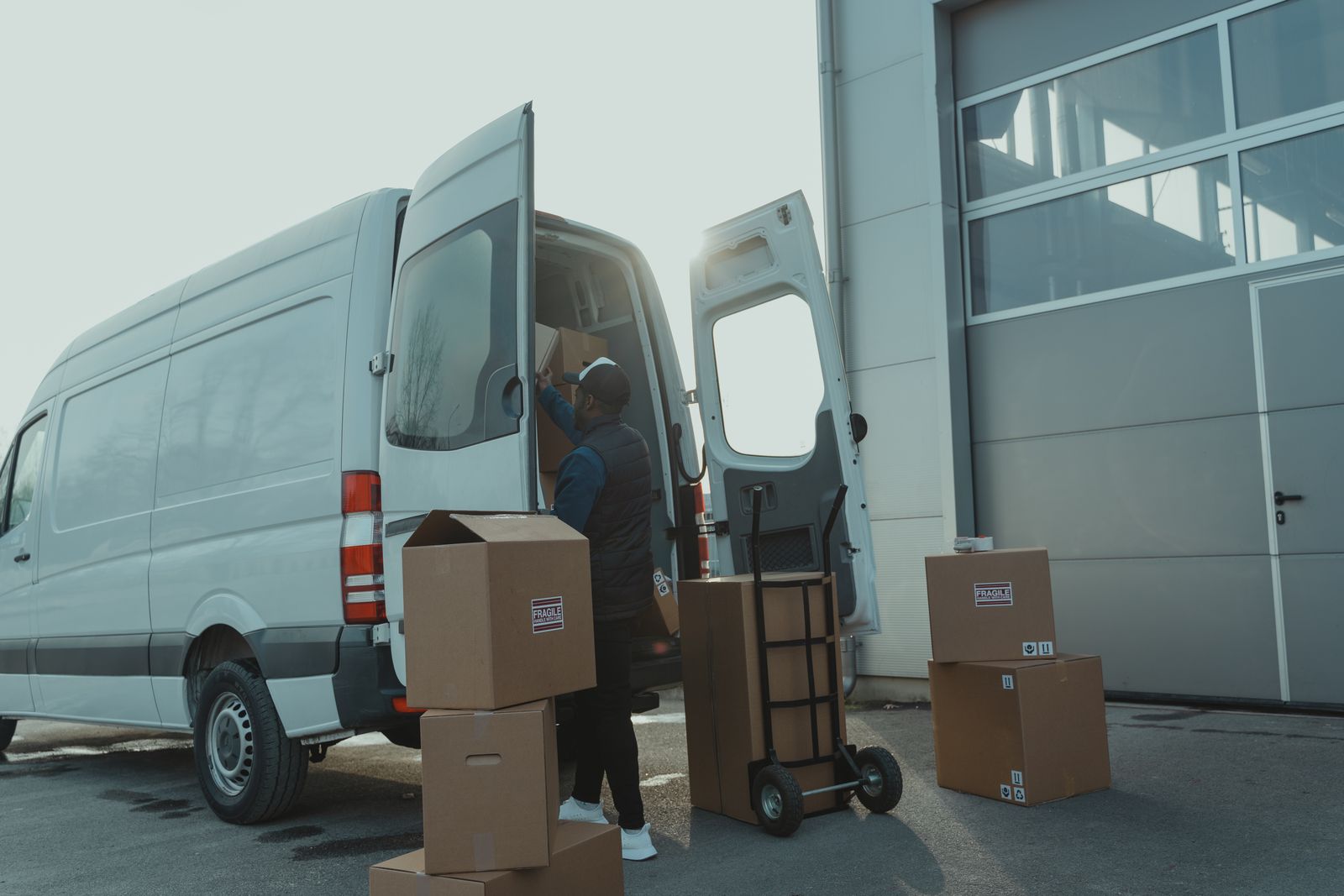
Three drivers are idling in the parking lot while the dispatcher copies addresses from an order spreadsheet into a group chat. Driver one gets fourteen stops, driver two gets nine, and driver three gets twenty-two — not because the workload is split by geography or time windows, but because the spreadsheet was sorted alphabetically. By 11 AM, two vans cross the same intersection heading opposite ways. The phone starts ringing: a customer whose pharmacy delivery was promised before noon wants to know where the driver is. The dispatcher has no answer, because once the vans left, the only way to check is to call each driver and hope they pick up.
This is what dispatch looks like when it runs on spreadsheets, group chats, and memory. Dispatch management software exists to replace every piece of that workflow with one system that plans routes, pushes them to drivers, and tracks progress from first stop to last confirmation.
The spreadsheet itself is not the problem. The problem is that a spreadsheet cannot optimize, assign, track, or confirm anything. It holds addresses. Everything else depends on the dispatcher’s memory, phone calls, and end-of-day debriefs that nobody has time for.
Most dispatch systems start with one of these pain points. The value becomes clear when you realize all five disappear at once.
Dispatch and routing software collapses five separate tools into a single workflow. Here is what each piece replaces:
The shift is not about adding technology for its own sake. It is about removing the gap between what the dispatcher planned and what actually happened on the road.
A route dispatch software platform does not just hand drivers a list. It makes decisions about stop order that a human dispatcher cannot make at scale:
The result is a route that reflects actual road constraints, not the order in which addresses appeared in a spreadsheet. And because the optimizer runs in seconds, the dispatcher can re-plan mid-day when cancellations or priority adds come in.
Assigning routes without tracking is a one-way announcement. The dispatcher pushes stops at the start of the shift and hopes for the best until drivers return.
Dispatch tracking software changes this by showing each driver’s position, which stops are complete, and where the next delivery is headed. When a route falls behind schedule, the dispatcher sees it before the customer calls. ETA notifications go directly to recipients, reducing inbound support volume.
Proof of delivery closes the accountability gap. At each stop, the driver captures a photo of the package at the door, a recipient’s signature, or a written note. That timestamped record replaces the end-of-day verbal debrief and gives the operations team auditable evidence for billing, insurance, and dispute resolution.
An analytics layer on top of tracking reveals patterns: on-time delivery rates, average stops completed per hour, driver utilization across the fleet. These numbers come from a dashboard, not from the dispatcher reconstructing the day from memory each Friday.
Optiway Dispatch covers the full planning-to-confirmation workflow that delivery operations need:
Teams start on Early Access at no cost, which covers 300 stops a calendar month. The Team plan raises the allowance to 2,000 stops for $99 a month. Neither plan charges per driver, and both include every feature. Integrations with external order systems are set up on request.
What is dispatch management software?
Software that plans delivery routes, assigns them to drivers, tracks progress in real time, and captures proof of delivery. It replaces spreadsheets, group chats, and phone-call coordination with one workflow.
How is dispatch management software different from a route planner?
A route planner optimizes stop order for one driver. Dispatch management software adds assignment across multiple drivers, live tracking, customer notifications, and proof of delivery — the full workflow from planning to confirmation.
Can Optiway dispatch routes to multiple drivers at once?
Yes. Optiway Dispatch assigns routes across drivers from one dashboard. Each driver receives their route on the mobile app and navigates with one tap in Apple Maps, Google Maps, or Waze.
What does proof of delivery include in Optiway?
A photo, a signature, or a written note at each stop. The record is timestamped and attached to the delivery. Optiway does not capture barcode scans.
Every morning spent copying addresses into a group chat is a morning your drivers sit idle in the lot. Import your stop list, optimize routes, assign drivers, and track every delivery to confirmation from one board.
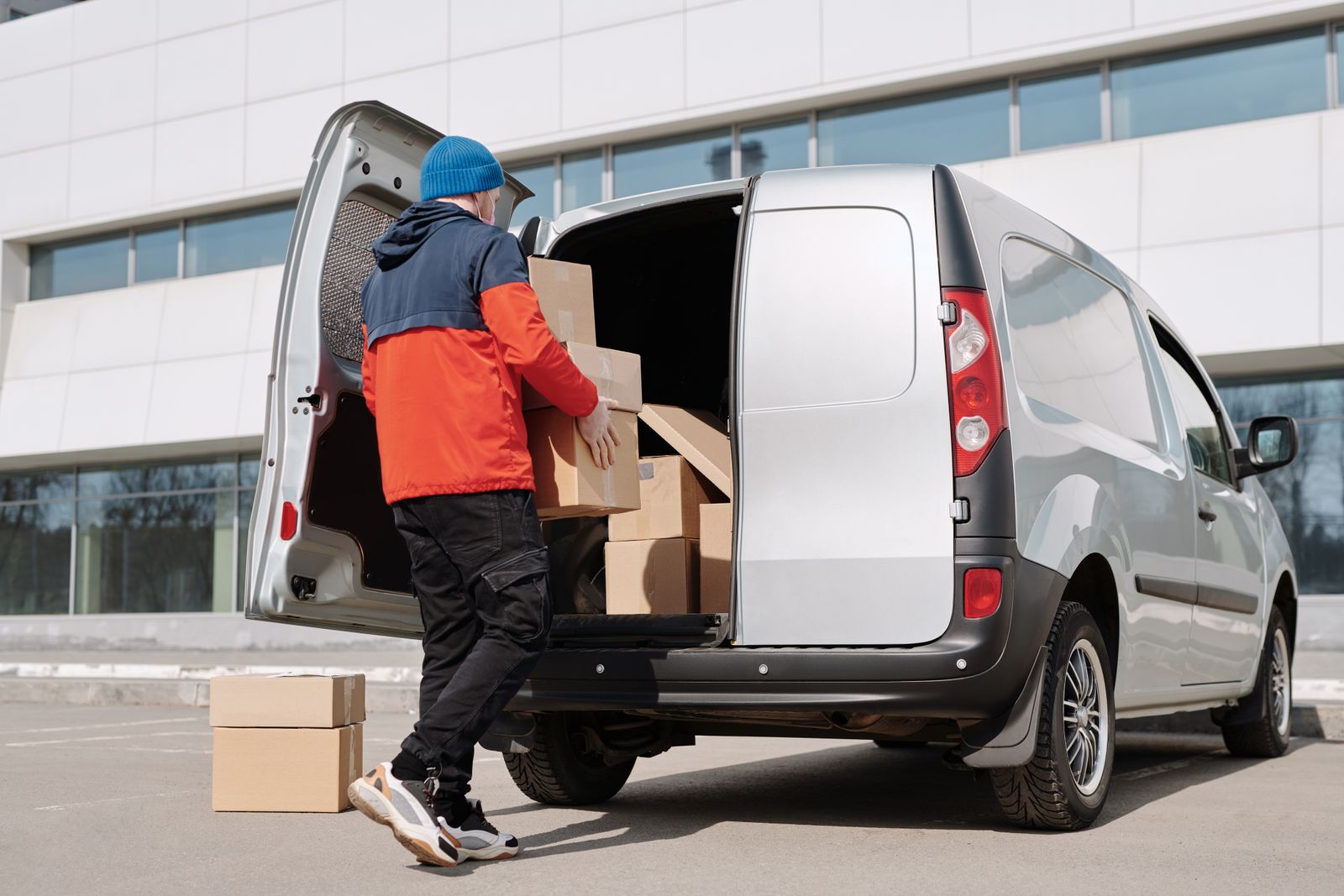
Dispatch Systems: Assign, Track, and Confirm Every Route
Dispatch systems replace clipboard routing and text-message tracking with optimized routes, live driver maps, and delivery confirmation.
Delivery Management System: From Stop List to Confirmed Drop
A delivery management system turns address lists into optimized routes, tracks drivers live, and captures proof of delivery at every stop.
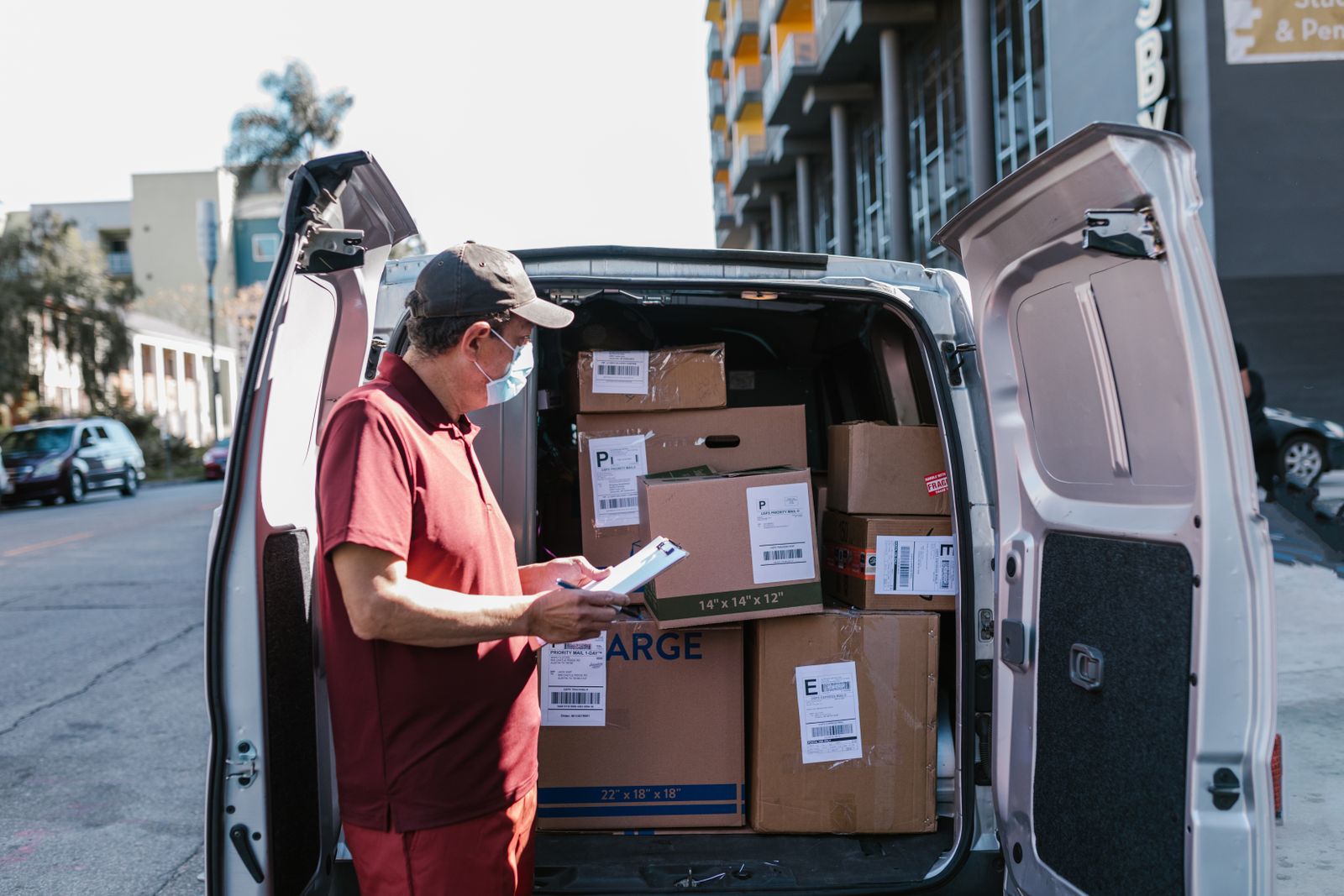
Trucking Dispatch Software: Route Every Truck from One Board
Trucking dispatch software replaces paper manifests with optimized multi-stop routes, live tracking, and delivery confirmation for local fleets.
Plan, assign and track every driver — live, from one dashboard.