Dispatch Systems: Assign, Track, and Confirm Every Route
Dispatch systems replace clipboard routing and text-message tracking with optimized routes, live driver maps, and delivery confirmation.

Business
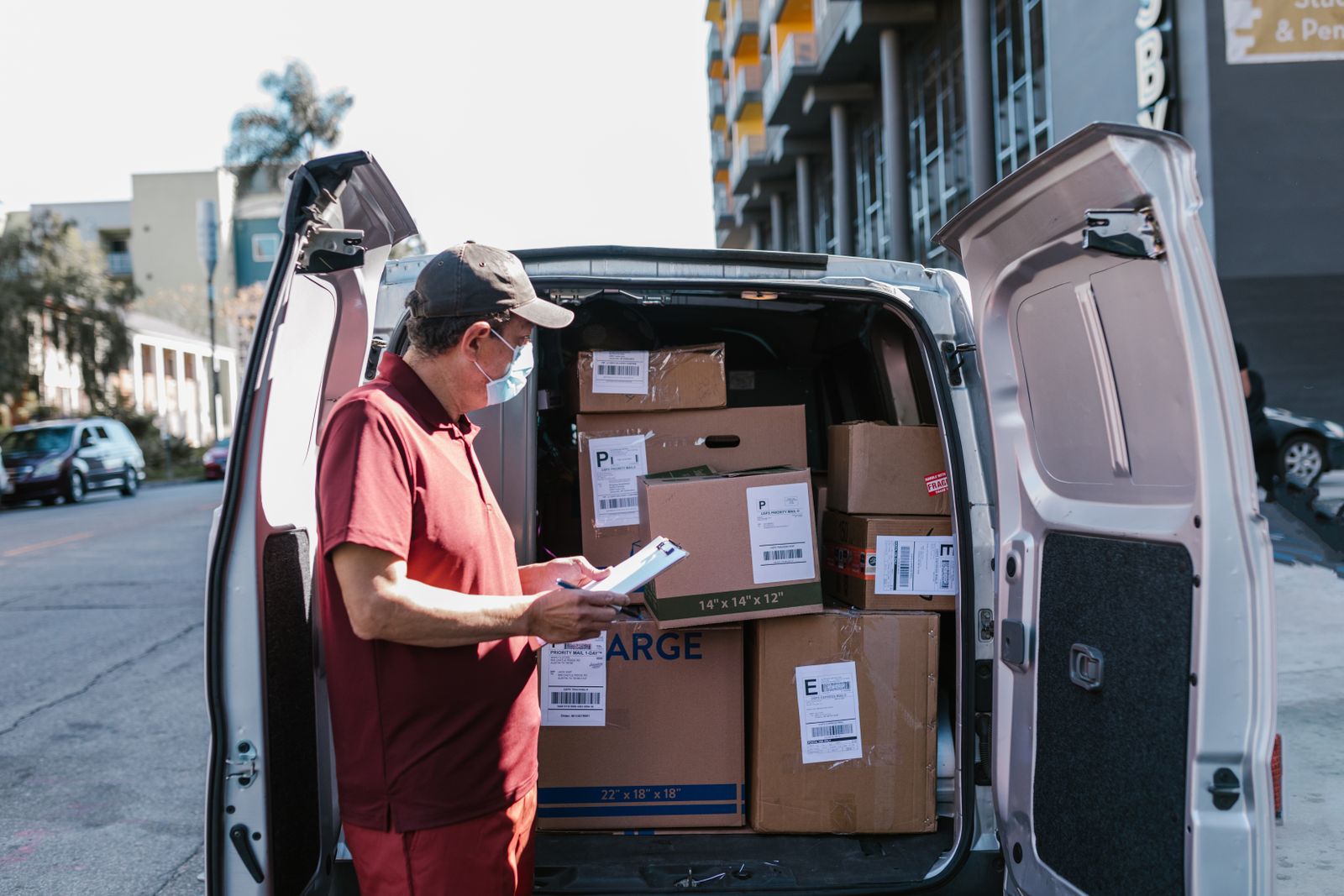
It is 5:30 AM. The dispatcher is printing manifests from a spreadsheet, circling addresses on a laminated wall map with a dry-erase marker, and texting route summaries to four drivers who are still finishing coffee in the yard. By mid-morning, two trucks cross the same intersection heading in opposite directions. A third driver is lost because the manifest listed a suite number that does not exist. The fourth missed a priority delivery window at a commercial dock that closed at 10 AM.
None of this shows up until end-of-day, when the dispatcher pieces it together from memory and a handful of scribbled notes. This is the cost of managing a trucking operation without dedicated trucking dispatch software.
Fuel is the line item everyone watches. But manual routing burns money in ways that never appear on a fuel receipt:
A daily route-planning checklist catches some of these problems. But checklists do not optimize stop order, and they do not track a truck once it leaves.
Dispatching software for trucking replaces five separate tools with one workflow:
A delivery car and a 26-foot box truck do not operate under the same constraints. Trucking routes need an optimizer that handles the realities of commercial delivery:
Transportation dispatch software handles different vehicle types and return-to-depot logic within the same dashboard. Whether the fleet runs sprinter vans, straight trucks, or a mix of both, the optimization layer accounts for the variables while keeping the dispatcher’s workflow identical.
Dispatch without tracking is a one-way announcement. You assign routes at dawn and hope for the best until the trucks return.
Dispatch management software with live tracking shows each truck’s position, which stops are complete, and where the next delivery is headed. When a route drifts behind schedule, the dispatcher sees it before the customer calls. ETA notifications go directly to recipients, cutting inbound “where is my delivery?” calls.
Proof of delivery closes the accountability gap. At each stop, the driver captures a photo of the delivery at the door, a recipient’s signature, or a written note. That timestamped record replaces the end-of-day verbal report and gives the operations team auditable evidence for invoicing and dispute resolution.
Fleet dispatching software layers analytics on top of tracking: on-time delivery rates, average stops completed per hour, and driver utilization across the fleet. Dispatchers spot patterns from a dashboard instead of reconstructing them from memory at the end of each week.
Optiway Dispatch covers the full manifest-to-confirmation workflow that trucking operations need:
Teams start on Early Access at no cost, which covers 300 stops a calendar month. The Team plan raises the allowance to 2,000 stops for $99 a month. Neither plan charges per driver, and both include every feature. Solo drivers can use the free mobile route planner for up to 200 stops with time windows and one-tap navigation.
What is trucking dispatch software?
Software that assigns delivery routes to trucks, tracks them in real time, and captures proof of delivery. It replaces manifests, phone calls, and manual route planning with one workflow.
Does Optiway work for delivery truck fleets?
Yes. Optiway Dispatch plans and assigns routes across multiple drivers from one dashboard. Each driver runs their route on the mobile app with one-tap navigation.
How many stops can one truck route handle?
Up to 200 stops per route, with time windows and priority flags the optimizer respects during sequencing.
What proof of delivery does Optiway capture?
A photo, a signature, or a written note at each stop. The record is timestamped and attached to the delivery. Optiway does not capture barcode scans.
Every morning spent printing addresses, circling maps, and texting routes is a morning the trucks sit idle. Import your stop list, optimize routes, assign drivers, and confirm every delivery from one board.
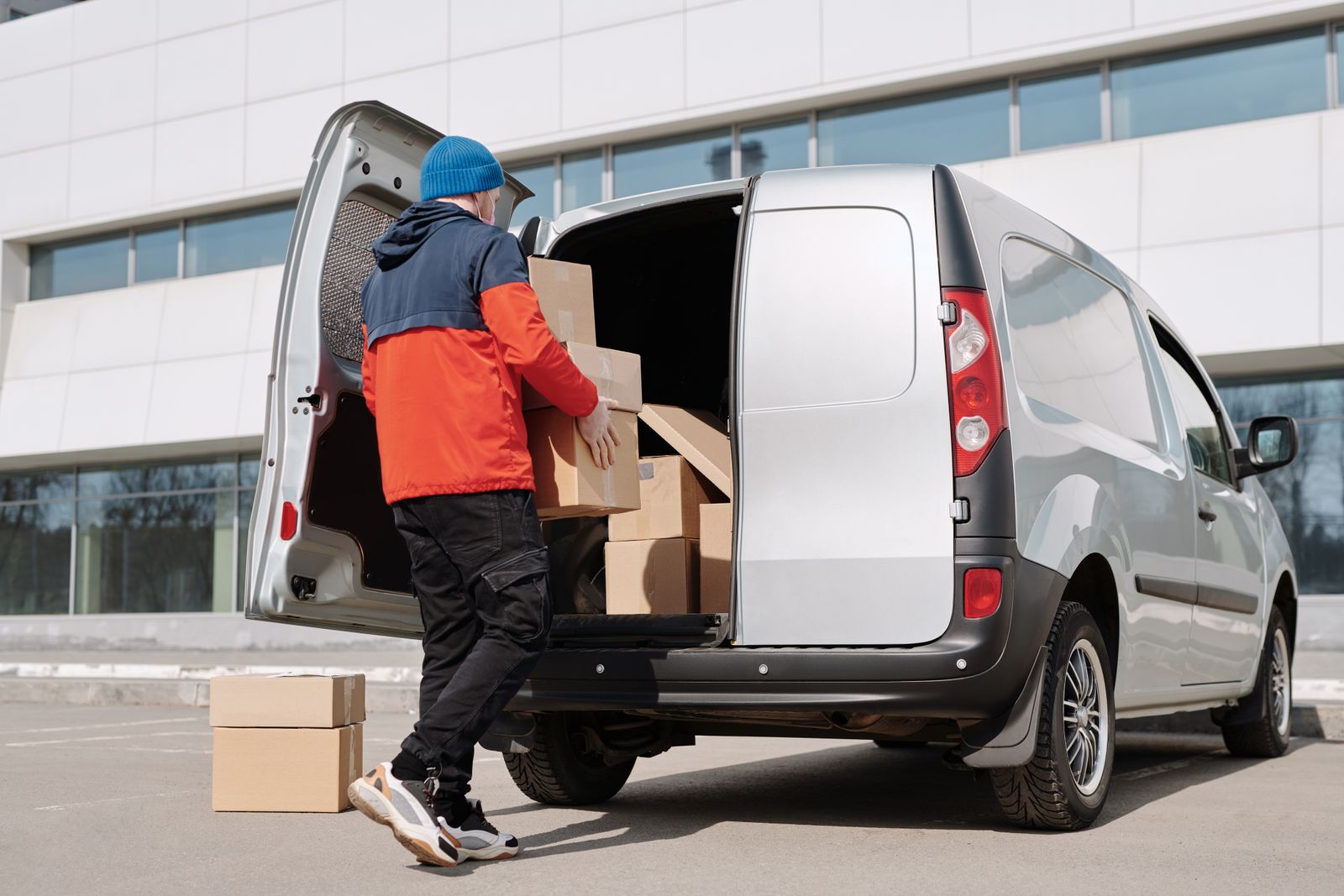
Dispatch Systems: Assign, Track, and Confirm Every Route
Dispatch systems replace clipboard routing and text-message tracking with optimized routes, live driver maps, and delivery confirmation.
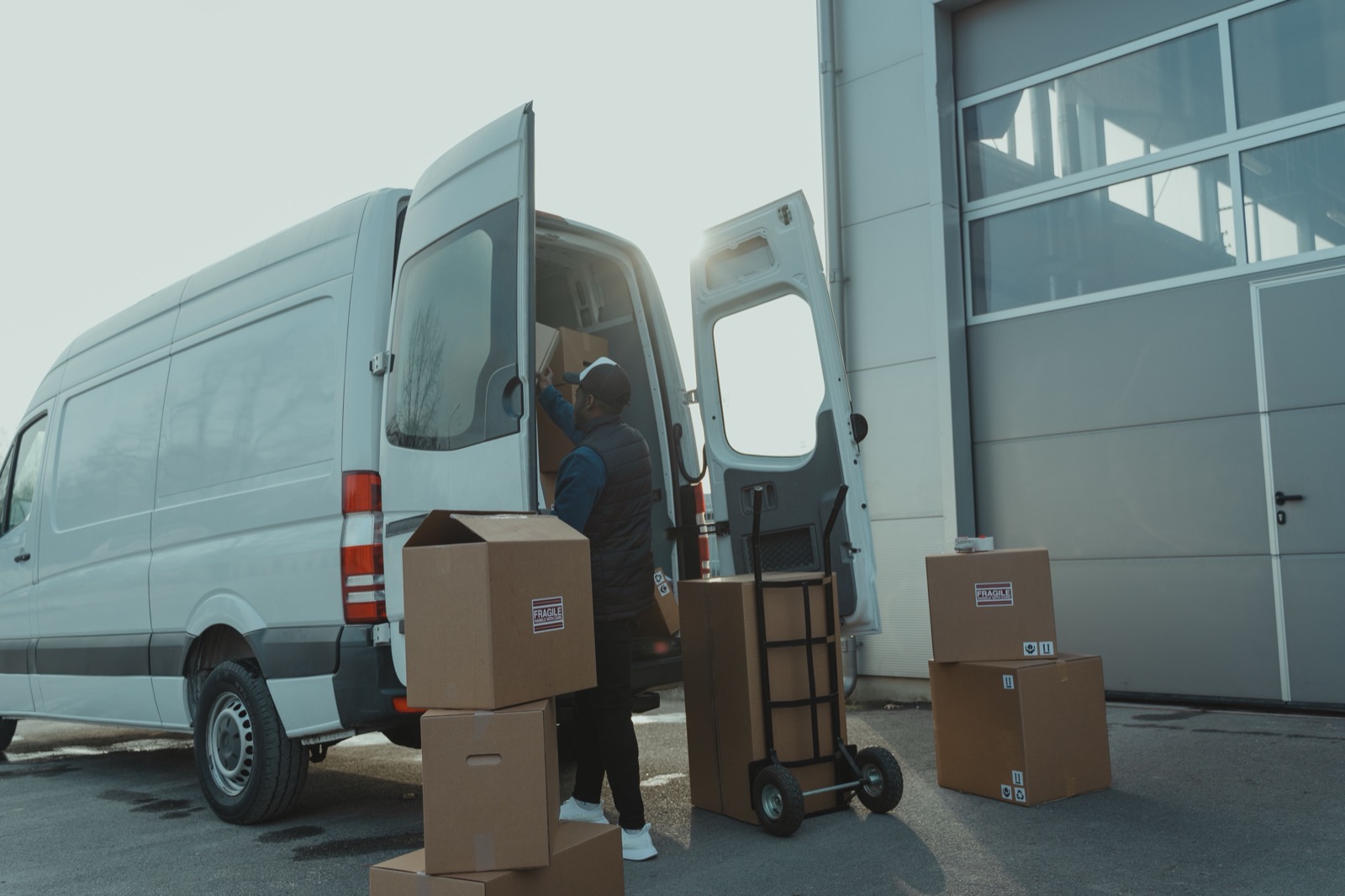
Delivery Management System: From Stop List to Confirmed Drop
A delivery management system turns address lists into optimized routes, tracks drivers live, and captures proof of delivery at every stop.
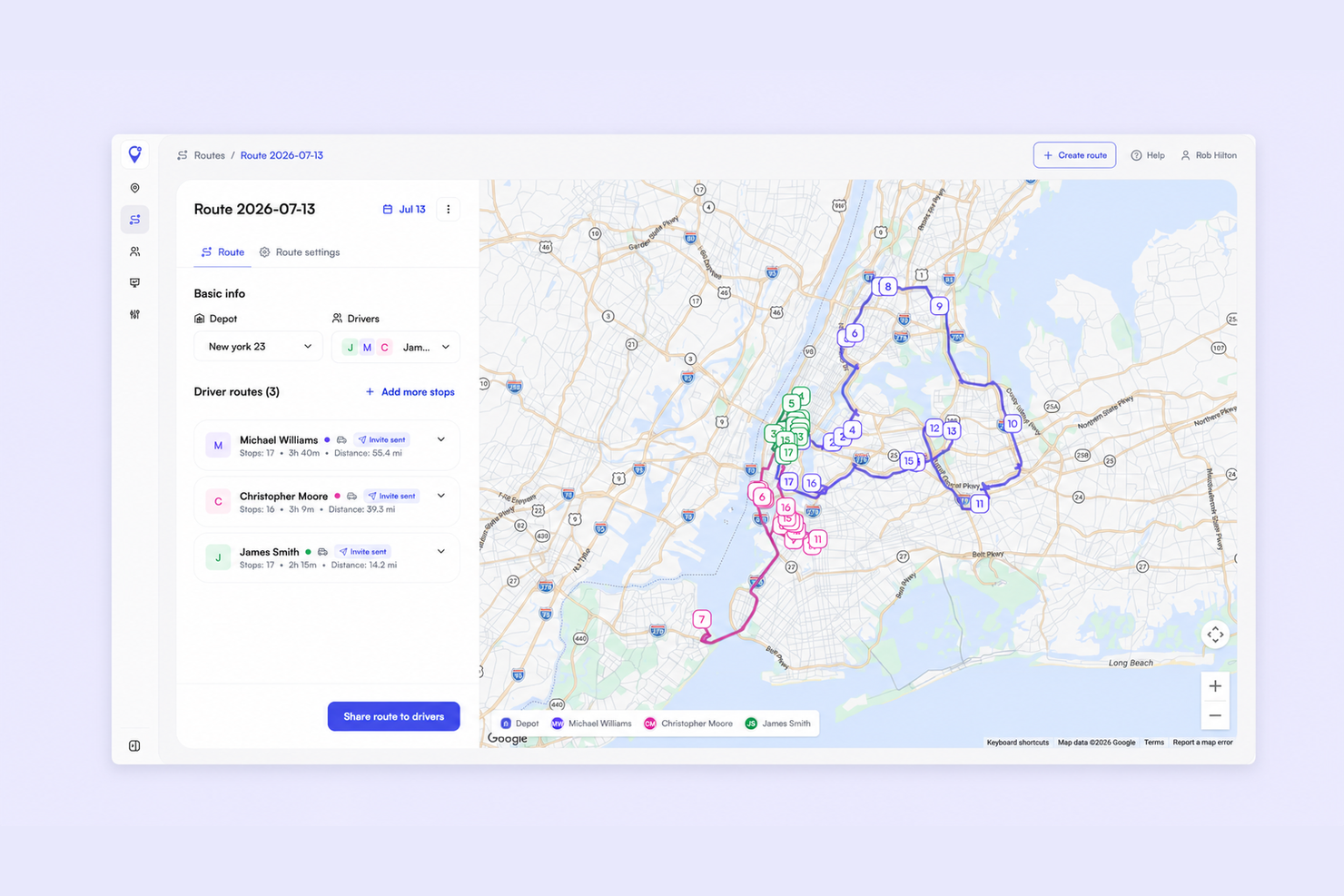
Small Business Dispatch Software: Assign Routes Without a Spreadsheet
How small delivery teams replace group-chat dispatch with one board - assign routes, track drivers live, and capture proof of delivery.
Plan, assign and track every driver — live, from one dashboard.