Route Planner App for Round Trip Deliveries
Plan delivery days that end where they start, with the return leg optimized too.

Optiway turns a list of stops into optimized routes in one click, dispatches them to your drivers, and shows you every delivery moving in real time — all from one dispatch dashboard.

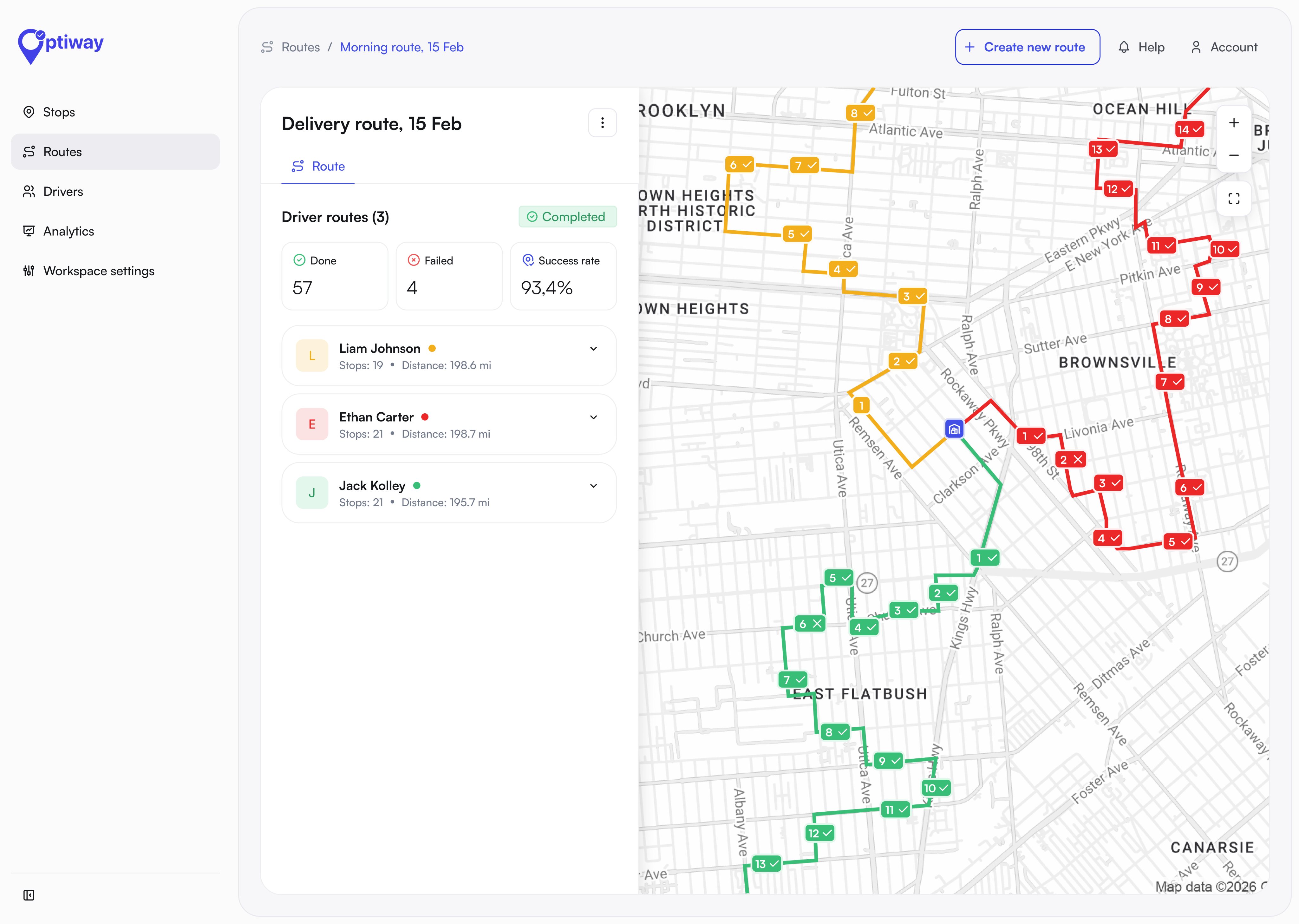
 Route completed
Optiway builds the fastest, lowest-cost routes, balances the load across your fleet, and re-optimizes instantly when a stop is added or a driver drops off.
−25%
delivery costs per order
2h/day
saved on route planning
+20%
on-time delivery rate
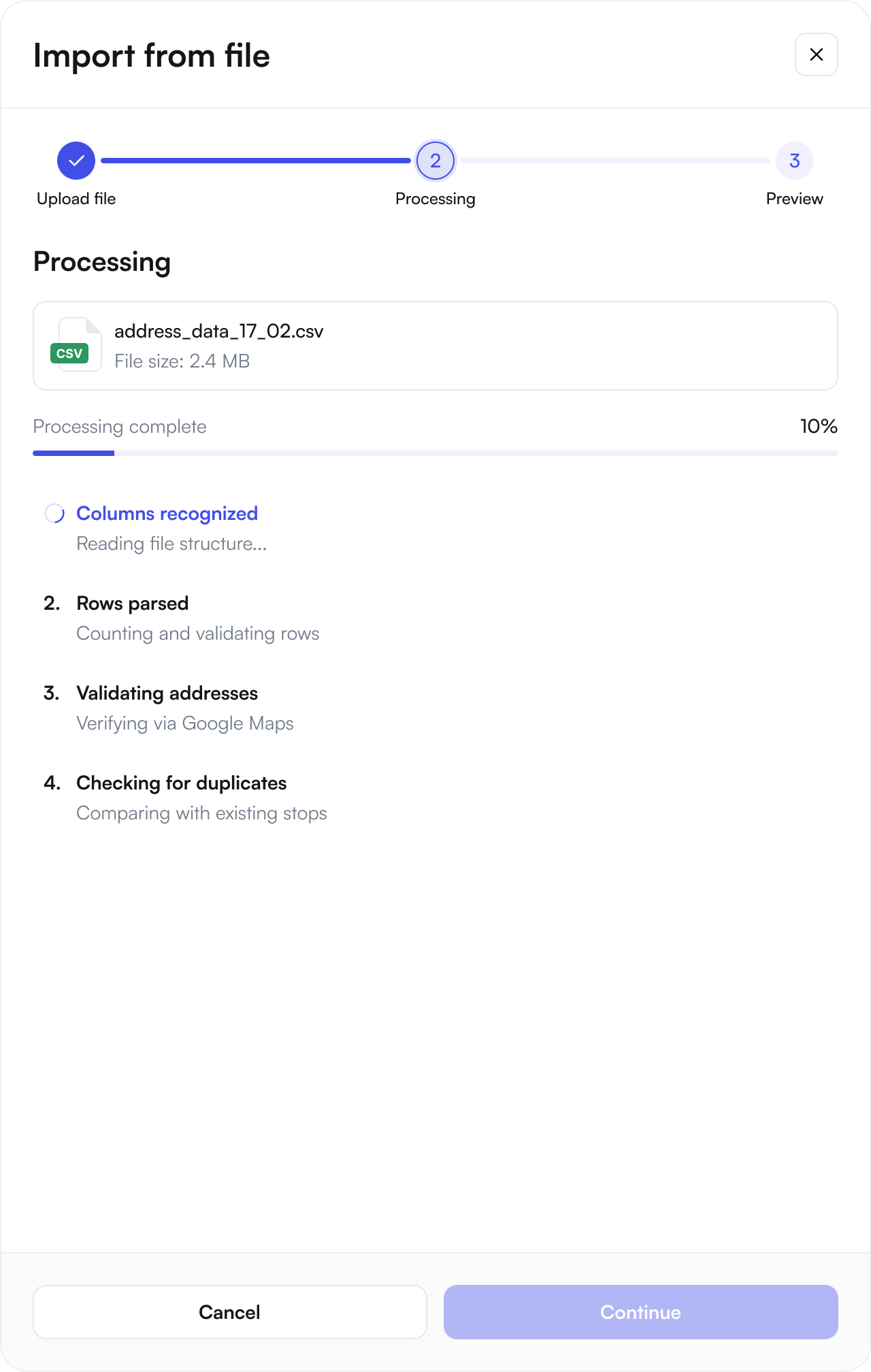
Upload a CSV / XLS file, add stops manually, or connect your store through API integration. All delivery addresses stay organized in one place, helping your team save time and avoid manual entry mistakes.
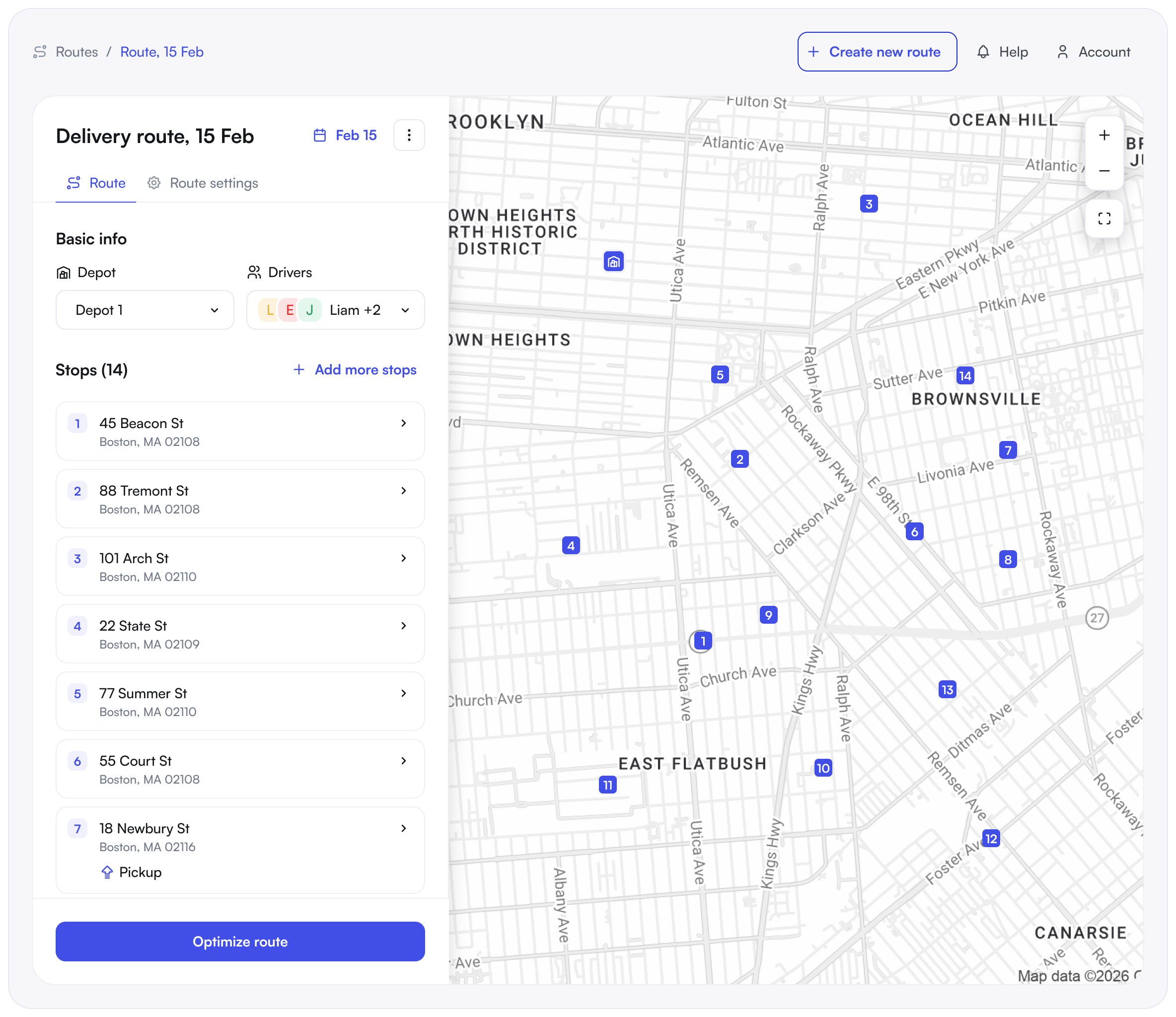
The delivery route planner turns your stop list into the fastest realistic routes — multi-stop routing and dispatching balanced across drivers, aware of time windows and live traffic.
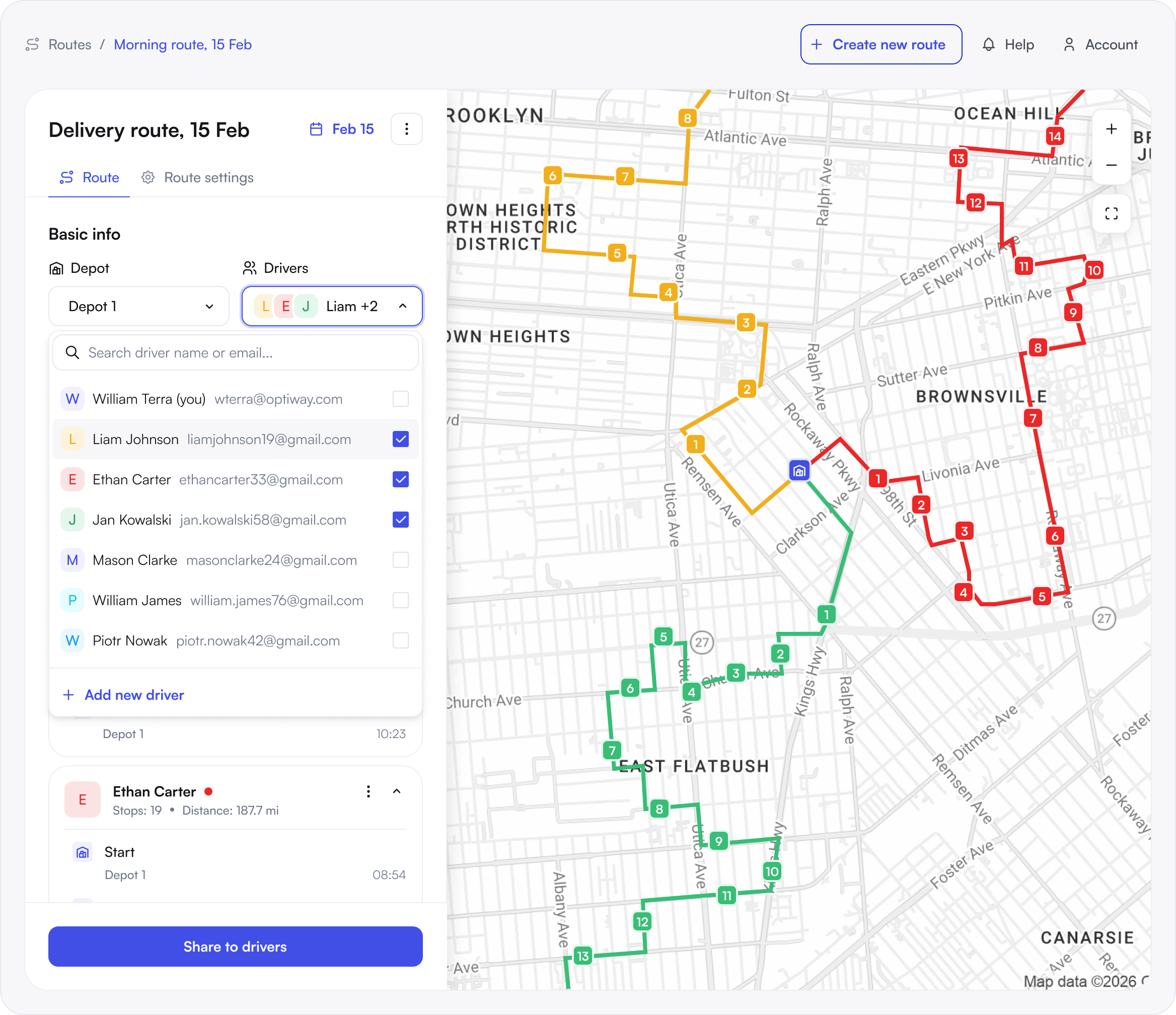
As dispatch management software built for last-mile teams, Optiway lets you assign optimized routes, push them to the driver app.
See your whole operation on one map — driver locations, completed and delayed stops, and driver-facing ETAs for every route.
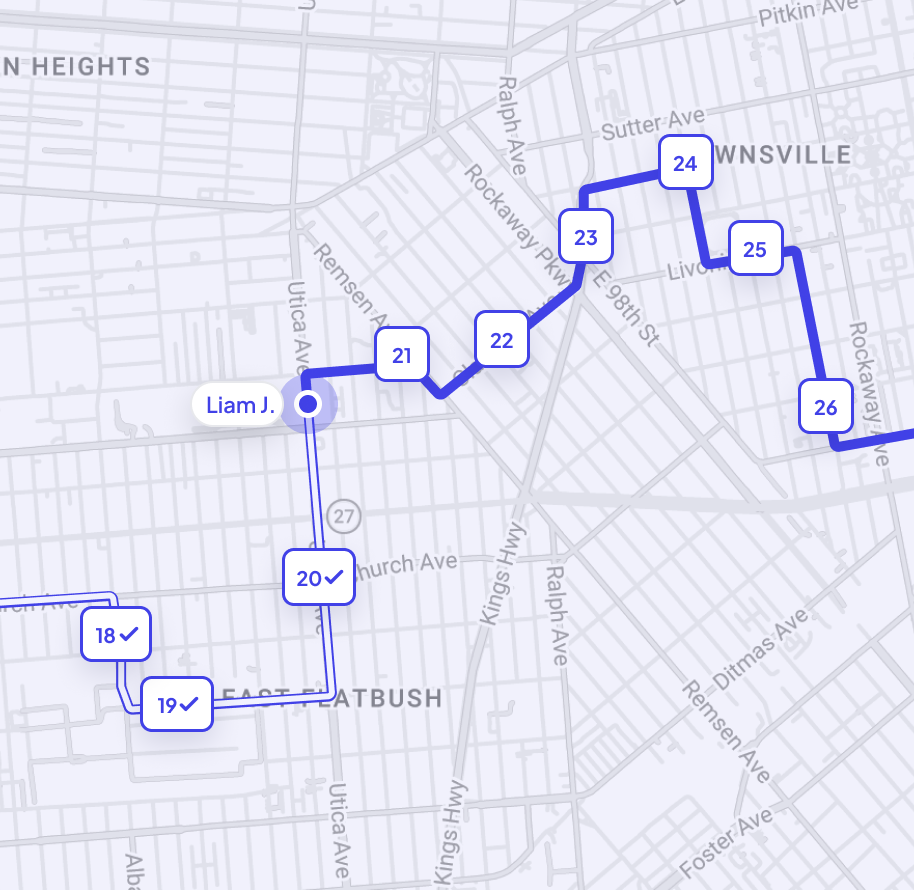
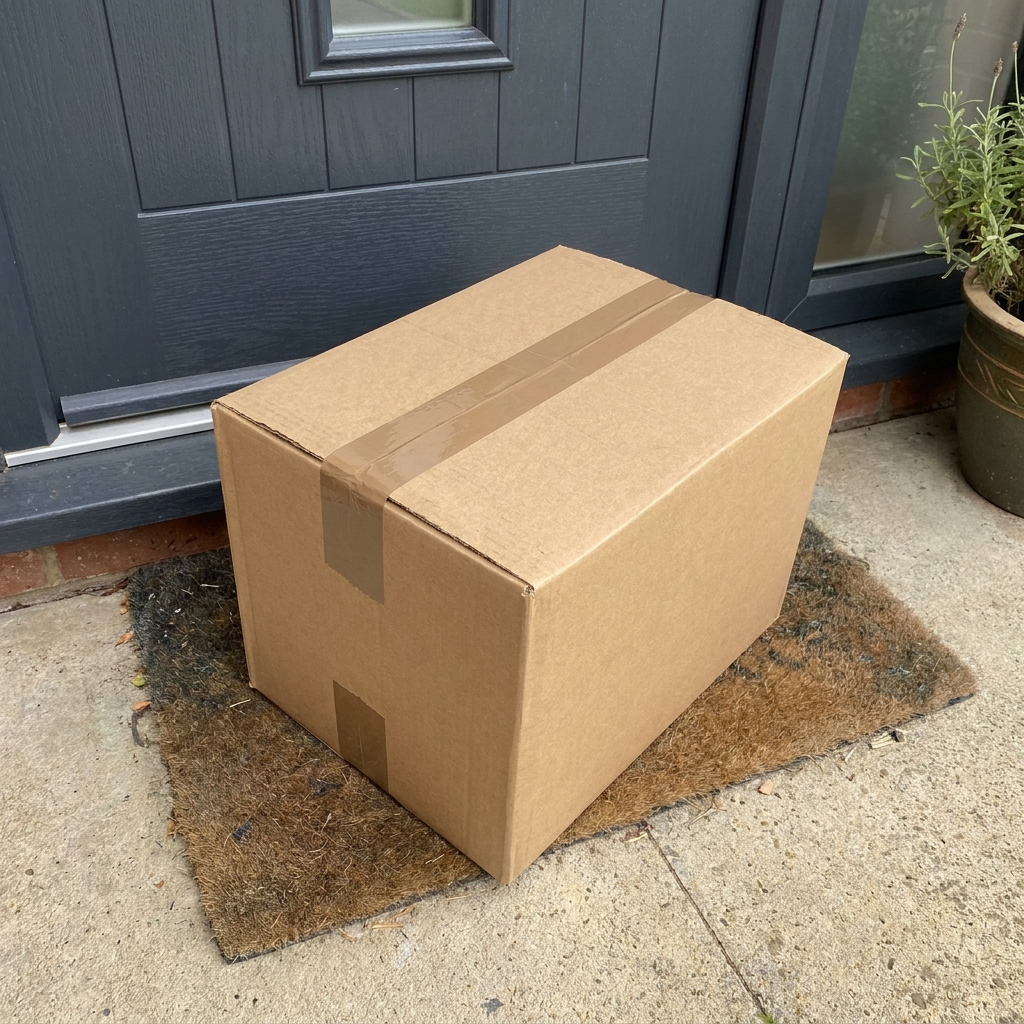
Drivers capture a photo, signature, or note at each stop, so every order is verifiable and disputes are easy to settle.

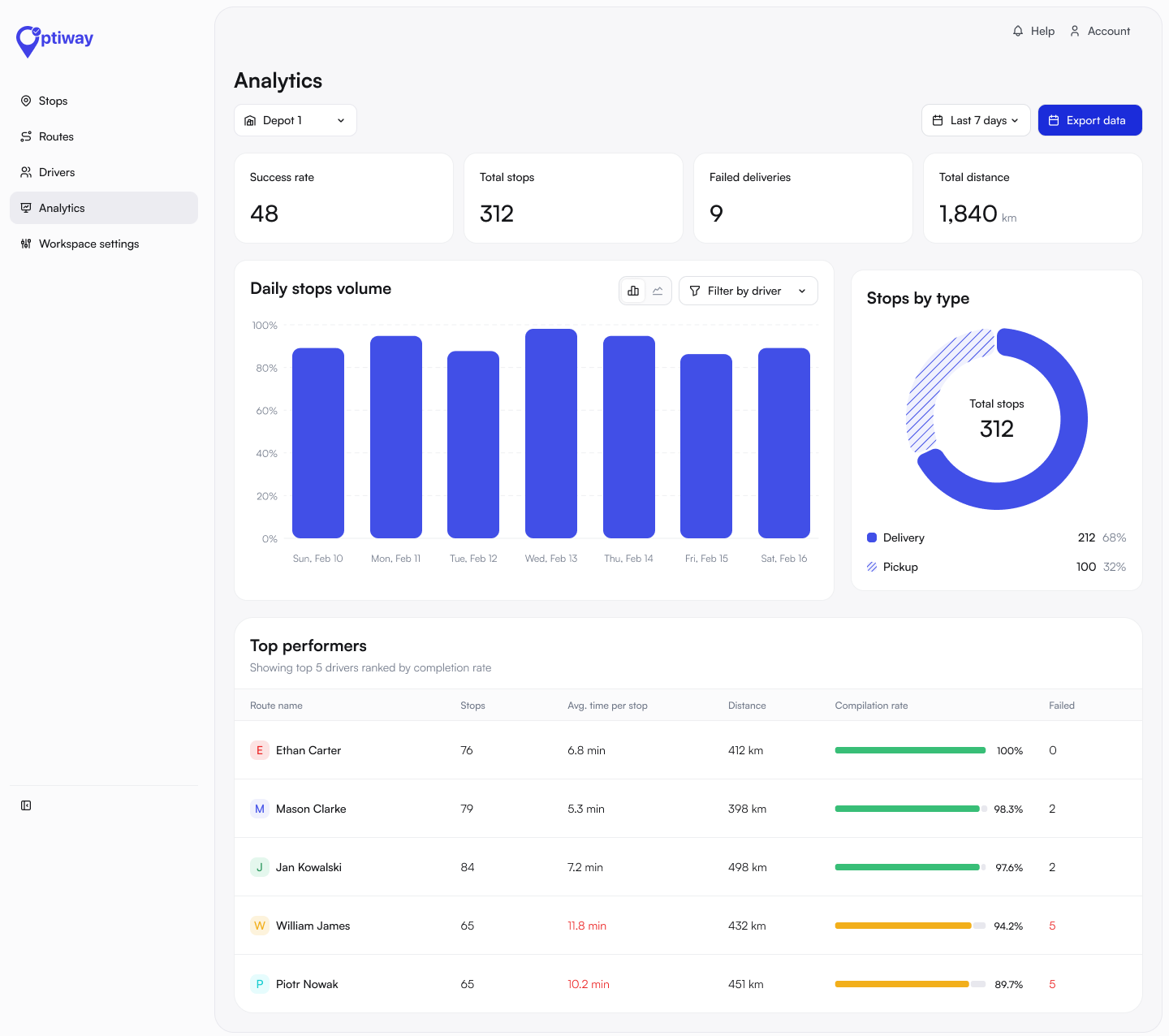
Clear reports show cost per order, on-time rate and miles saved — so you see delivery costs shrinking week after week.
Import orders from on demand delivery apps and manage route accounting from one simple screen — in just minutes a day.
Press play to see how it works — watch Optiway turn a list of stops into optimized, driver-ready routes.
CUSTOMERS


Lots of drops with house names. This app eats them all up. … The app is really easy to use, it saves me time and keeps me on track.
Really helped me get to know my route and saved me so much time aka monies. Thank you. Well worth it.
You can keep the stops in the order they were entered, in the order I want.
When you have to make multiple stops, this is a well worth it app! It saved miles, time, and gas!
Great program and is easy to use!
I travel all over the Tristate area I’ve yet to find a mapping address that works as proficient as this one. Very very accurate!!!!
I am a RN Case Manager for hospice and this has helped me optimize my visits and drive time I spend each day. Neat little app.
I had tried several apps to avoid driving back and forth, then I found Optiway. … I sent 4 support requests such as “How do I”, and Ihor answered right away!
Came to Nashville to thrift store shop. Plugged in ten stores and the app created a route for us. So glad we found it!
As someone with zero sense of direction this app is life saving when it comes to driving carpool!
So helpful planning multiple stops.
Great app. Gets you round very fast.
Join to 100,000+ businesses already delivering more with Optiway.
You don’t need one. Early Access is free for as long as you need it, with 300 stops a month, every feature included and no credit card. When you outgrow the allowance, Team raises it to 2,000 stops a month for $99, billed monthly and cancellable anytime.
Optimized multi-stop routing cuts miles driven and hours spent planning, so each driver completes more stops per shift. Fewer miles and less overtime lower your cost per delivery from the first week.
Optiway sequences all of your stops into the fastest realistic order, balancing the load across your fleet while respecting time windows and live traffic. When a stop is added or a driver drops off, it re-optimizes instantly.
Assigned routes are pushed straight to the Optiway driver app. Drivers open turn-by-turn navigation, mark stops complete, and capture proof of delivery — all in real time.
Yes. Upload a spreadsheet (.csv, .xls or .xlsx) or add stops manually — every address lands in one organized place. Need orders to flow in from your store or order system? We set up that integration on request.
Early Access is free with 300 stops a month, and Team is $99 a month for 2,000. Both include every feature and unlimited drivers. See the current plans on our pricing.
Your drivers pay nothing — the driver app is free for everyone on your team. What they cost you depends on the plan: Early Access is free and covers 300 stops a month, and Team raises that to 2,000 stops a month for $99. Neither plan bills per driver.
Routes are unlimited and every plan supports multi-stop route optimization. Stop and driver limits vary by plan — see the current details on our pricing.
Optiway works anywhere with map coverage — across North America, Europe, and most of the world — so you can dispatch wherever your drivers deliver.

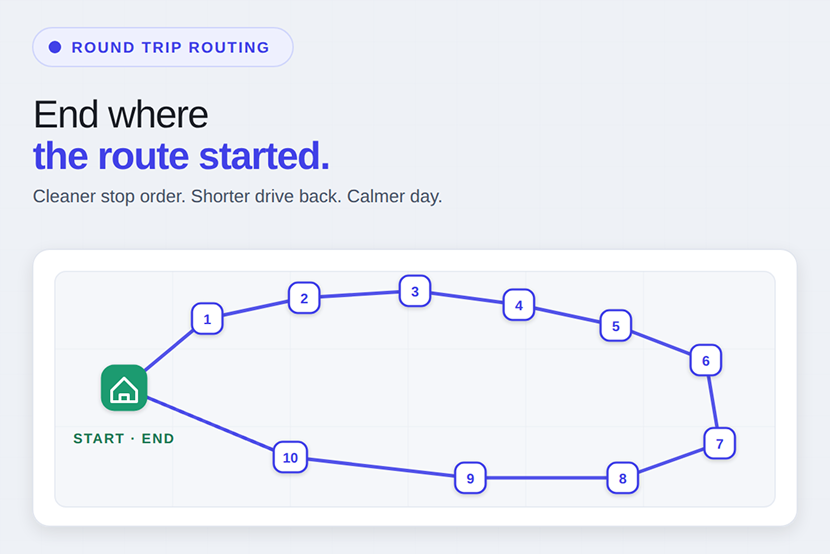
Route Planner App for Round Trip Deliveries
Plan delivery days that end where they start, with the return leg optimized too.
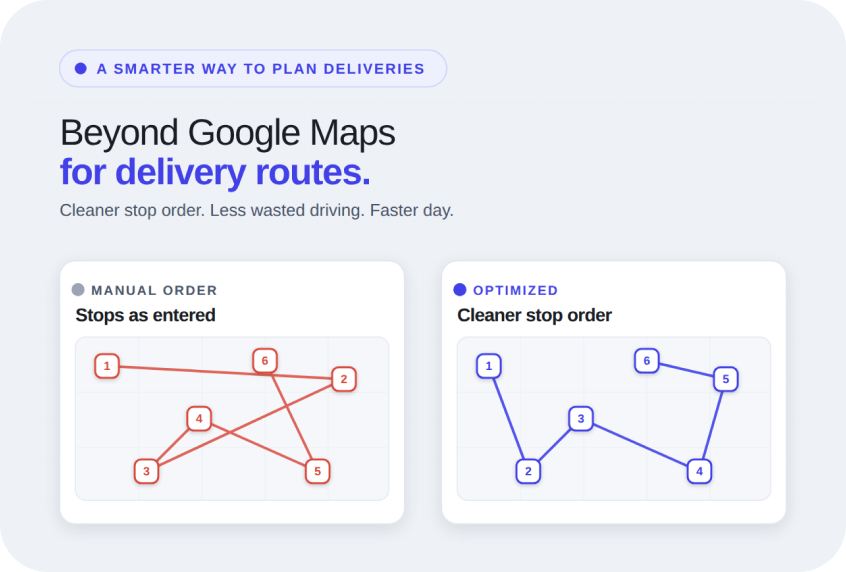
Google Maps Alternative for Delivery Route Planning
When Google Maps slows your delivery day, switch to a planner built for multi-stop routes.
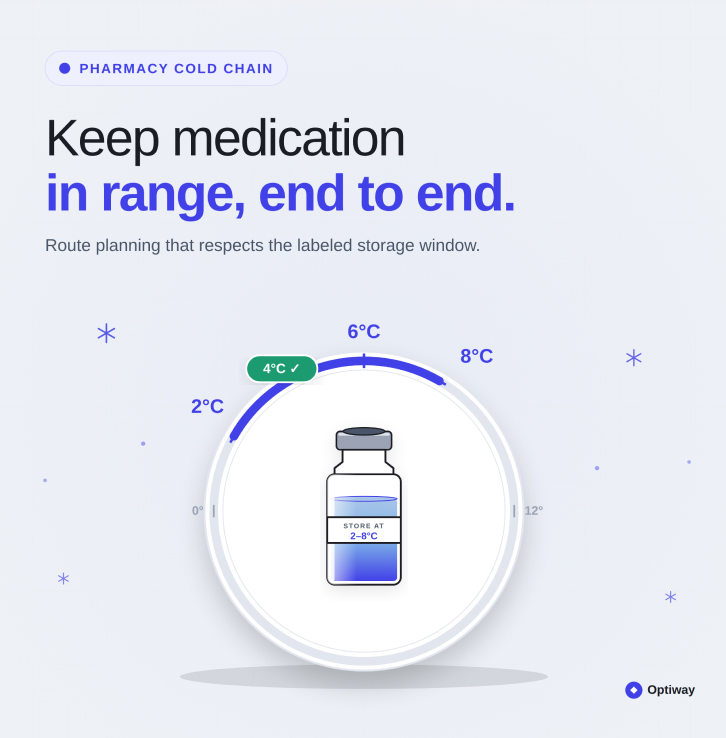
How to Plan a Pharmacy Route for Temperature-Sensitive Medications
Keep temperature-sensitive medications safe with a route planned around every stop.