

Route Planner App for Round Trip Deliveries
Plan delivery days that end where they start, with the return leg optimized too.

Optimize dozens of stops into one efficient route, navigate with the maps you already use, and confirm every delivery — all from the Optiway driver app.
Start with a free trial — cancel anytime.
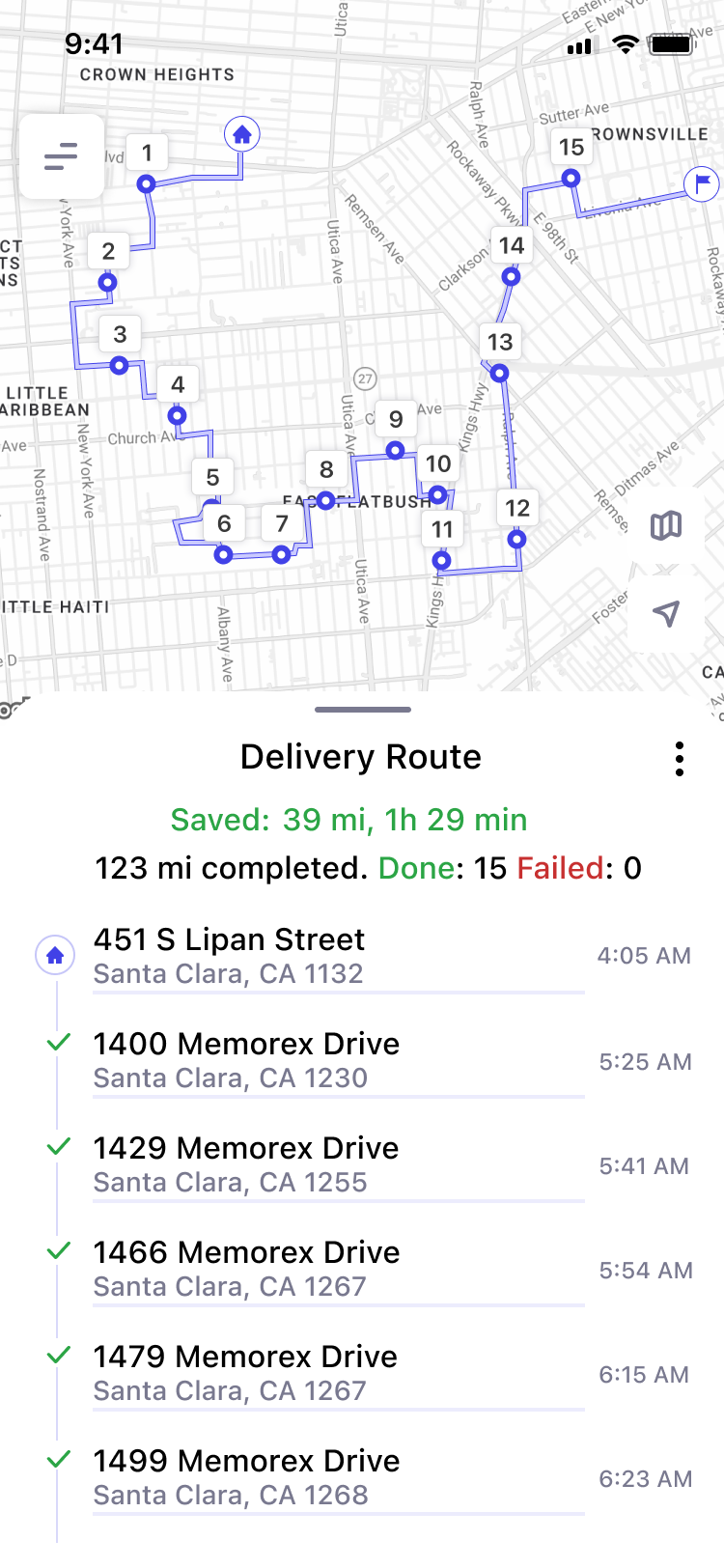
 Saved today1 h 29 min
 Route completed
 DM
DM
 AS
AS
 RK
RK
 4.8 rating
Drivers using Optiway finish earlier and drive fewer miles — the multi-stop route planner sequences every stop for them, so each run is the shortest it can be.
1.5 hrs
saved on planning, every day
−23%
fewer miles driven on each route
98%
of deliveries arrive within their window
Get Optiway free on the App Store or Google Play.
Type, paste, upload a spreadsheet or use voice — up to 200 stops.
 143 Great Jones|
or
 Upload document
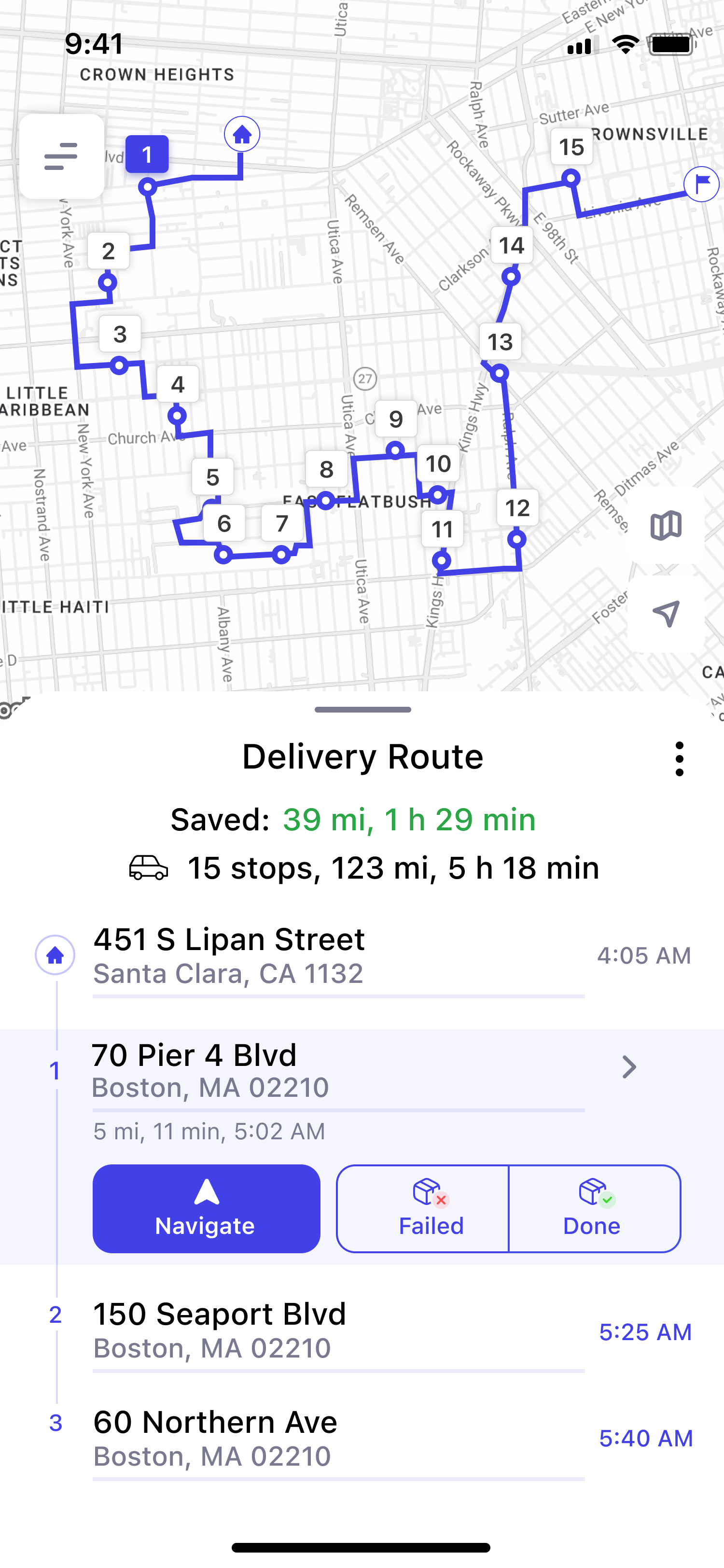
Get the fastest order in one tap, then navigate stop to stop.
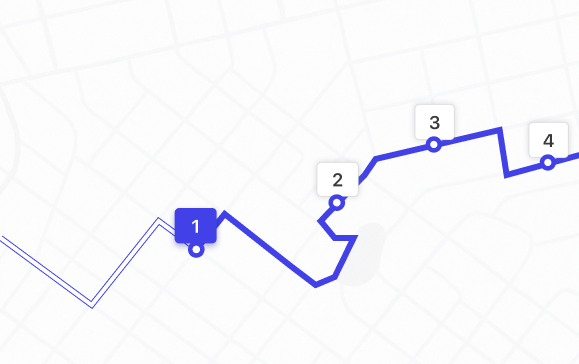
From importing stops to live driver tracking — the tools that keep your whole operation moving, in sync, and on time.
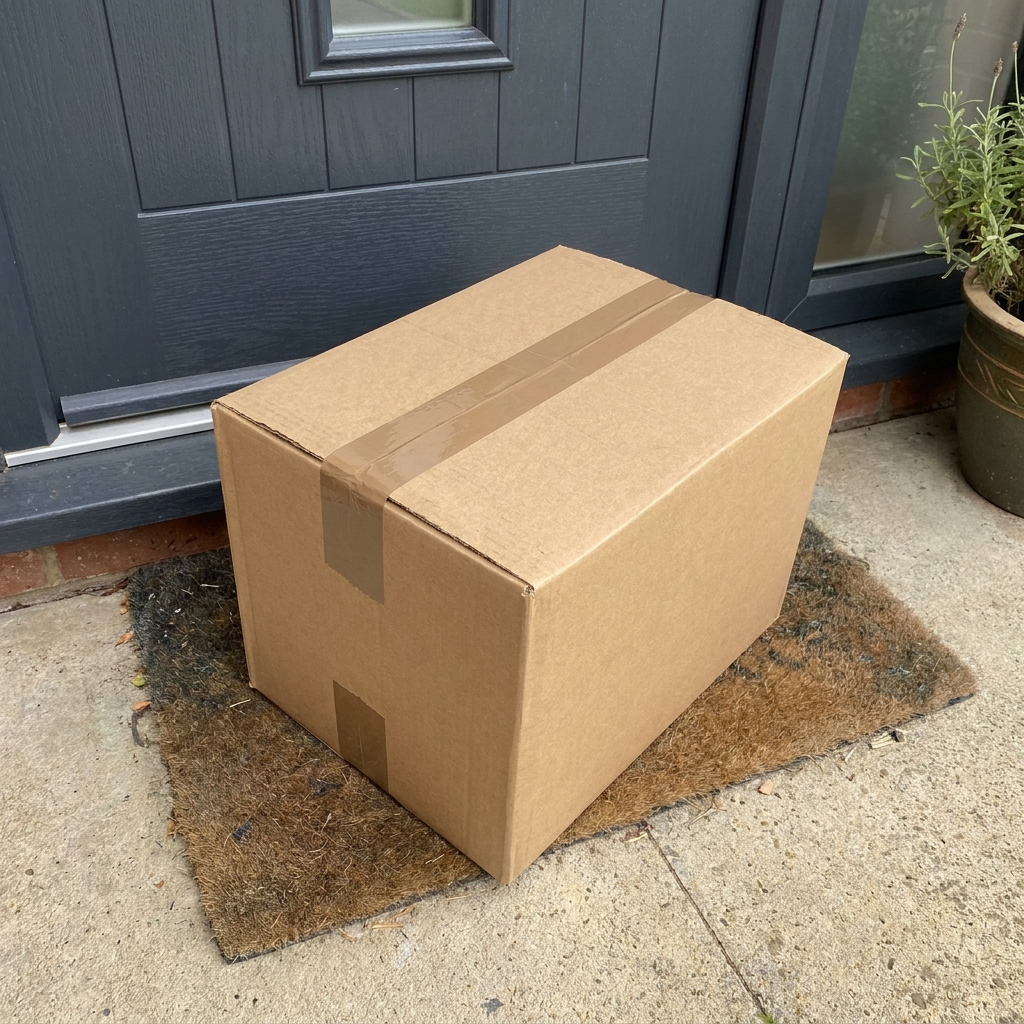
The moment a stop is delivered, drivers capture a photo, a signature and a note — so every order is verifiable end to end, and “where's my package?” calls disappear.
 Photo
Photo
 Signature
 Note
Note

Mark urgent orders as “High Priority” to ensure they are routed first.

See completed-stop reports and export delivery data to CSV in one click.
.txt, .xlsx, copy-paste list
Use traffic data to speed up arrivals and provide reliable ETAs.
Open routes instantly in Apple Maps, Google Maps, Waze, or Here WeGo.
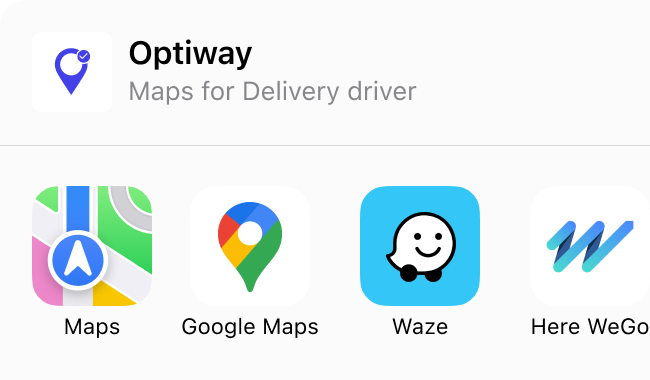
Optimize multi-stop routes, navigate with the maps you already use, and confirm every drop — the Optiway driver app keeps your whole day moving, from the first stop to the last.

Open any stop for turn-by-turn directions — in one tap.

Tap a stop done or failed as you go — your route and the day’s progress update instantly.

Drag a stop or skip one and the rest of the route re-sequences instantly.

Keep delivering through dead zones; everything syncs the moment you’re back online.

See your estimated arrival time for each stop, updated as you drive — so you always know how the day is going.
A regular maps app drives your stops in the order you type them. Optiway reworks that order into the fastest possible route — same stops, far less driving.
 BEFORE
AS ENTERED
BEFORE
AS ENTERED
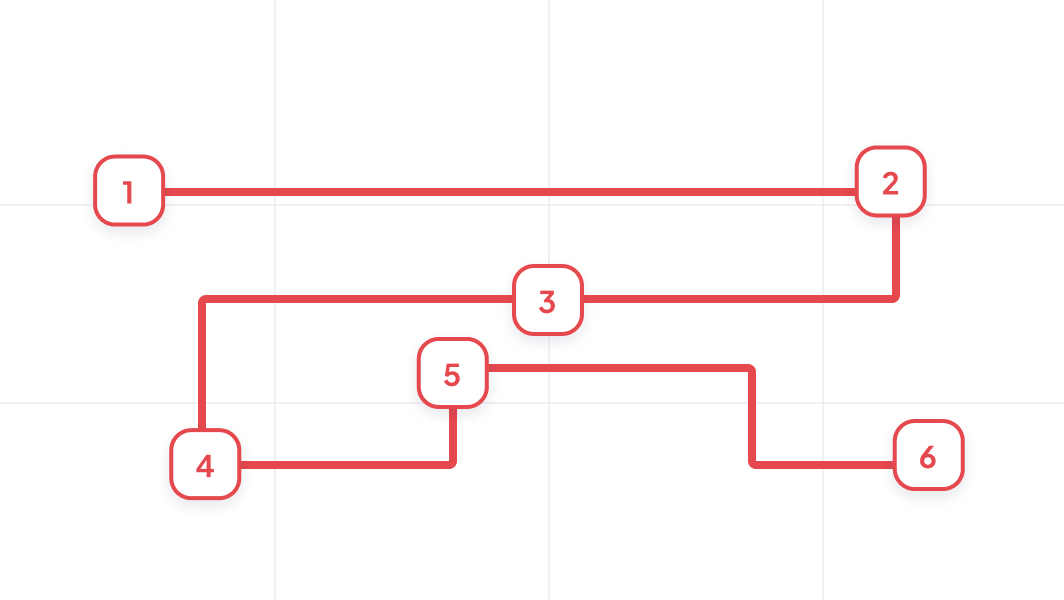
 No time window awarenessManual stop-by-stop entryMissed windows45+ min planning overhead
 AFTER
OPTIMIZED
AFTER
OPTIMIZED
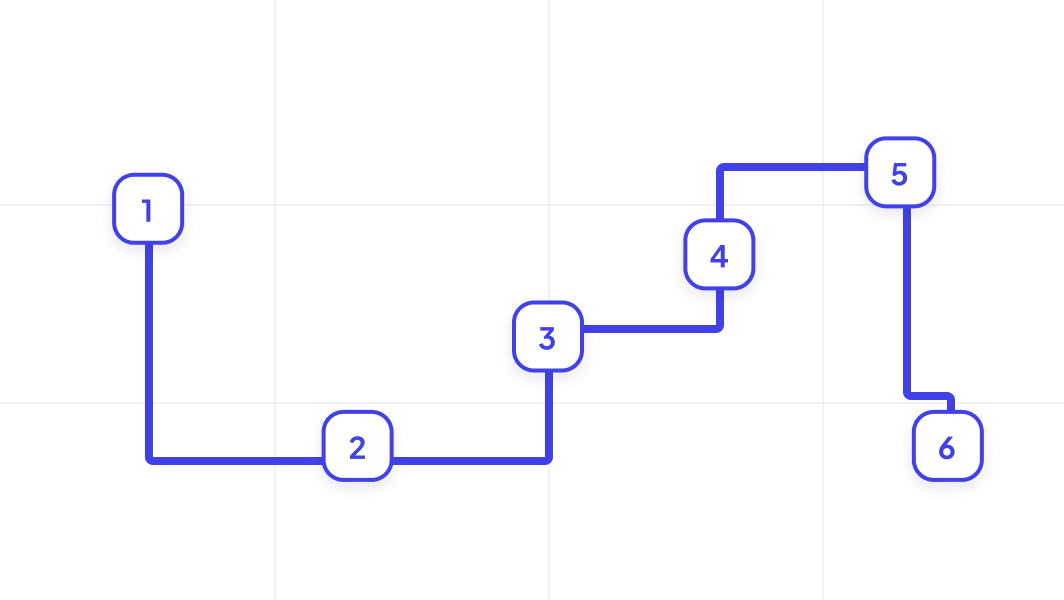
 Time window as hard constraintsBulk import in seconds100% windows complianceRoute ready in <3 minutes
Drop in up to 200 stops, get the smartest order to drive them in one tap, and navigate door-to-door with the app couriers already love. See exactly how it works for delivery drivers.
Read more
Full access to every feature. Start with a 7-day free trial — cancel anytime, billed monthly, every 6 months, or yearly.
Billed monthly

7-day free trial · cancel anytime
CUSTOMERS


Lots of drops with house names. This app eats them all up. … The app is really easy to use, it saves me time and keeps me on track.
Really helped me get to know my route and saved me so much time aka monies. Thank you. Well worth it.
You can keep the stops in the order they were entered, in the order I want.
When you have to make multiple stops, this is a well worth it app! It saved miles, time, and gas!
Great program and is easy to use!
I travel all over the Tristate area I’ve yet to find a mapping address that works as proficient as this one. Very very accurate!!!!
I am a RN Case Manager for hospice and this has helped me optimize my visits and drive time I spend each day. Neat little app.
I had tried several apps to avoid driving back and forth, then I found Optiway. … I sent 4 support requests such as “How do I”, and Ihor answered right away!
Came to Nashville to thrift store shop. Plugged in ten stores and the app created a route for us. So glad we found it!
As someone with zero sense of direction this app is life saving when it comes to driving carpool!
So helpful planning multiple stops.
Great app. Gets you round very fast.
A fast, lightweight app that holds the whole day — and keeps working when the signal drops.

Start with a free trial — cancel anytime.
Yes. You can start with a free trial.
After the trial ends, your subscription renews automatically unless canceled through your App Store or Google Play account. You can cancel anytime in your store settings.
Optiway is a route planner designed for delivery drivers and local businesses. It helps you organize stop lists into an efficient route, reduce driving time, and stay on schedule throughout the day.
It's a great fit for couriers, pharmacies, florists, field service professionals, and any business that runs daily local deliveries.
You can add and optimize up to 200 stops per route.
Google Maps is mainly a navigation tool. If you add multiple stops, it typically keeps them in the order you entered — it doesn't automatically optimize the sequence.
Optiway is built specifically for multi-stop route optimization. It automatically reorders your stops into the most efficient route, so you drive less, save time, and finish faster.
Optiway works perfectly for solo drivers and small teams where each driver creates and manages their own route.
Yes. You can generate route reports in PDF or Excel format for accounting and record-keeping purposes.
Reports include route details, stop information, ETAs, and activity logs to help you document completed deliveries and track daily operations.
Yes. You can set delivery time windows for individual stops. Optiway considers them during optimization to help you stay within schedule.

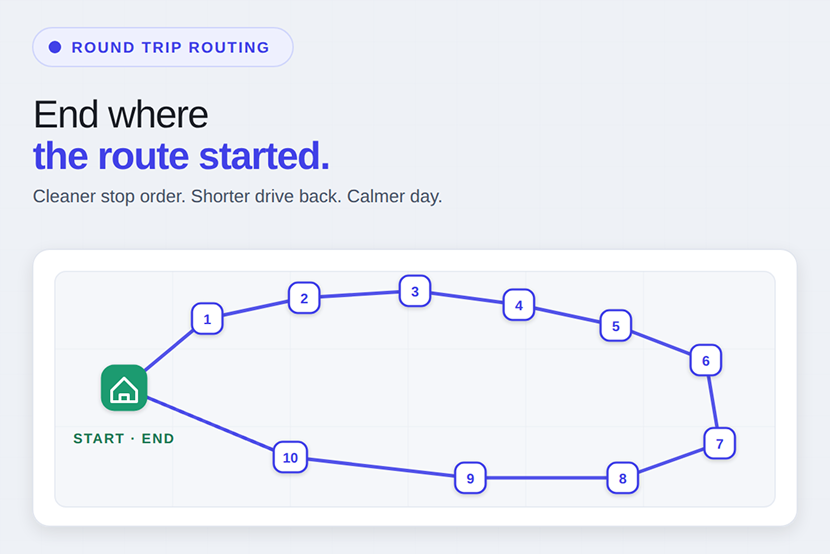
Route Planner App for Round Trip Deliveries
Plan delivery days that end where they start, with the return leg optimized too.
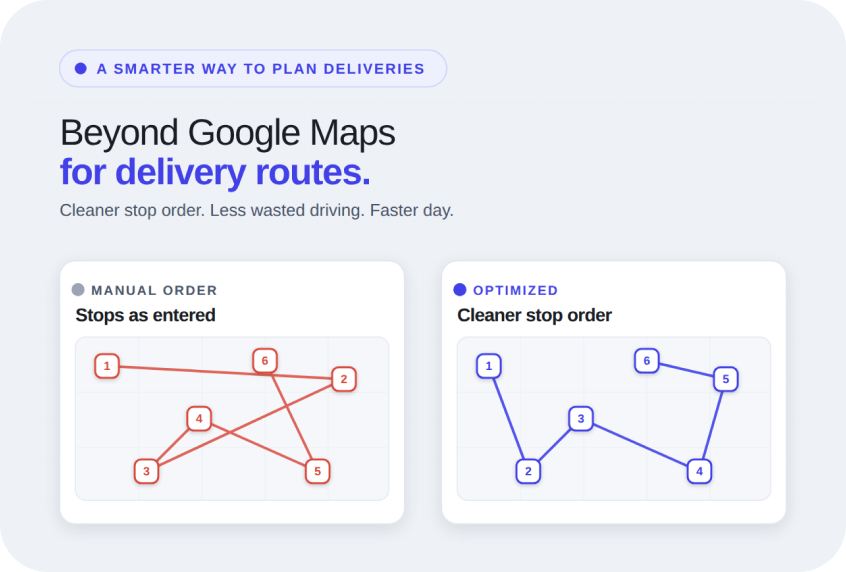
Google Maps Alternative for Delivery Route Planning
When Google Maps slows your delivery day, switch to a planner built for multi-stop routes.
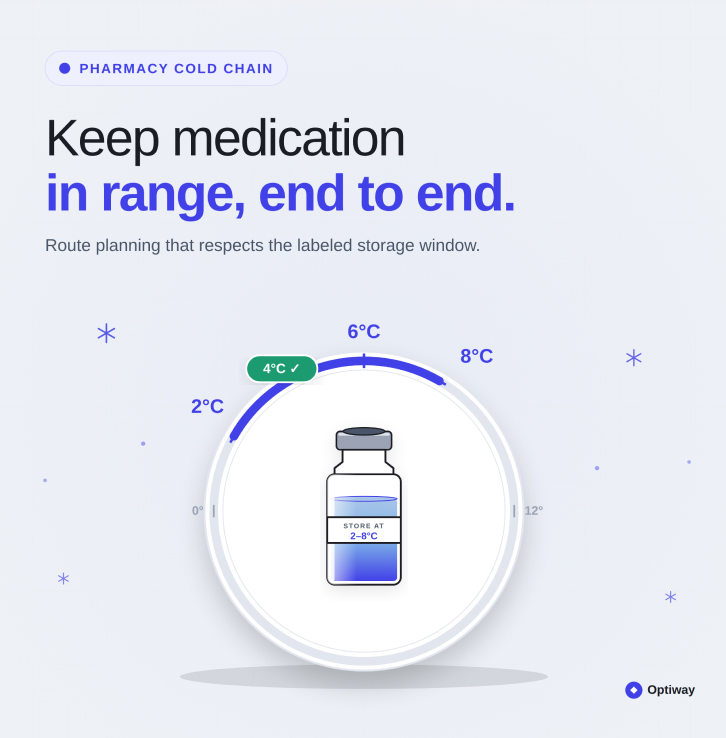
How to Plan a Pharmacy Route for Temperature-Sensitive Medications
Keep temperature-sensitive medications safe with a route planned around every stop.



Free to download. No card, no setup — just a faster day.
