How to Plan a Pharmacy Route for Temperature-Sensitive Medications
Cold-chain sequencing, stop by stop.


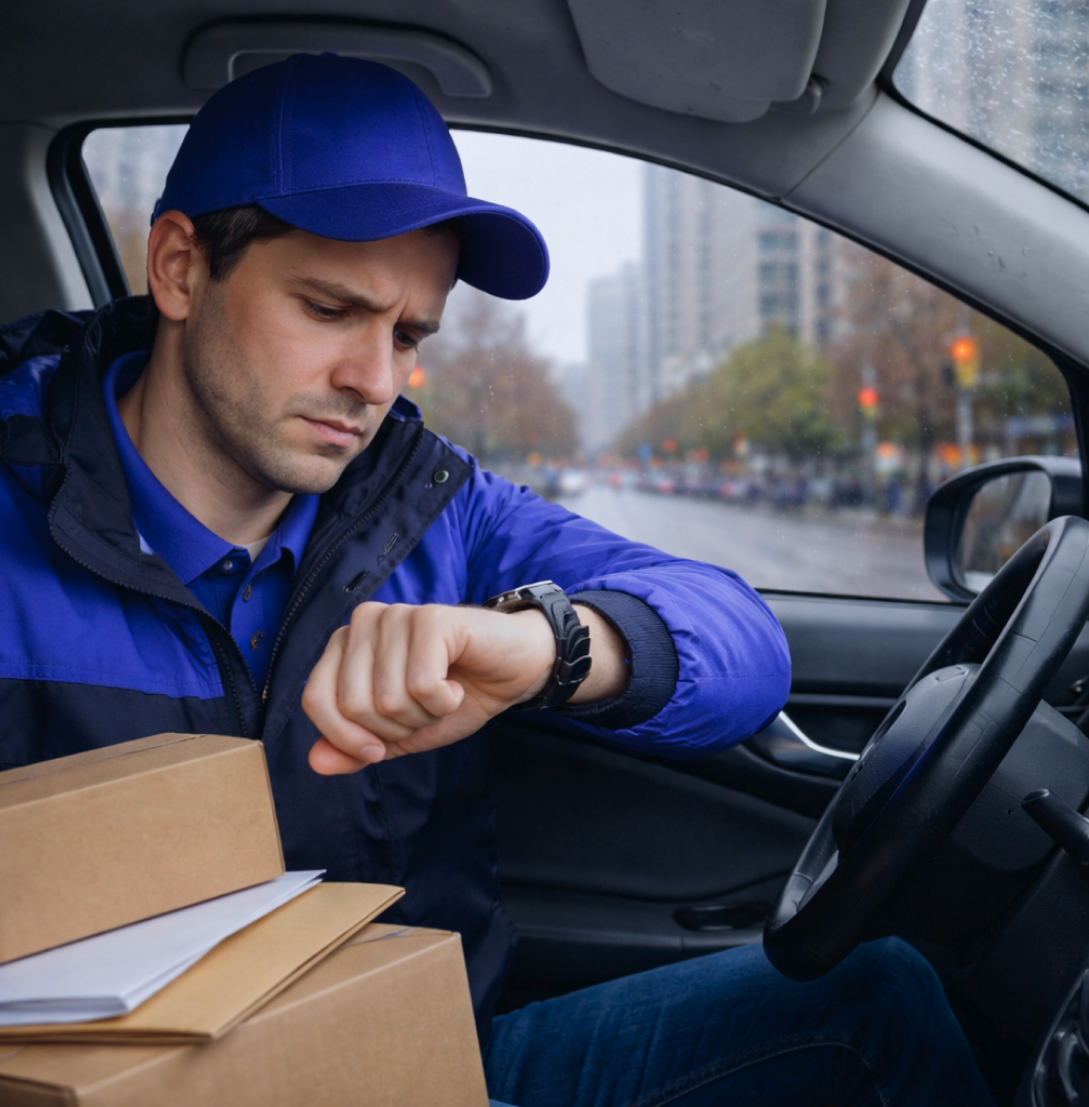
In medical delivery, timing isn't a nice-to-have — it's the whole job. A prescription that arrives late, a specimen that misses its lab window, a cold-chain medication that sat too long: each one is a real problem for the patient and a real risk for your business.
As volume grows, keeping every one of those deliveries on schedule by hand becomes almost impossible.
Optiway is pharmacy and medical delivery software built to take that pressure off. It turns a list of stops into optimized, time-aware routes and keeps urgent items first.
The result is a clean plan your drivers can follow — whether you're running prescriptions across town or specimens between clinics and labs.
Most pharmacy and medical delivery operations start with a spreadsheet and a maps app. It works when there are a handful of stops. It breaks the moment the day gets real.
Plan by hand, and the friction shows up in the same places every time:
Lab pickups, dosing schedules, and clinic hours leave no room for a badly ordered route.
An emergency drop has to jump the queue without blowing up the rest of the day.
The longer a medication or specimen is in transit, the higher the risk.
Ordering 40+ stops by hand wastes miles and misses windows.
When the recipient says the delivery never arrived, you need more than "the driver says it did."
Stacked across every route, every day, these gaps cost time, fuel, and trust.
And trust is the one thing a medical courier can't afford to lose.
A dedicated medical courier software platform replaces manual planning with a system built for time-critical, multi-stop work.
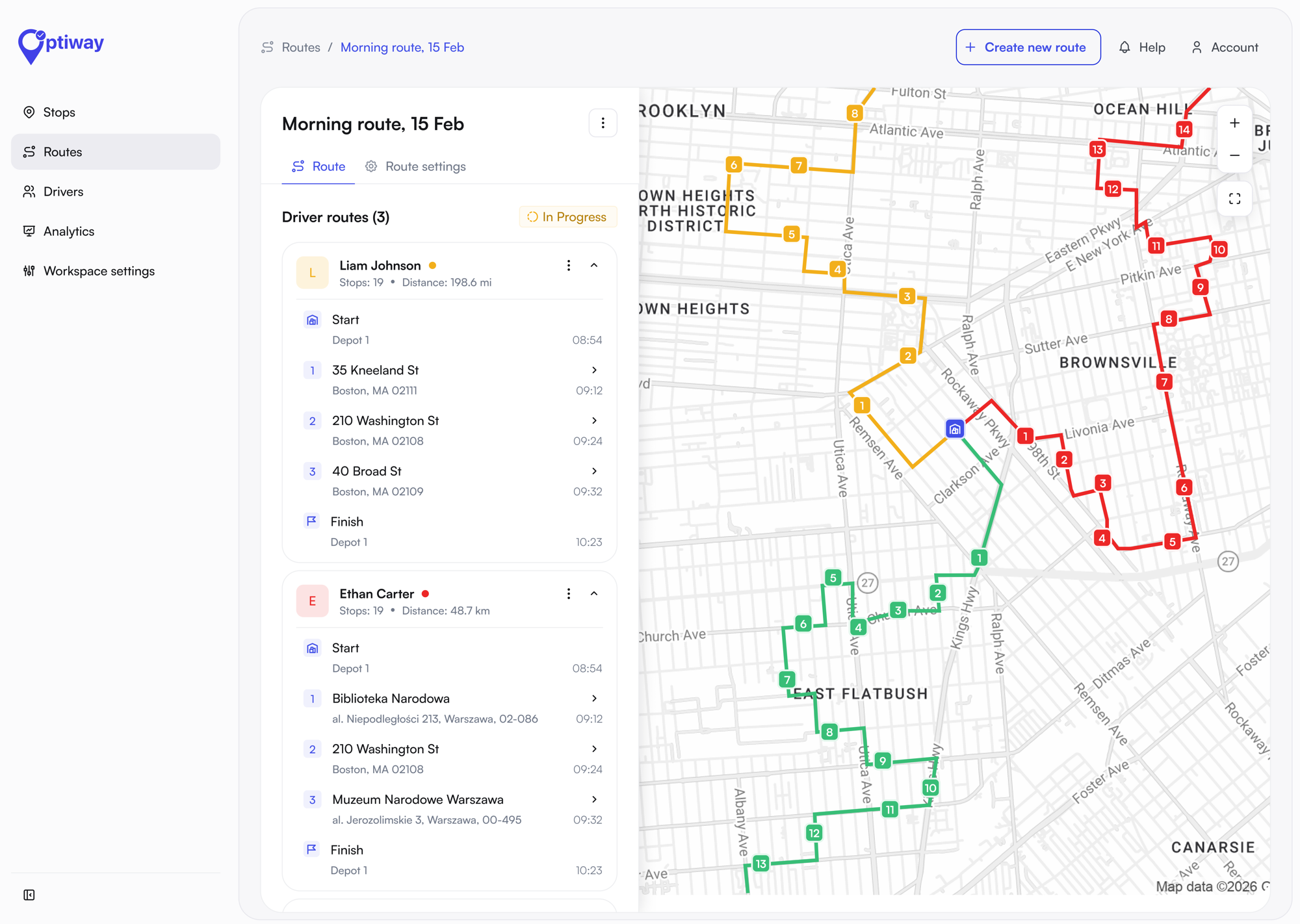
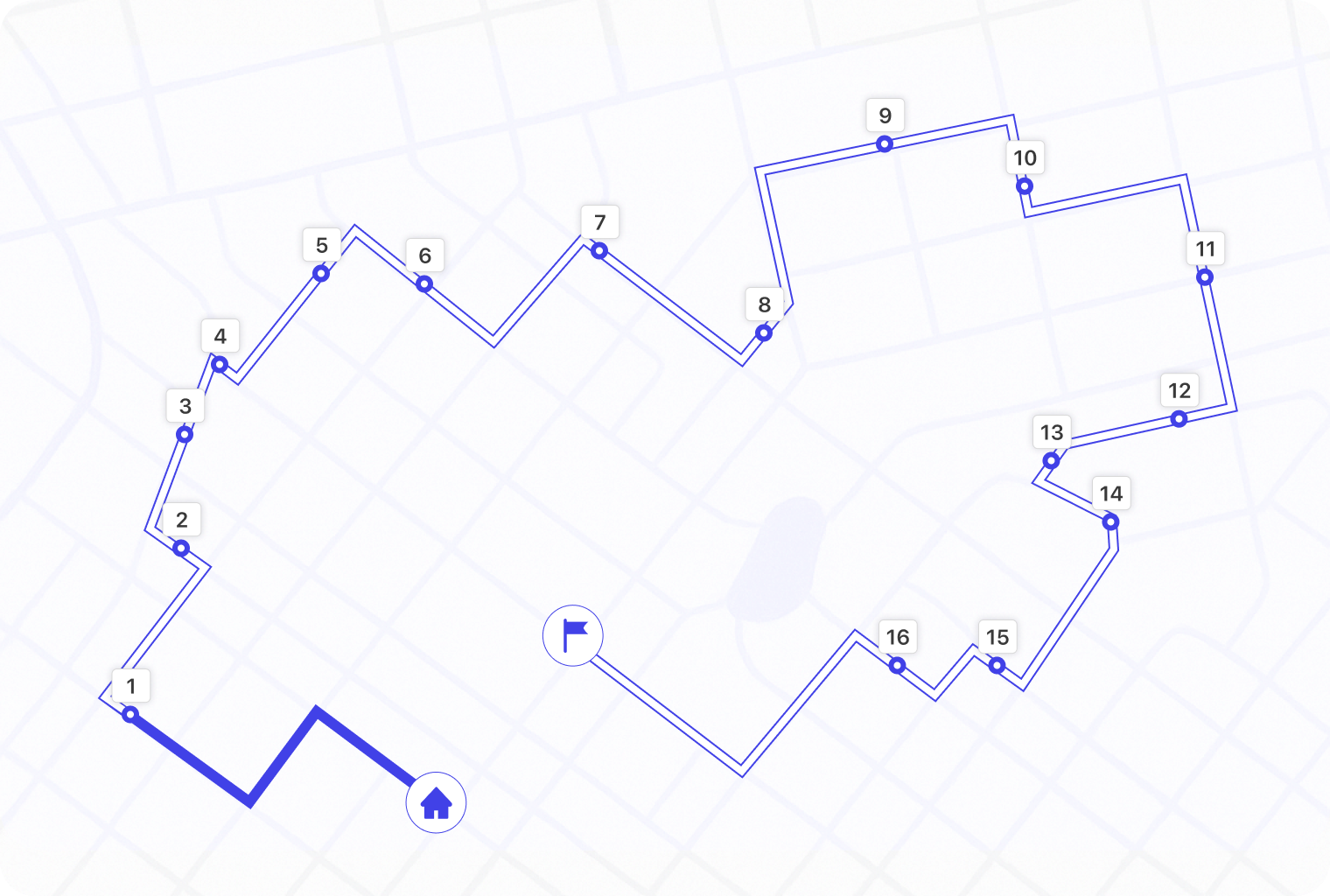
Instead of guessing the best order, you import your stops and the engine sequences them around traffic, service windows, and priorities in seconds.
For a pharmacy, that means daily prescription runs that reliably land inside their windows. For a lab courier, it means specimen pickups sequenced so nothing sits too long. For a growing operation, it means the same clean process whether you run two drivers or twenty.
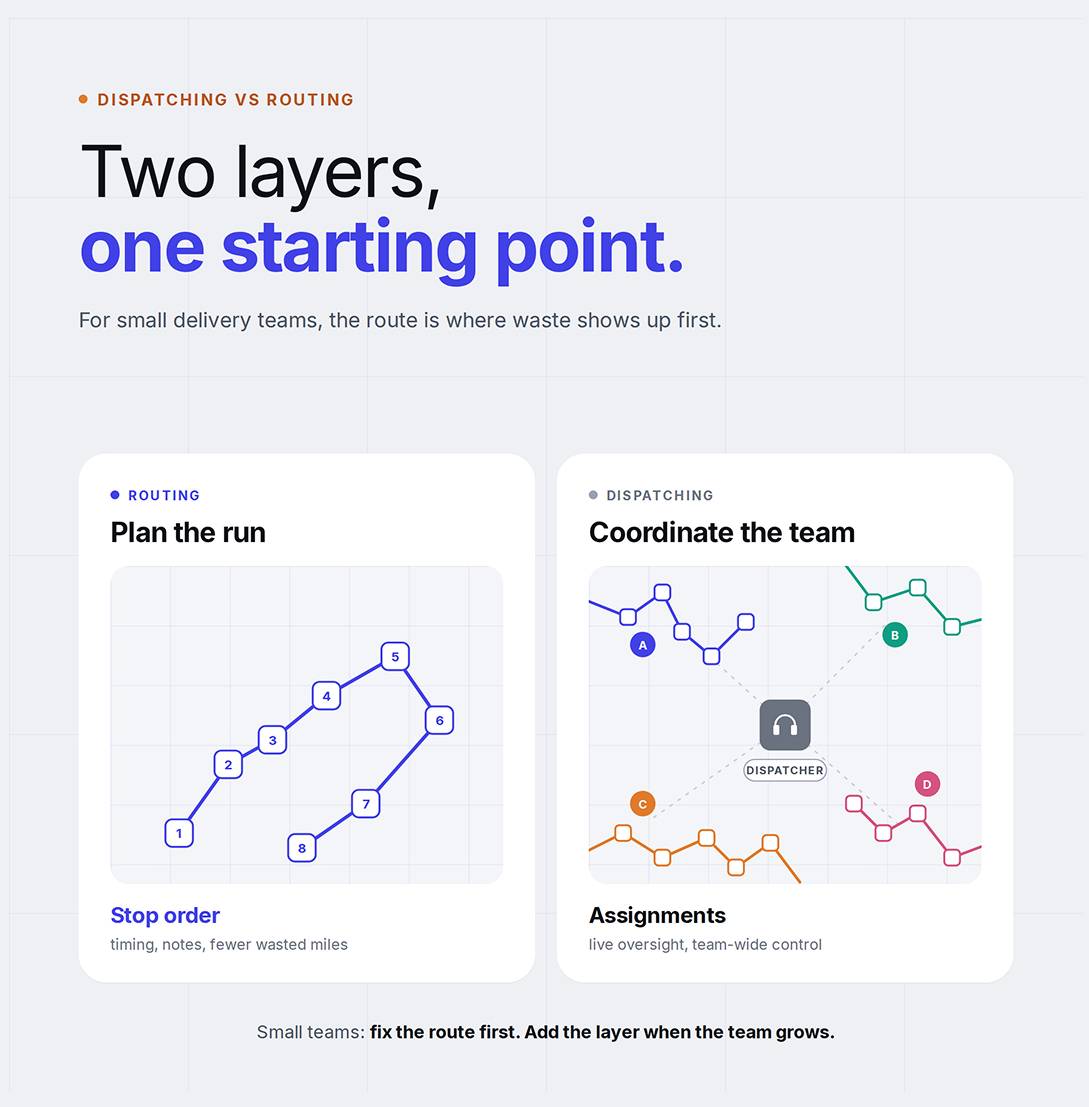
If you're moving from a spreadsheet to a real system, it helps to understand the difference between dispatching and routing before you choose a tool.
The core of medical delivery is getting the right items to the right place in the right order. Optiway's route optimization is built around exactly that:
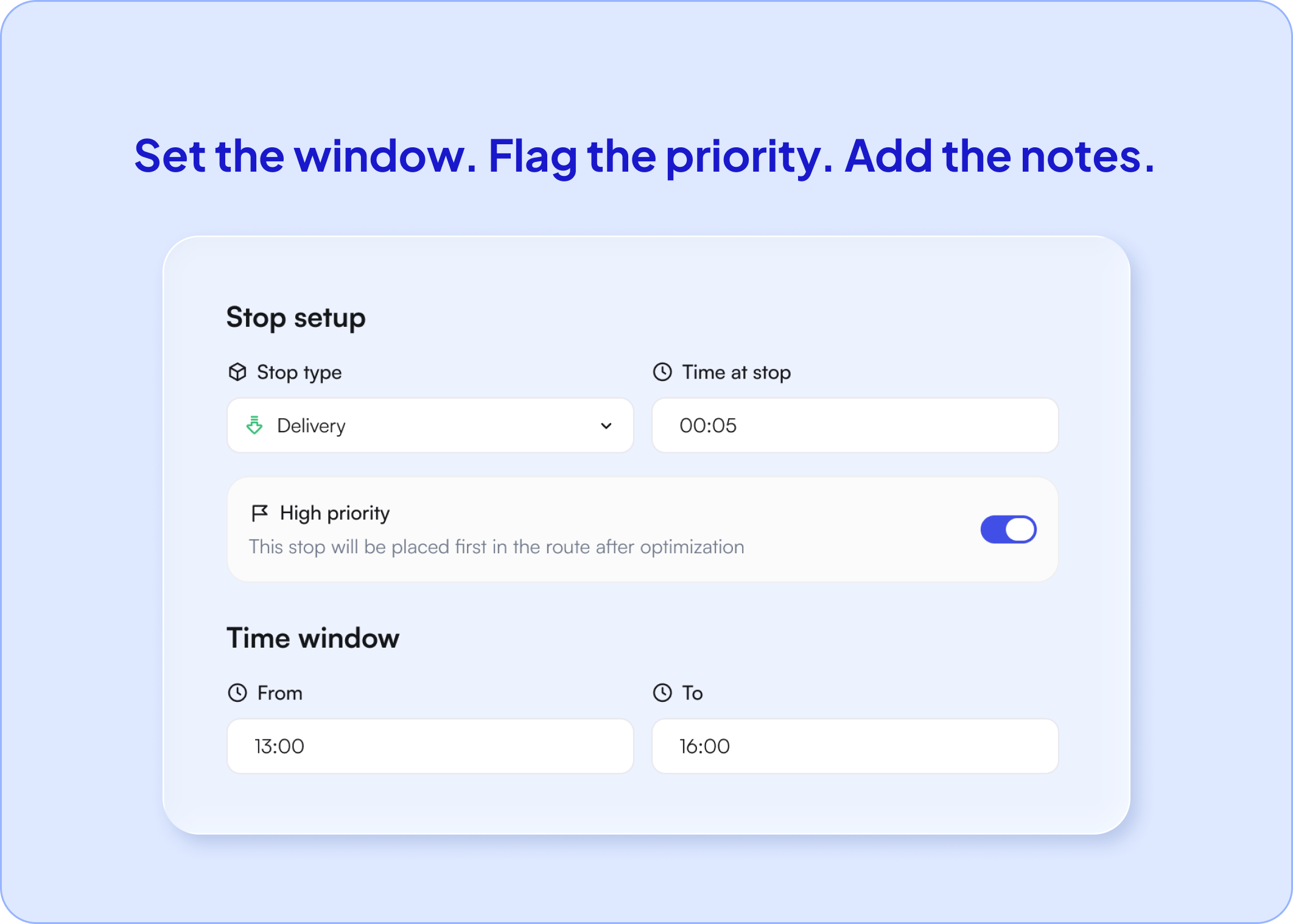
Flag a stop as High priority and Optiway places it first in the route after optimization — the rest of the run keeps its order. Here the stat specimen pickup and the cold-chain medication are flagged; the switch is on, so they've climbed to the front.
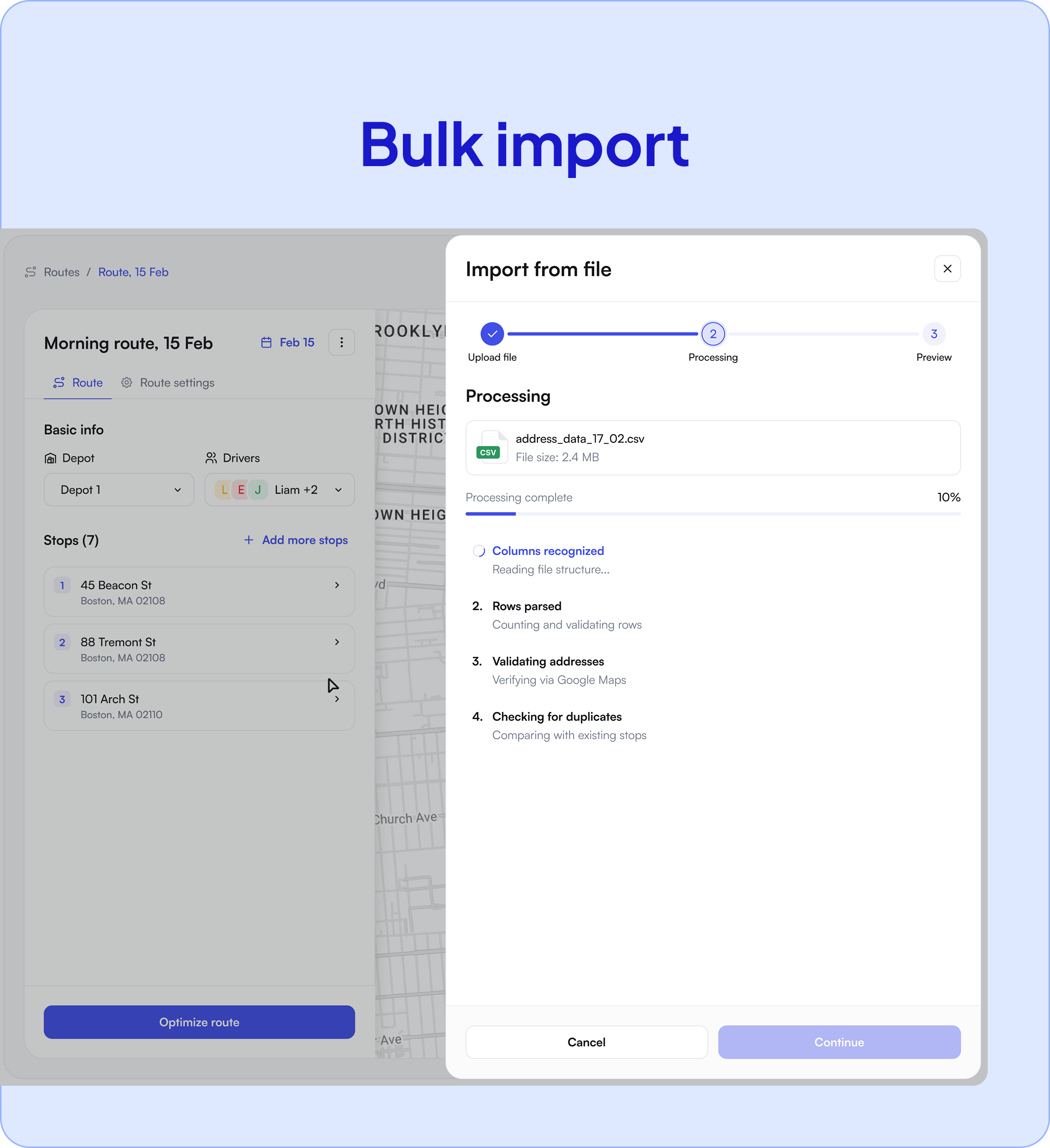
Medical delivery schedules change daily, so setup has to be fast. Optiway lets you import your stop list straight from a spreadsheet — no re-typing addresses one by one.
Drop in the day's pickups and drop-offs, optimize, assign, and your drivers have a ready-to-follow plan in minutes.
Because the workflow is self-serve and simple, a small pharmacy or courier can be routing the same day, without a long rollout or a dedicated dispatcher to run the software.
Once the route is built, the driver picks it up on the Optiway app for iOS or Android. Each stop shows the sequence, per-stop ETAs, and any notes, with one-tap navigation to Apple Maps, Google Maps, or Waze.
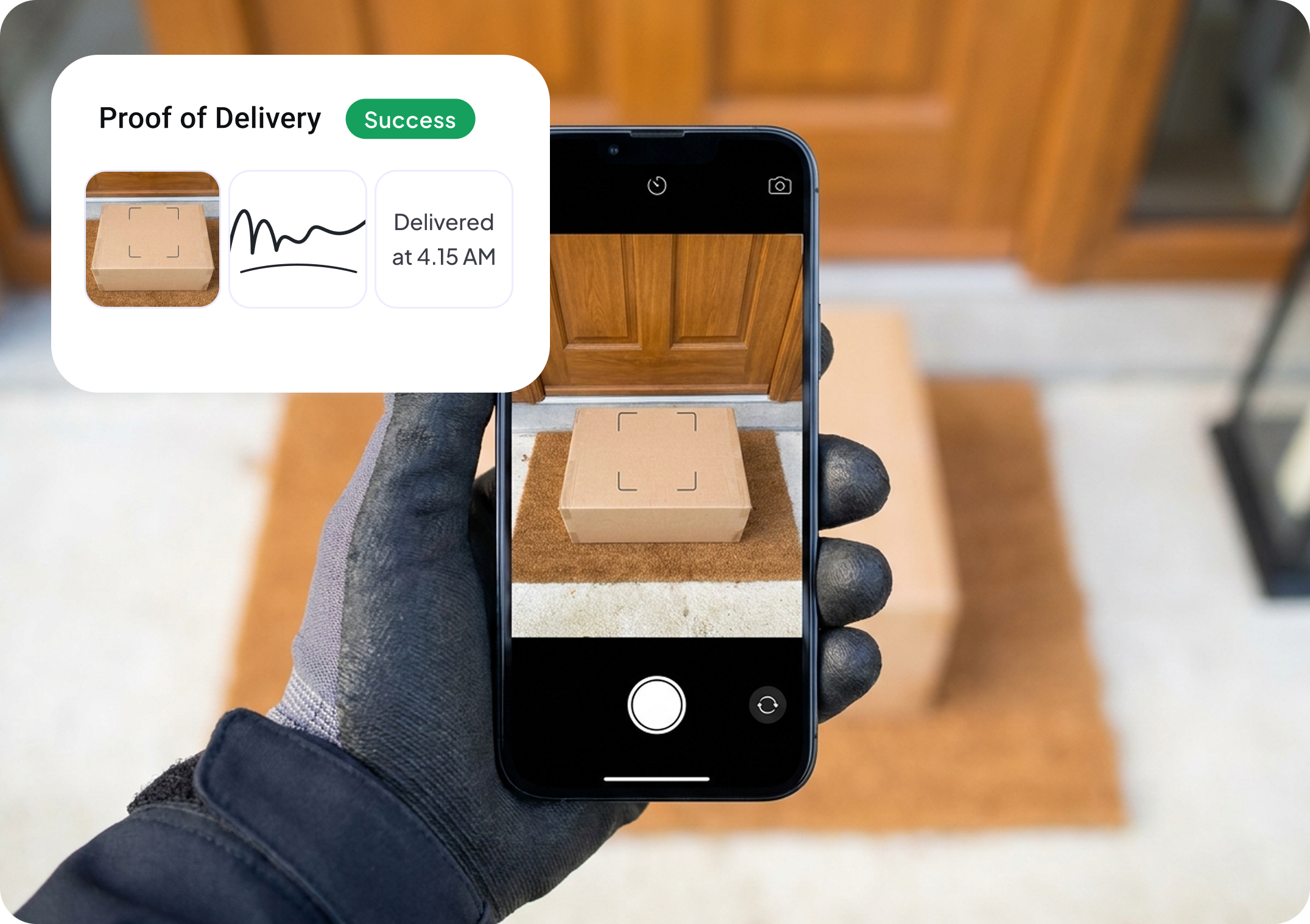
Delivery confirmation matters more in healthcare than almost anywhere else. Capturing a photo, signature, or note at the drop protects you when the recipient disputes whether a delivery arrived.
It also gives your clients the paper trail they expect from a professional medical courier.
Optiway fits any operation where medical items have to move on a schedule.
It runs on the same routing engine behind our courier route planner, tuned for the timing demands of healthcare.
If you're just getting into this space, our guide on planning a pharmacy route for temperature-sensitive medications walks through the operational side in detail.
It's one medical delivery management workspace and one route management software — a focused routing layer, not a full delivery logistics software stack — instead of a separate process for every client and every run.
Plenty of tools promise route optimization.
Optiway is built for the middle ground where most pharmacy and medical delivery teams actually operate — more capable than a maps app, far simpler and more affordable than a heavy enterprise logistics suite.
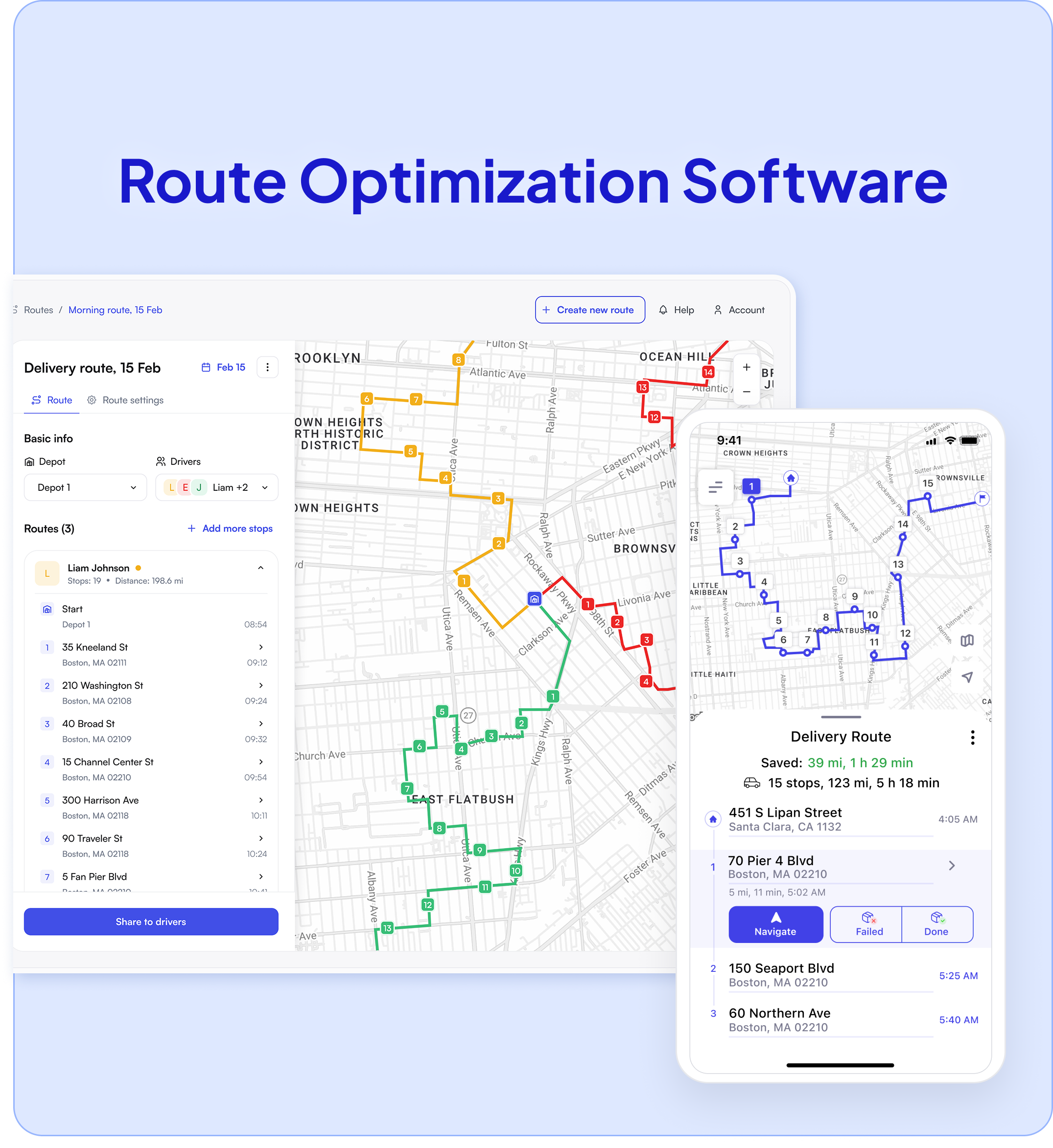
It's a platform that plans multi-stop delivery routes for medical items, sequences them around time windows and priorities, and helps drivers deliver and confirm each stop — built for the timing demands of healthcare delivery.
Yes. You can set delivery time windows per stop and mark priority stops so urgent items are sequenced first, then re-optimize quickly when a stat request comes in.
Up to 200 stops per route, so you can plan a full day of pharmacy or specimen runs in one optimized pass.
Yes. You can plan and assign routes across a team and grow from one driver to many on the same platform.
Yes — it's self-serve and quick to set up, so a small operation can start routing the same day without a dedicated dispatcher.
Yes. Upload a CSV or XLS file or paste the list, then optimize routes around stops, time windows, priorities, and drivers.
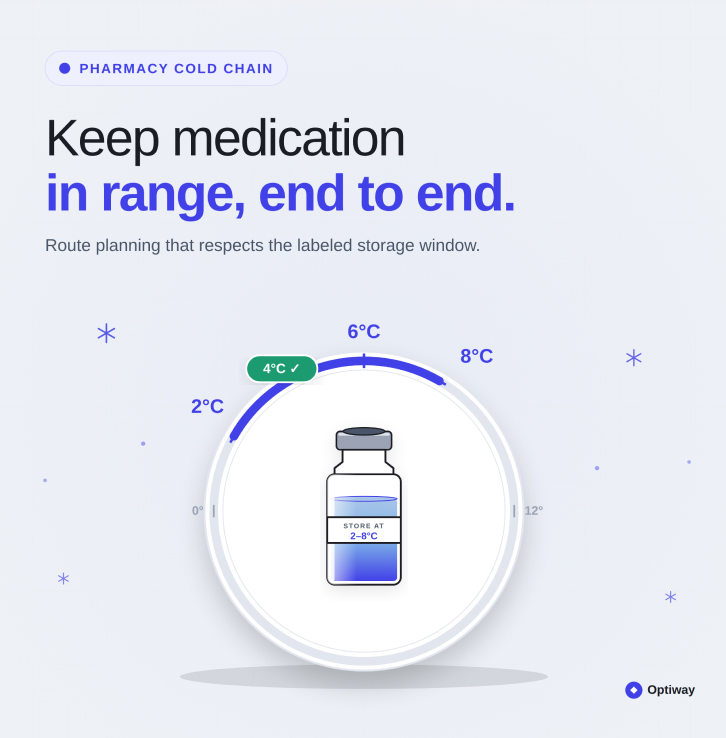
No. Optiway doesn't replace insulated packaging, refrigerated vehicles, or temperature monitoring hardware. It helps you plan routes around time-sensitive stops, windows, and priorities, so cold-chain items spend less unnecessary time in the vehicle.
Join delivery teams already planning smarter routes with Optiway.