Dispatch Systems: Assign, Track, and Confirm Every Route
Dispatch systems replace clipboard routing and text-message tracking with optimized routes, live driver maps, and delivery confirmation.

Business
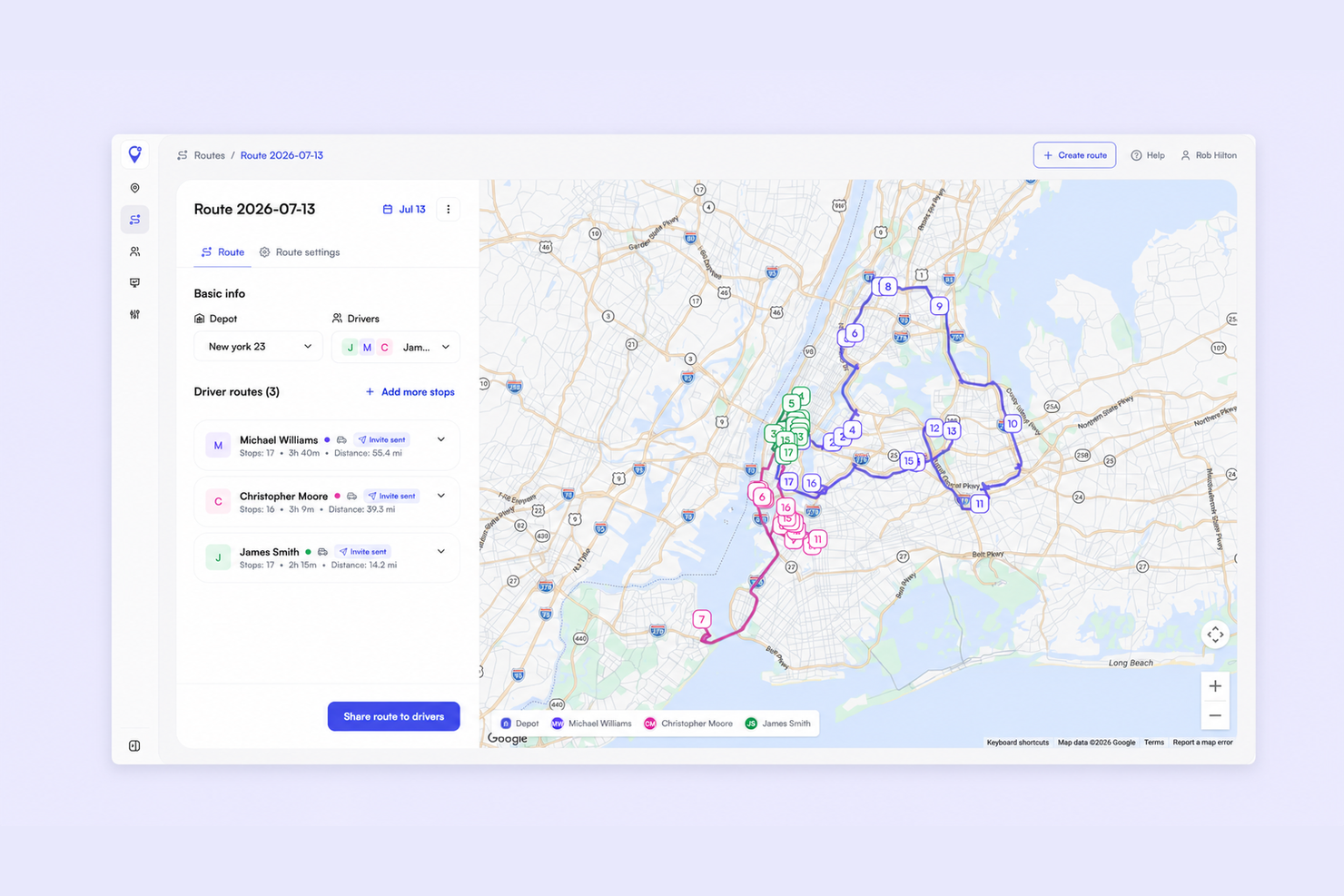
It is 6:40 a.m. and the day is already being dispatched by group chat. One driver gets a screenshot of a spreadsheet, another gets six addresses pasted into a message, and the third calls because two of his stops belong to somebody else. Nobody is doing anything wrong — there is just no system underneath.
That works at three drivers. It quietly falls apart at six. Small business dispatch software replaces the screenshots with one place where routes get built, assigned, and watched — without hiring a full-time dispatcher to keep it all straight.
Here is what that actually looks like for a delivery team of five, and how to tell the difference between dispatch tools built for delivery and the field service platforms that dominate every “best of” list.
The breaking point is rarely dramatic. It shows up as small daily friction that nobody has time to fix:
This is where dispatch management stops being a nice-to-have. The job is not just building a good route — it is deciding who runs it, watching it happen, and being able to prove it did. If you are still weighing which half of the problem to solve first, dispatching vs routing is worth reading before you buy anything.
Strip away the enterprise vocabulary and dispatch software for small business does four things. Everything else is packaging.
The reason small teams feel this so quickly is that the same person is usually doing all four jobs between customer calls. Pulling them into one dispatch platform gives back the hour that used to disappear before the first drop.
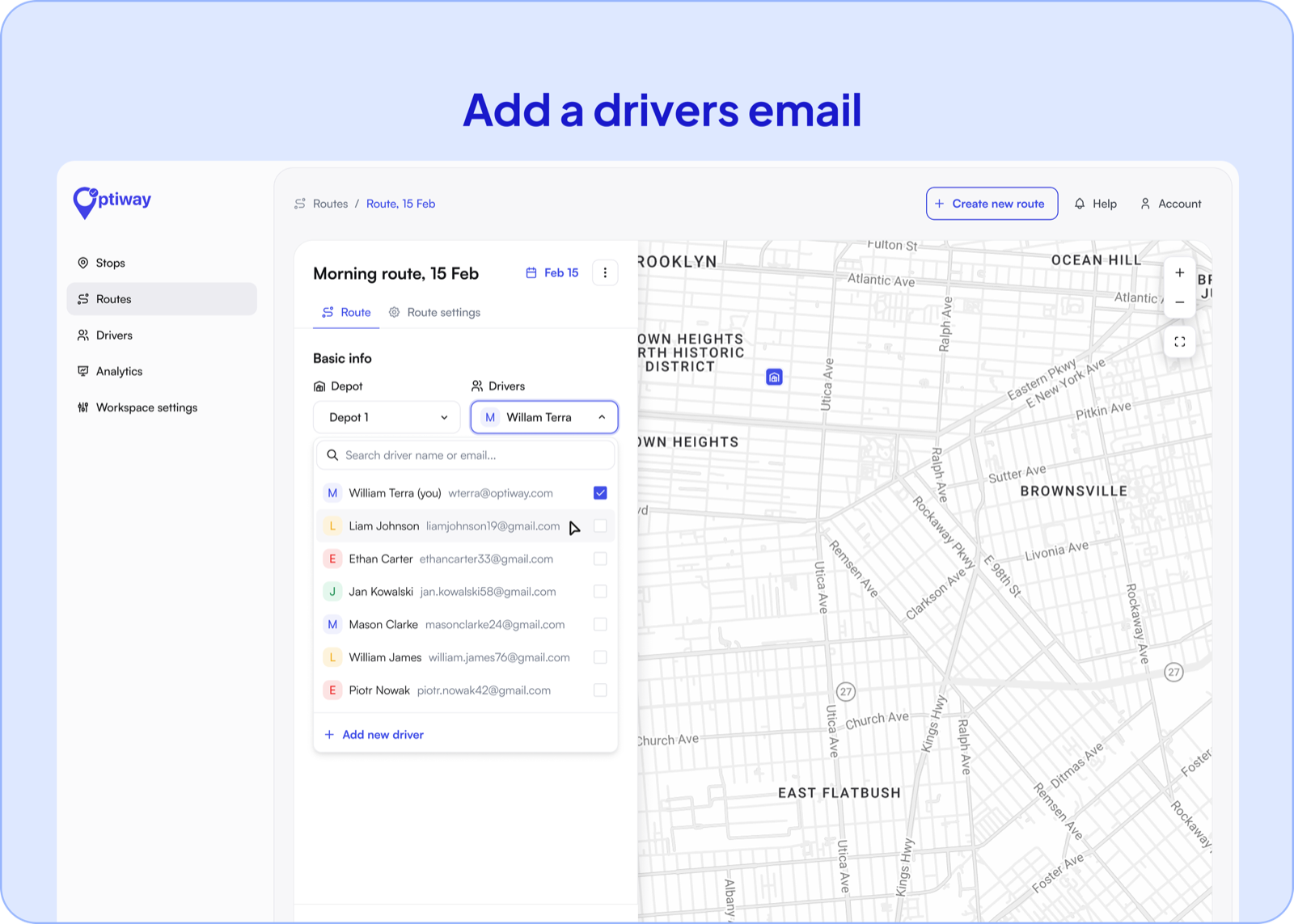
Manual dispatch is really manual math. You are guessing which driver is closest, who has room, and who will still make a 2 p.m. window. Automated dispatch software does that arithmetic in a pass and hands you a plan you can adjust.
The gain compounds. Ten minutes saved per driver per morning across five drivers is nearly an hour a day you get back, every day, without adding headcount. If your stops already live in a spreadsheet, route planning software that reads the file you already keep removes the retyping step entirely.
A plan made at 6 a.m. is a guess by 11 a.m. Real time dispatch software is what turns that guess back into something you can steer.
Because it runs in the browser, cloud dispatch software means the person answering the phone sees the same board as the person in the warehouse — no installs, no one machine that has to stay on. Live driver tracking shows which stops are done and which are slipping, so you can move a delivery before it becomes a complaint rather than after.
Customers get their half of it too: ETA notifications by SMS or email and a branded tracking page. Most “where is my order?” calls stop happening once people can simply look.
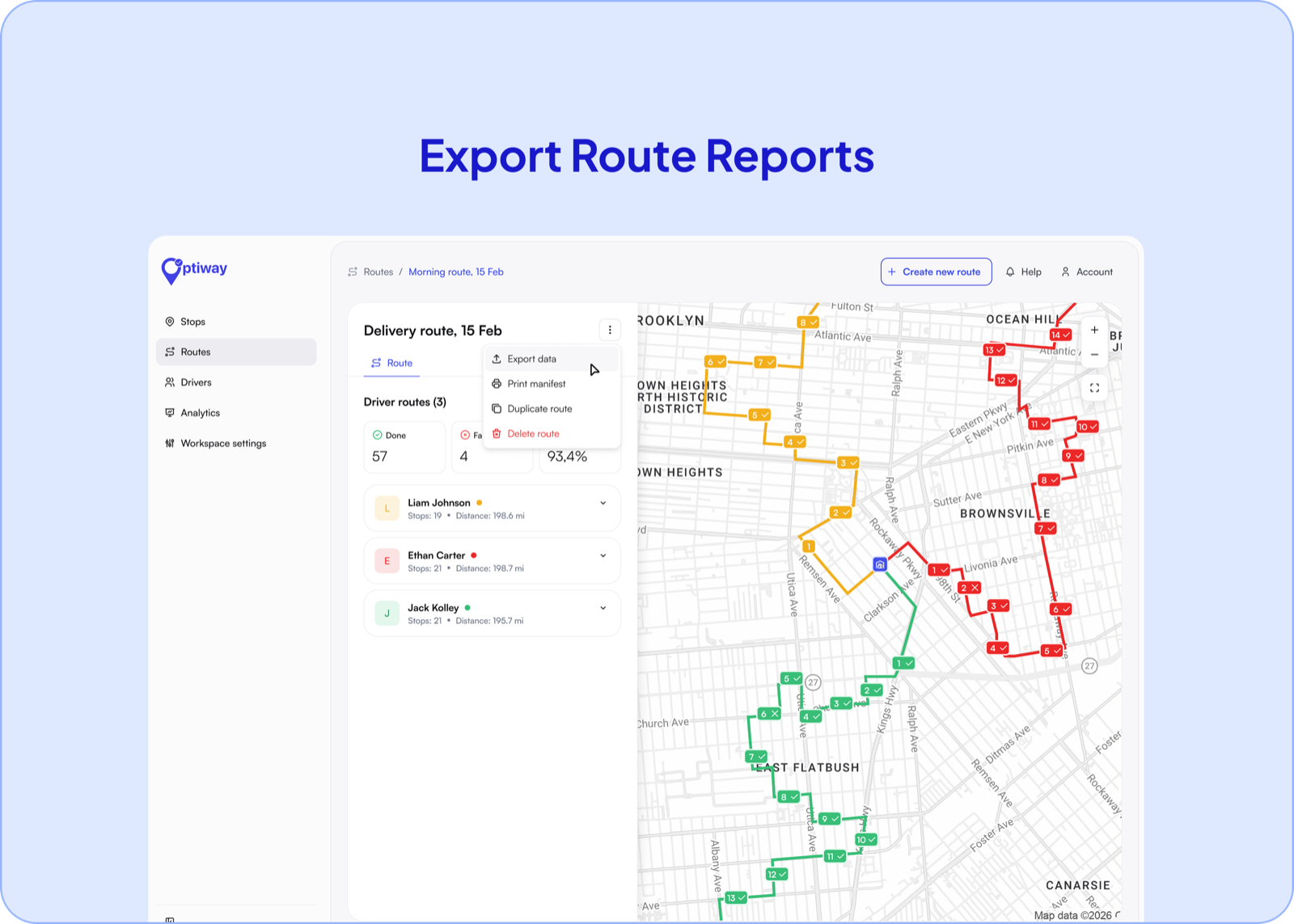
For a small operation, one contested delivery can cost more than a month of software. Proof of delivery closes that gap at the doorstep.
Everything lands against the stop record, and the day exports as a PDF or Excel report. When a client asks about a drop from three weeks ago, the answer takes seconds instead of an afternoon of scrolling through chats. For teams running client contracts, that record is the difference between a credit note and a closed conversation — one reason local courier software tends to pay for itself on disputes alone.
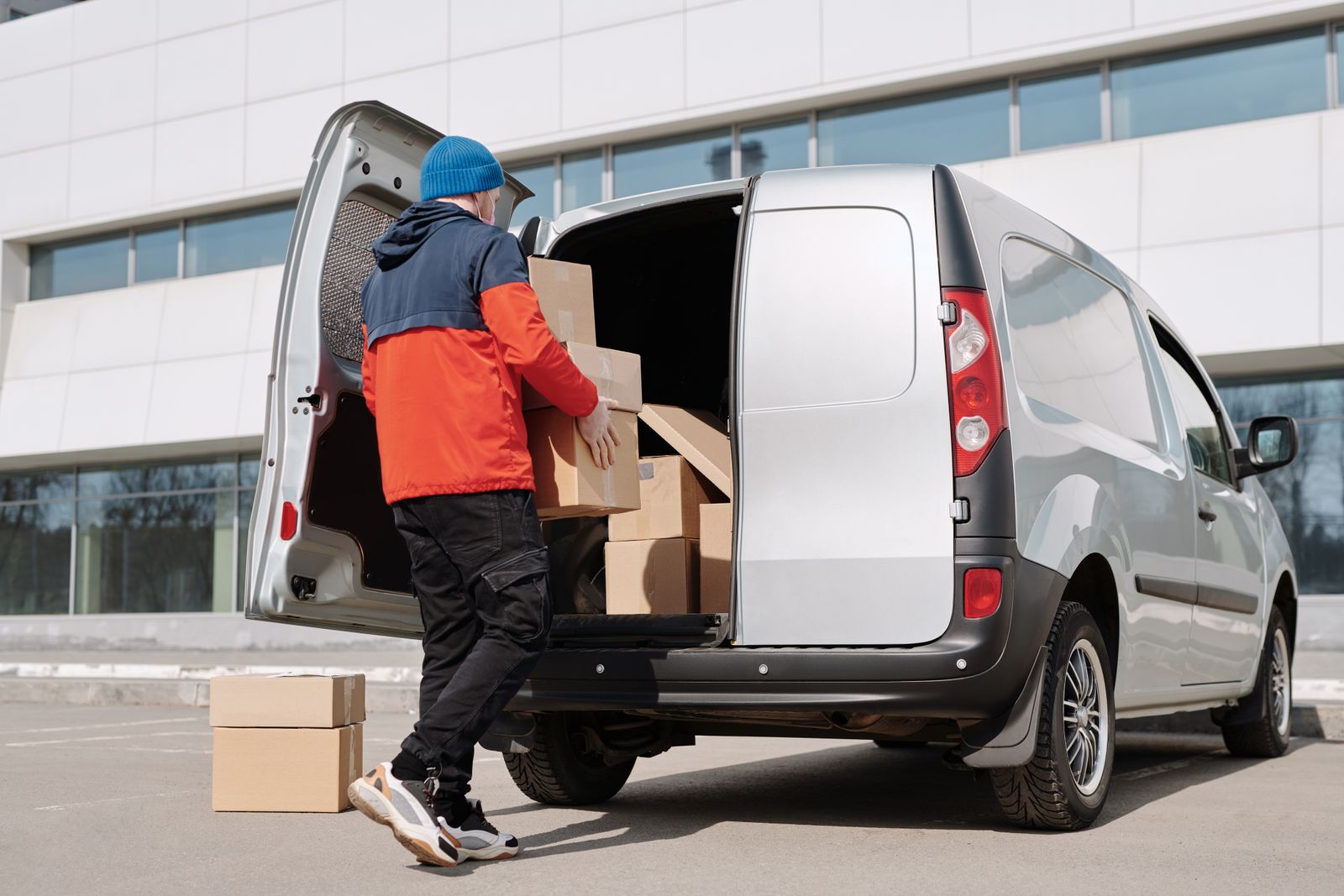
Search for dispatch software and most of the first page is built for HVAC, plumbing, and electrical teams. Those tools are good — at a different job. They are organized around work orders, technicians, and job duration.
Delivery is organized around stops, sequence, and time windows. A field service platform will happily schedule a technician for a two-hour visit, but it was never designed to sequence 80 drops into the shortest possible loop. Delivery dispatch software starts from the route and adds the dispatch layer on top.
The practical test when you are comparing tools: ask how many stops one route handles, and whether the system reorders them for you. If the answer is “you arrange them,” you are looking at a scheduling calendar, not dispatch software. Optiway’s transparent pricing is per driver rather than per delivery, so a busy week does not arrive as a surprise invoice.
How many drivers do I need before dispatch software is worth it?
Two is usually enough. The moment one person is planning routes for somebody else, you are dispatching — the only question is whether you are doing it in a spreadsheet or in a system.
Do I have to replace how we take orders?
No. Most small teams start by importing a CSV or Excel file, or pasting a list of addresses. Deeper integrations with your existing systems are set up on request rather than self-serve.
Can drivers use their own phones?
Yes. Routes go to the driver’s mobile app, with one-tap navigation into Apple Maps, Google Maps, or Waze. There is no dedicated hardware to buy.
What does it cost for a small team?
Early Access is free and covers 300 stops a calendar month; Team is $99 a month for 2,000. Pricing follows the stops you plan rather than the number of drivers, so adding people to the team does not move the bill.
You do not need a dispatcher on payroll to run a tidy delivery day. You need one board, one assignment step, and a record at the end of it.
Import tomorrow’s stop list, split it across your drivers, and watch the first dispatched day run without a single screenshot. Start your free trial.
Dispatch Systems: Assign, Track, and Confirm Every Route
Dispatch systems replace clipboard routing and text-message tracking with optimized routes, live driver maps, and delivery confirmation.
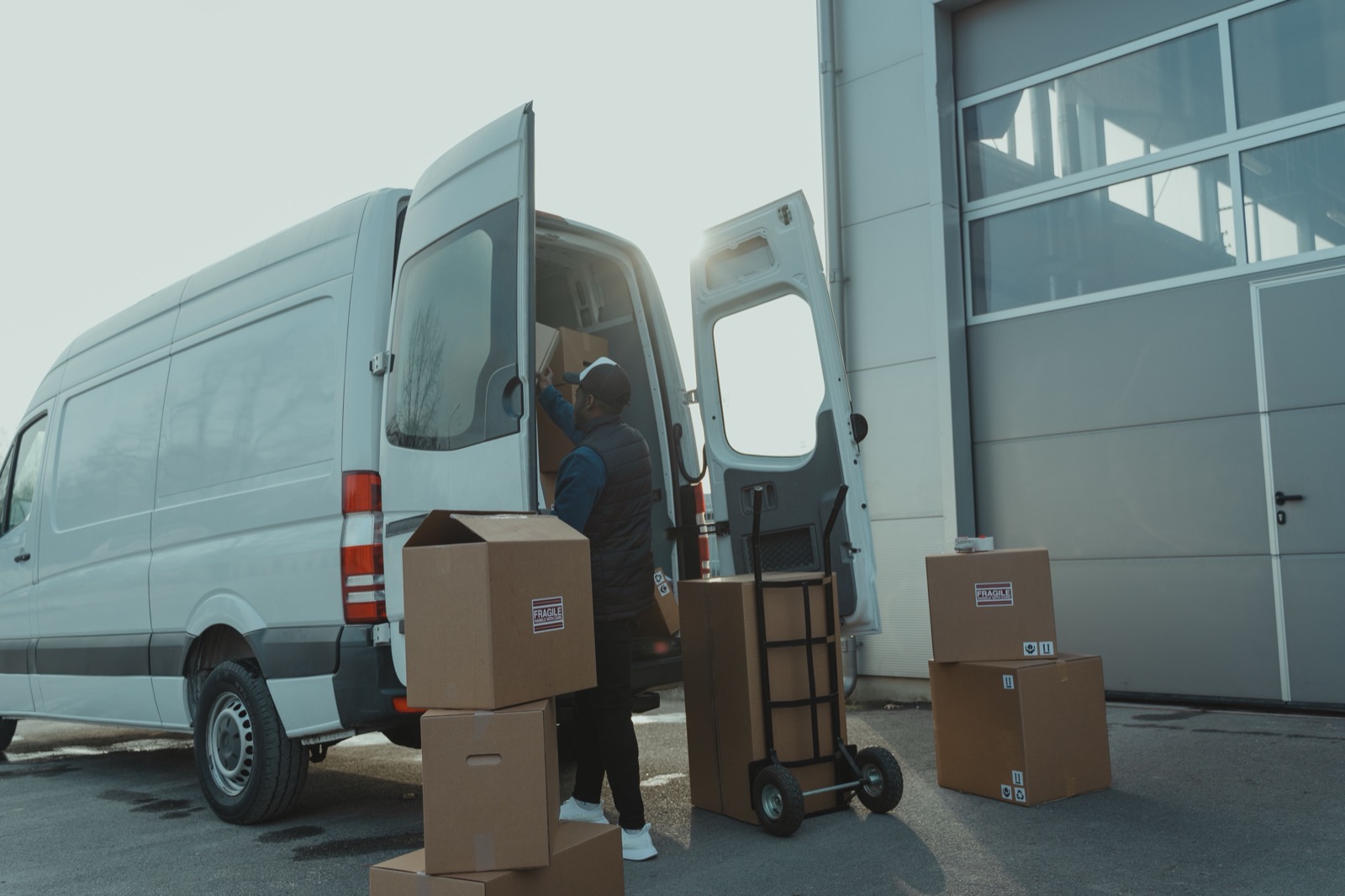
Delivery Management System: From Stop List to Confirmed Drop
How a delivery management system covers the full cycle from address import to proof of delivery.
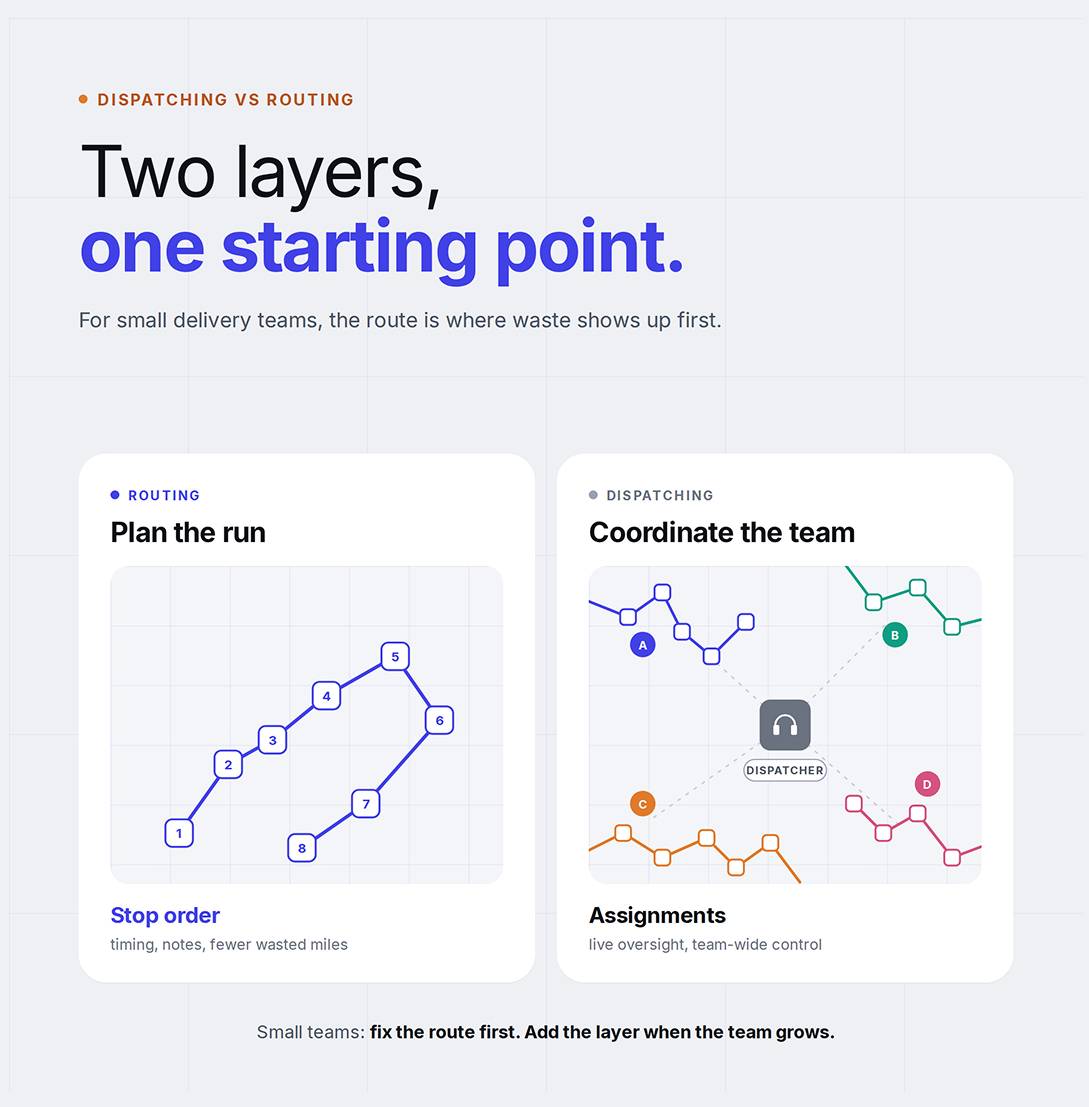
Dispatching vs Routing: Why Small Delivery Businesses Start With Route Optimization
Understand the difference between dispatching and routing, and which one small delivery teams should fix first.
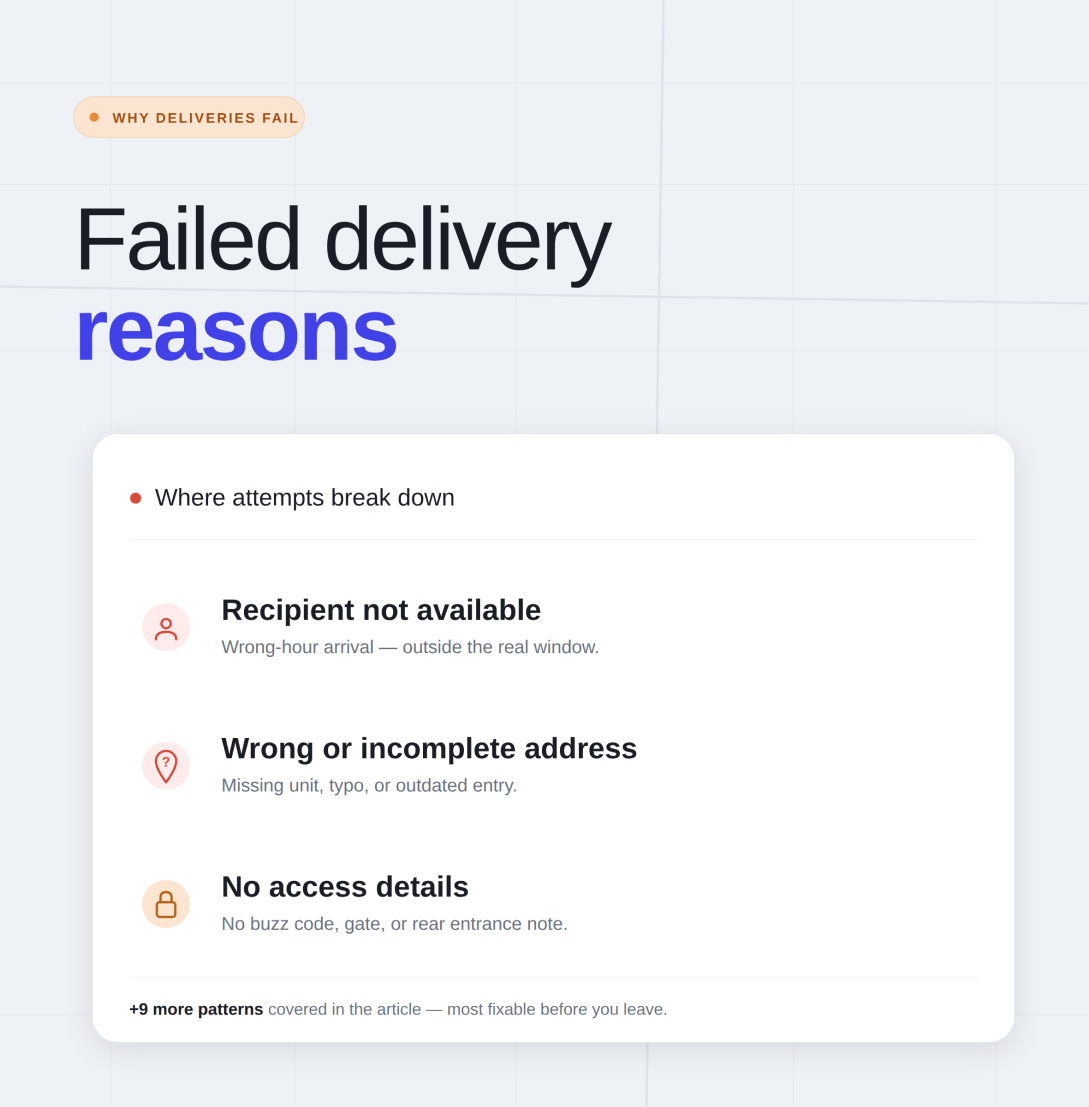
Why Deliveries Fail: 12 Common Reasons and How to Prevent Them
The most common causes of failed deliveries and the practical steps that stop them repeating.
Delivery Route Planning Best Practices: A Practical Daily Checklist
A repeatable daily checklist for planning delivery routes that hold up in the real world.
Plan, assign and track every driver — live, from one dashboard.