Dispatch Management Software: Plan, Assign, and Track Every Delivery
Dispatch management software replaces spreadsheets with optimized routes, live driver tracking, and proof of delivery for multi-driver operations.

Business
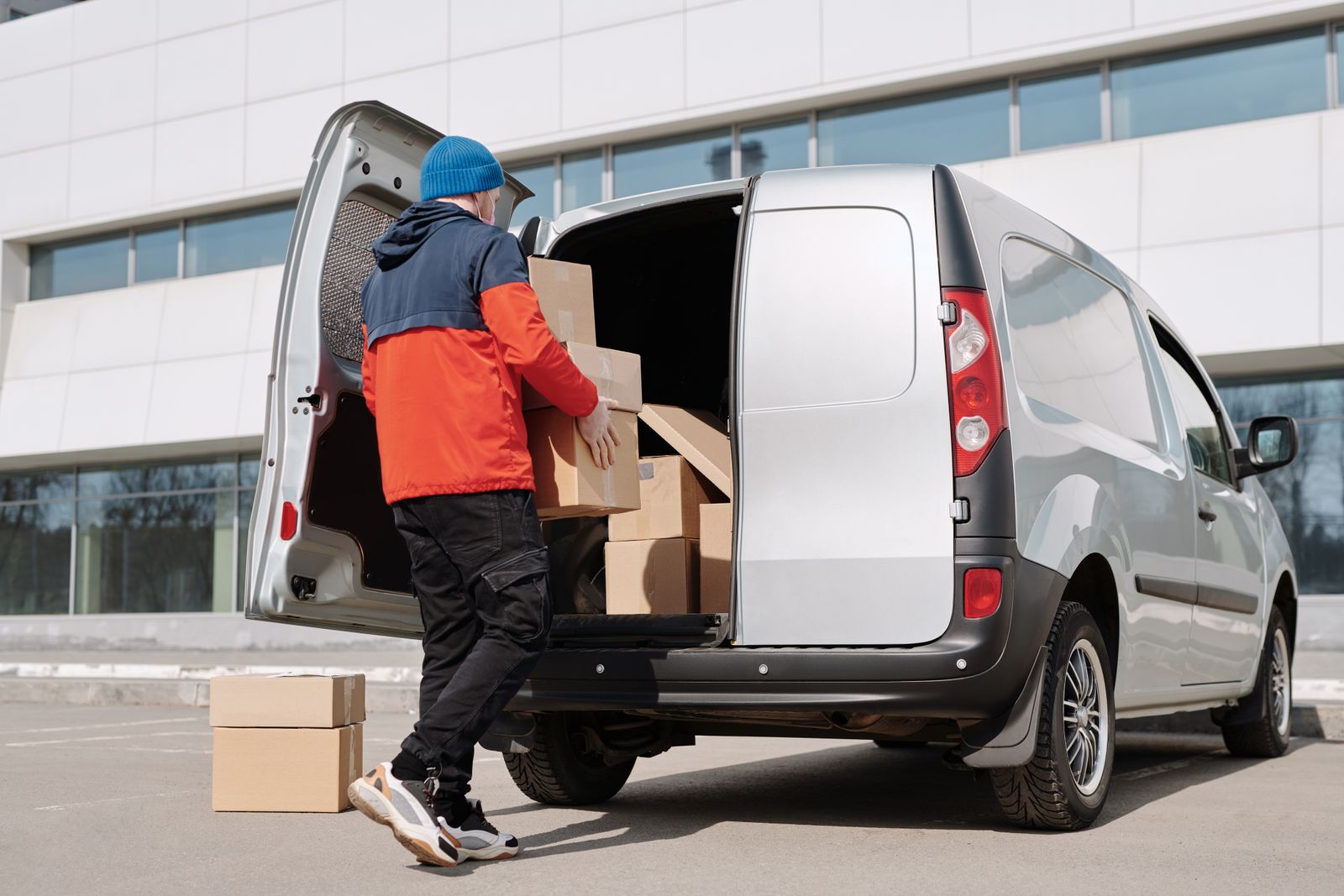
Three drivers are parked in a grocery-store lot, waiting for the dispatcher to text them today’s addresses. The dispatcher is copying stops from an order spreadsheet into three separate Google Maps sessions—one per driver. By the time all three maps are ready, one driver has been idle for twenty minutes and the first customer’s delivery window has already opened.
That gap—between having a list of addresses and getting each driver on an optimized route—is what dispatch systems exist to close. Not by adding another tool to the stack, but by replacing the stack entirely.
Small operations survive on clipboard routing because the volume is low enough to hold in someone’s head. The problems surface when stop counts grow:
Manual dispatch does not scale because the dispatcher becomes the bottleneck. Every stop added means one more decision made under time pressure, with no system checking the math. A delivery management system exists precisely to remove that bottleneck.
A dispatch system replaces five separate tools—spreadsheet, map, group chat, camera roll, and mental math—with one workflow:
The result is a delivery dispatch system where every piece of information—the address, the route, the ETA, the proof—lives in the same place instead of scattered across five apps and one person’s memory.
The most tangible output of any dispatch system is route optimization—stop sequencing that uses real drive times, not straight-line guesses.
What matters in daily operations:
Delivery scheduling software becomes critical when the same team juggles morning, afternoon, and next-day routes. Without structured delivery scheduling, drivers pick the order themselves—and the usual logic is “start with whichever address I recognize.”
Transportation dispatch software extends this for fleets that manage vehicle types, load capacities, and return-to-depot constraints. The optimization layer accounts for more variables, but the workflow stays the same: import, optimize, assign, go.
A dispatch board without live tracking is a one-way announcement. You assign routes but cannot see what happens next.
Routing and dispatch software shows each driver’s position, which stops are complete, and where the next delivery is headed. That data answers the customer’s question—“where is my order?”—without a text-message relay chain.
Proof of delivery closes the last gap. When a driver marks a stop complete, the system captures a photo of the package at the door, a recipient signature, or a written note. That record replaces the “done” text with auditable evidence—the basis for invoicing, dispute resolution, and internal reporting.
Fleet dispatching software layers in analytics on top: on-time rates, average stops per hour, and driver utilization. Dispatchers spot patterns from dashboards instead of guessing at end-of-day.
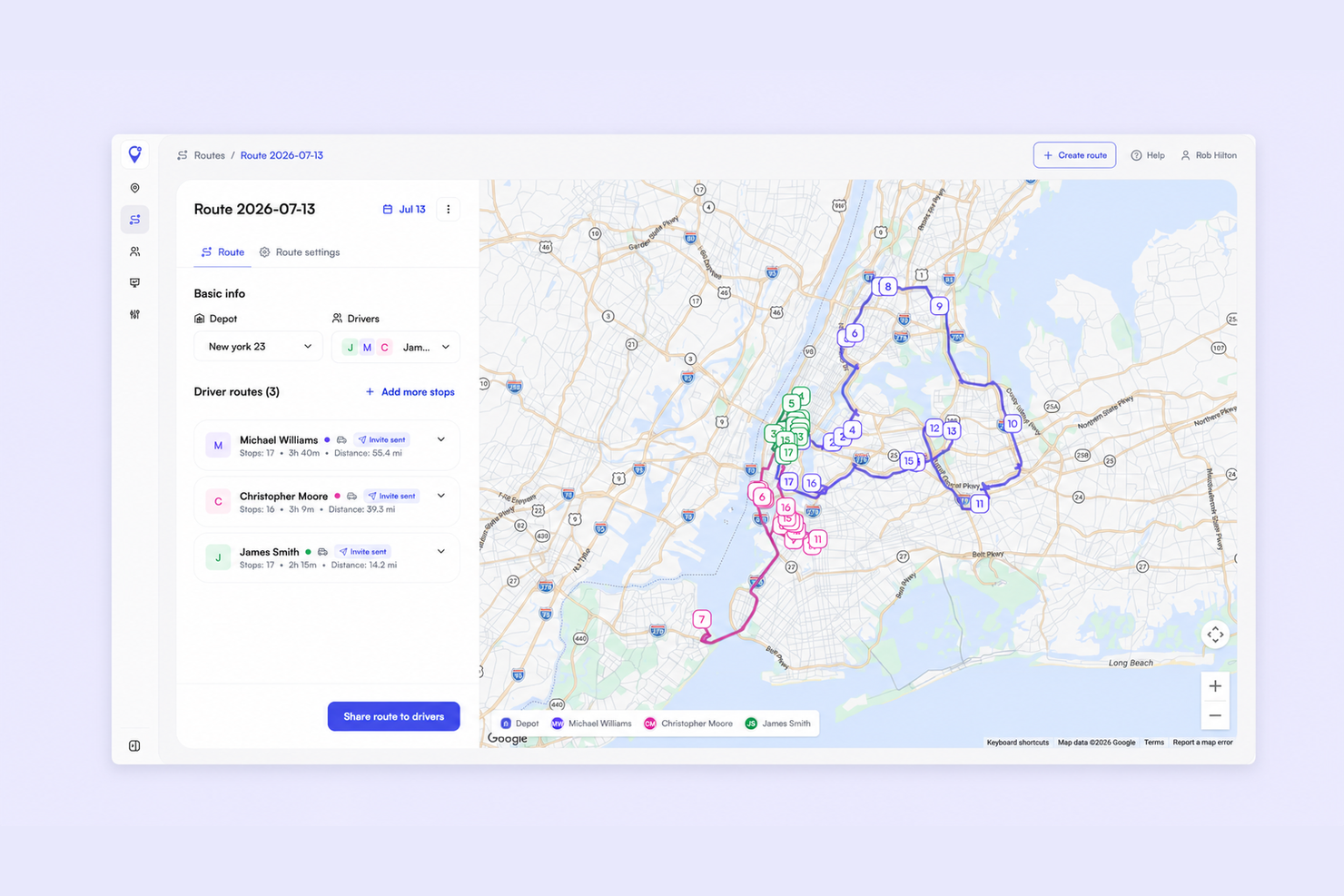
Optiway covers the full import-to-confirmation workflow that dispatch systems promise:
Teams start at nothing on Early Access, which covers 300 stops a calendar month; Team raises the allowance to 2,000 stops for $99 a month. Neither plan charges per driver and both include every feature. Solo drivers can also use the free mobile route planner for up to 200 stops with time windows and one-tap navigation. There is no trial to start: Early Access is simply free.
One clarification: proof of delivery captures a photo, a signature, or a note—not a barcode scan.
What is a dispatch system?
A dispatch system is software that assigns delivery routes to drivers, tracks progress in real time, and captures proof of delivery at each stop. It replaces spreadsheets, group chats, and manual route planning with one workflow.
How is a dispatch system different from a route planner?
A route planner sequences stops. A dispatch system adds driver assignment, live tracking, customer notifications, proof of delivery, and reporting on top of route optimization.
Can Optiway handle multiple drivers?
Yes. Optiway Dispatch assigns routes across drivers from one dashboard. Solo drivers can also plan and run their own route in the mobile app.
What file formats does Optiway accept for stop import?
The mobile app reads .xlsx and .txt files. The web platform reads .csv, .xls, and .xlsx, and supports API-based order import.
A spreadsheet, a mapping tool, a chat thread, a camera roll, and a dispatcher’s memory of which driver is where—that is not a dispatch system. It is five workarounds pretending to be one.
Replace the patchwork. Import your stop list, optimize routes, assign drivers, and confirm every delivery—from one dashboard.
Dispatch Management Software: Plan, Assign, and Track Every Delivery
Dispatch management software replaces spreadsheets with optimized routes, live driver tracking, and proof of delivery for multi-driver operations.
Trucking Dispatch Software: Route Every Truck from One Board
Trucking dispatch software replaces paper manifests with optimized multi-stop routes, live tracking, and delivery confirmation for local fleets.
Small Business Dispatch Software: Assign Routes Without a Spreadsheet
How small delivery teams replace group-chat dispatch with one board - assign routes, track drivers live, and capture proof of delivery.
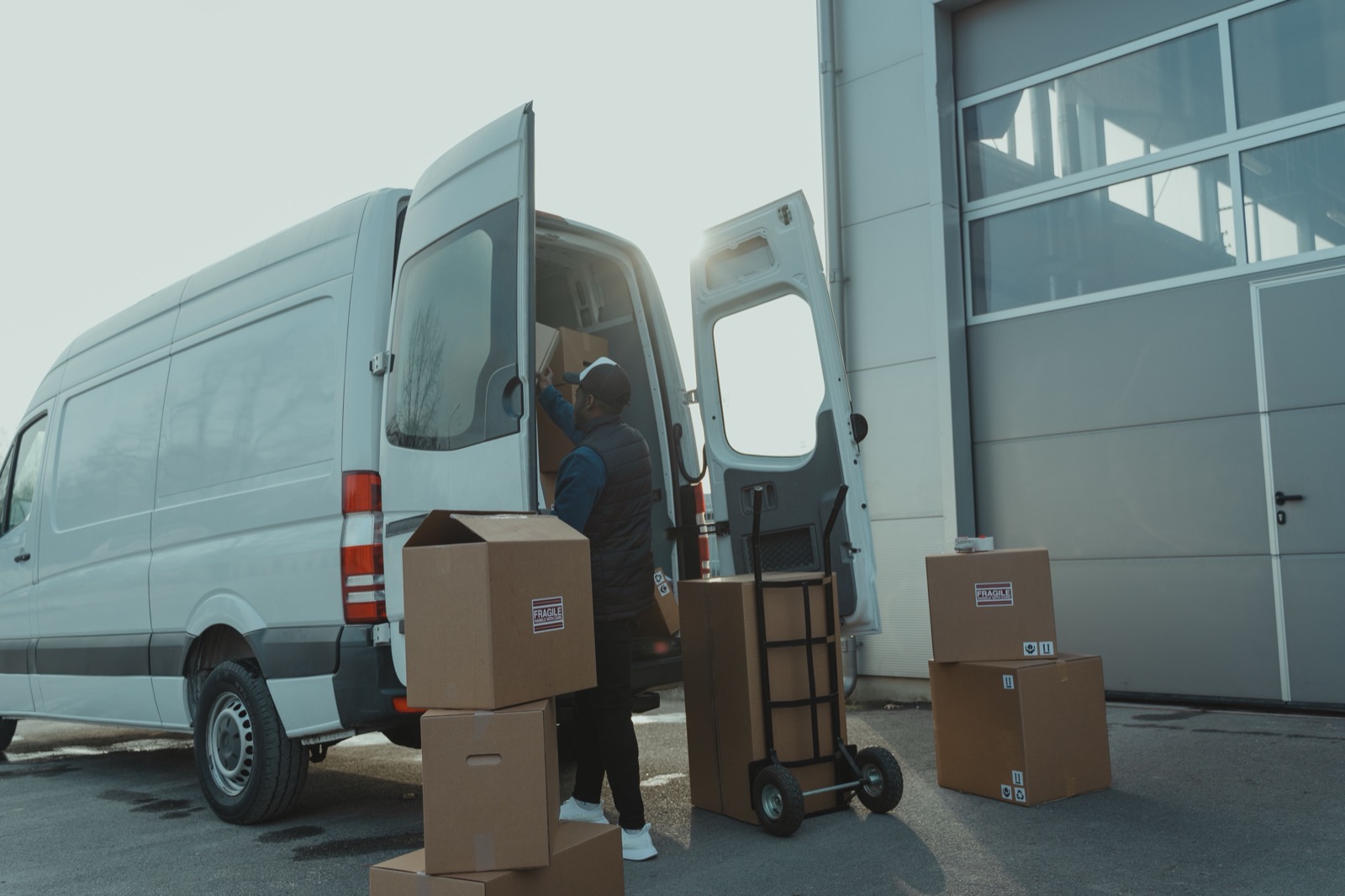
Delivery Management System: From Stop List to Confirmed Drop
A delivery management system turns address lists into optimized routes, tracks drivers live, and captures proof of delivery at every stop.
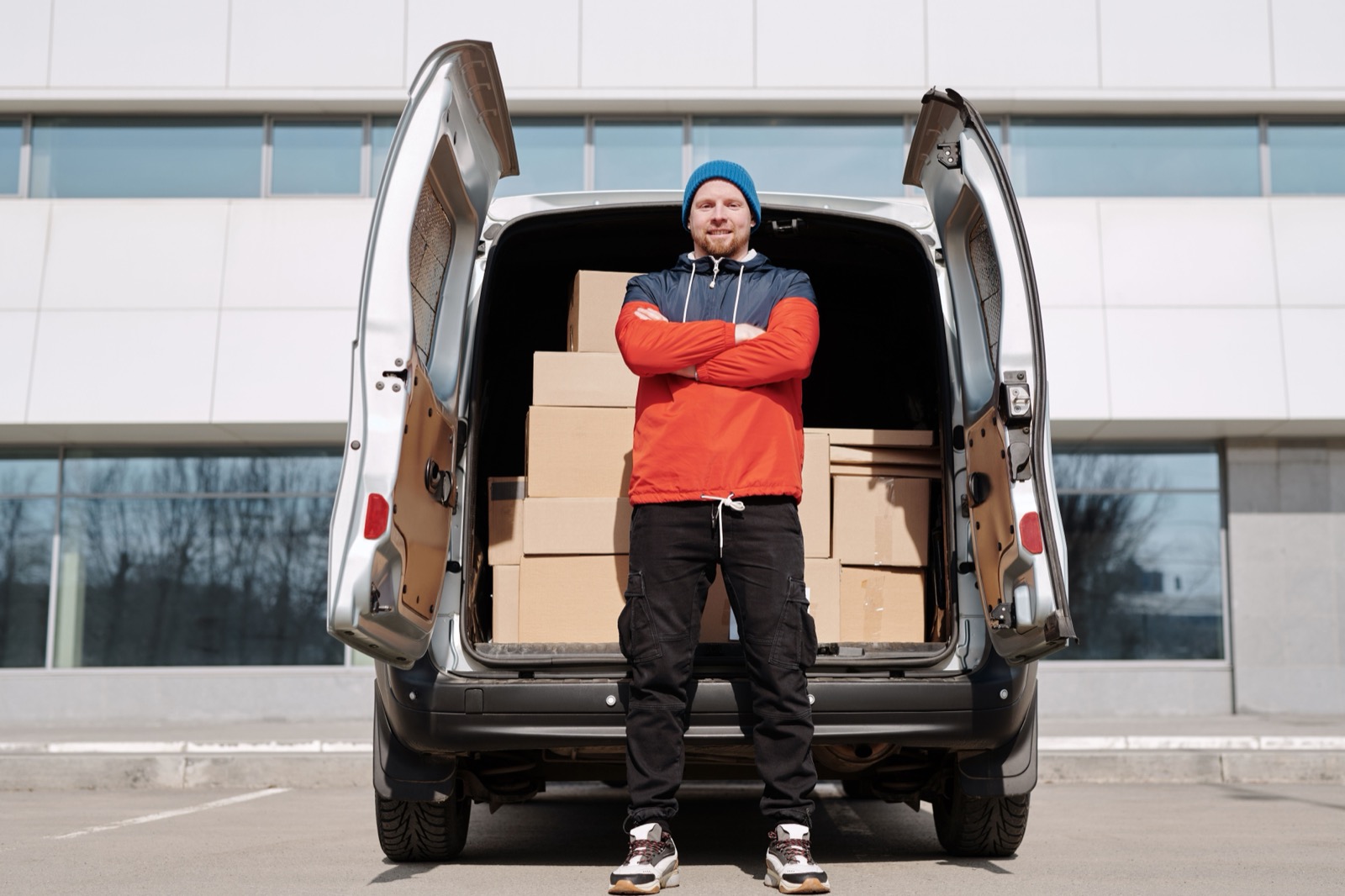
Free Dispatch Software for Delivery Teams
What free dispatch plans include, where limits appear, and how to start.
Plan, assign and track every driver — live, from one dashboard.