Small Business Dispatch Software: Assign Routes Without a Spreadsheet
How small delivery teams replace group-chat dispatch with one board - assign routes, track drivers live, and capture proof of delivery.

Business

Free dispatch software used to mean a five-figure contract and a month-long rollout. That kept small delivery teams on spreadsheets and group chats longer than they wanted. Today, free plans let you assign routes, track drivers, and close out a shift without paying a dollar upfront. But “free” covers a wide range—from fully functional starter tiers to demo accounts that lock you out after a week.
Here’s what free dispatch tools actually include, where the walls go up, and how to tell whether a free tier will carry your operation or just tease it.
The reason isn’t always budget. Early-stage delivery operations often don’t know which dispatch software features they’ll rely on most. A two-driver courier running 30 stops a day doesn’t need analytics dashboards yet. A florist adding Saturday deliveries doesn’t need fleet management.
Free dispatching software lets you test-drive route assignment, live tracking, and stop-level updates before committing money. That matters because switching dispatch tools mid-season is expensive—you retrain drivers, re-enter customer data, and lose a week of momentum. Most teams that start on the wrong tool end up paying more than teams that tested first.
The catch: many teams grab the first free option they find, hit a wall at 10 stops or one driver, and either upgrade under pressure or start over. Knowing what limits are coming saves that scramble.
Most free plans share a handful of core features:
What’s less common on free plans:
The split usually falls between “plan a route and run it” (free) and “manage a team and prove what happened” (paid). If your operation today is one person running a route, a free plan covers the day. If you’re dispatching multiple drivers, you’ll likely need a paid tier from the start.
The most common limits aren’t feature-shaped—they’re volume-shaped:
None of these limits are inherently bad. They exist so the vendor can run a business. The trick is knowing which limit your operation will hit first and whether the upgrade path is affordable when you do.
Before signing up for any free dispatch software, run through this list:
Check the pricing page before you check the feature list. A free plan that graduates to $200 per driver per month isn’t really free—it’s a trial with a surprise ending.
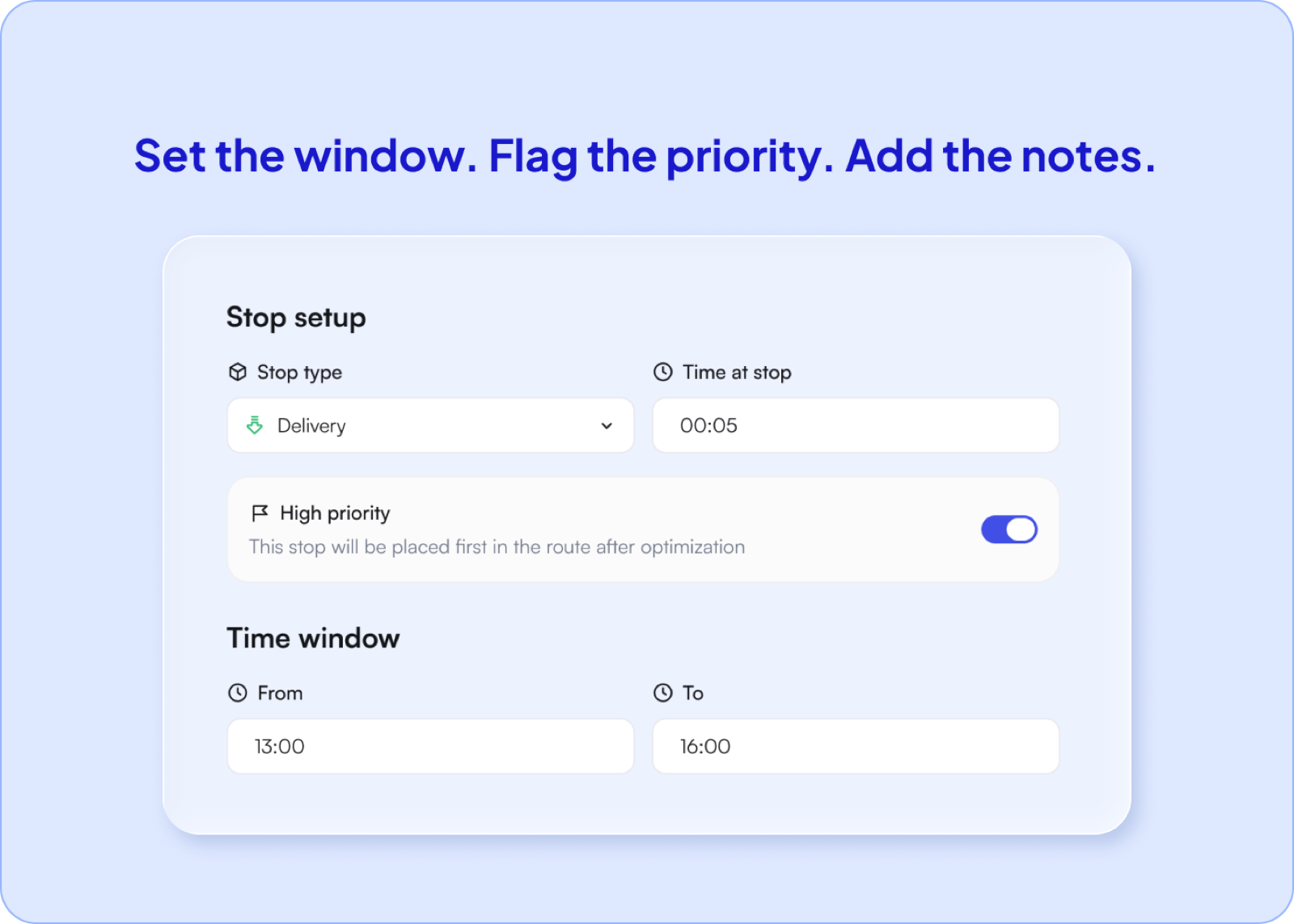
Optiway offers a free plan alongside paid tiers. On the free plan you get route optimization for up to 200 stops, time-window scheduling, stop notes and priorities, and one-tap navigation handoff to Apple Maps, Google Maps, or Waze.
When your operation grows past a single driver, Optiway Dispatch adds multi-driver assignment, live tracking, customer ETA notifications, proof of delivery (photo, signature, or note), and a reporting dashboard. All of it is free on Early Access up to 300 stops a calendar month—enough to test dispatch across your full crew before paying anything.
Key differences from other free dispatching software:
Optiway also lets you export route reports in PDF or Excel for record-keeping. When you’re ready to prove what happened on every route, the dispatch platform captures proof of delivery at each stop. For a closer look at how small business dispatch software replaces group-chat coordination, that walkthrough covers the full workflow.
Is free dispatch software actually free?
Free tiers are real, but they are sized for one driver and a small number of stops. They cover planning and navigation; team features like multi-driver assignment, live tracking and proof of delivery normally sit on a paid plan.
How many drivers can I run on a free plan?
Usually one. The moment a second person needs their own route, most free tiers stop being enough — that is the line vendors draw between a personal tool and an operations platform.
What does Optiway include for free?
The Optiway Dispatch platform is free on Early Access, with 300 stops a month covering multi-driver dispatch, live tracking, proof of delivery and analytics, and the drivers use the mobile app at no cost. A single driver planning their own routes can use the Route Planner app, a paid subscription with a free trial.
When is it worth paying?
When you are coordinating somebody else's day. One driver planning their own route rarely needs more than a free tool. Two drivers and a dispatcher already do.
You don’t need a demo call or a procurement process. Create a free Optiway account, import your first stop list, optimize the route, and hand it to a driver. When you’re ready for multi-driver dispatch and delivery tracking, the paid tier is one click away.
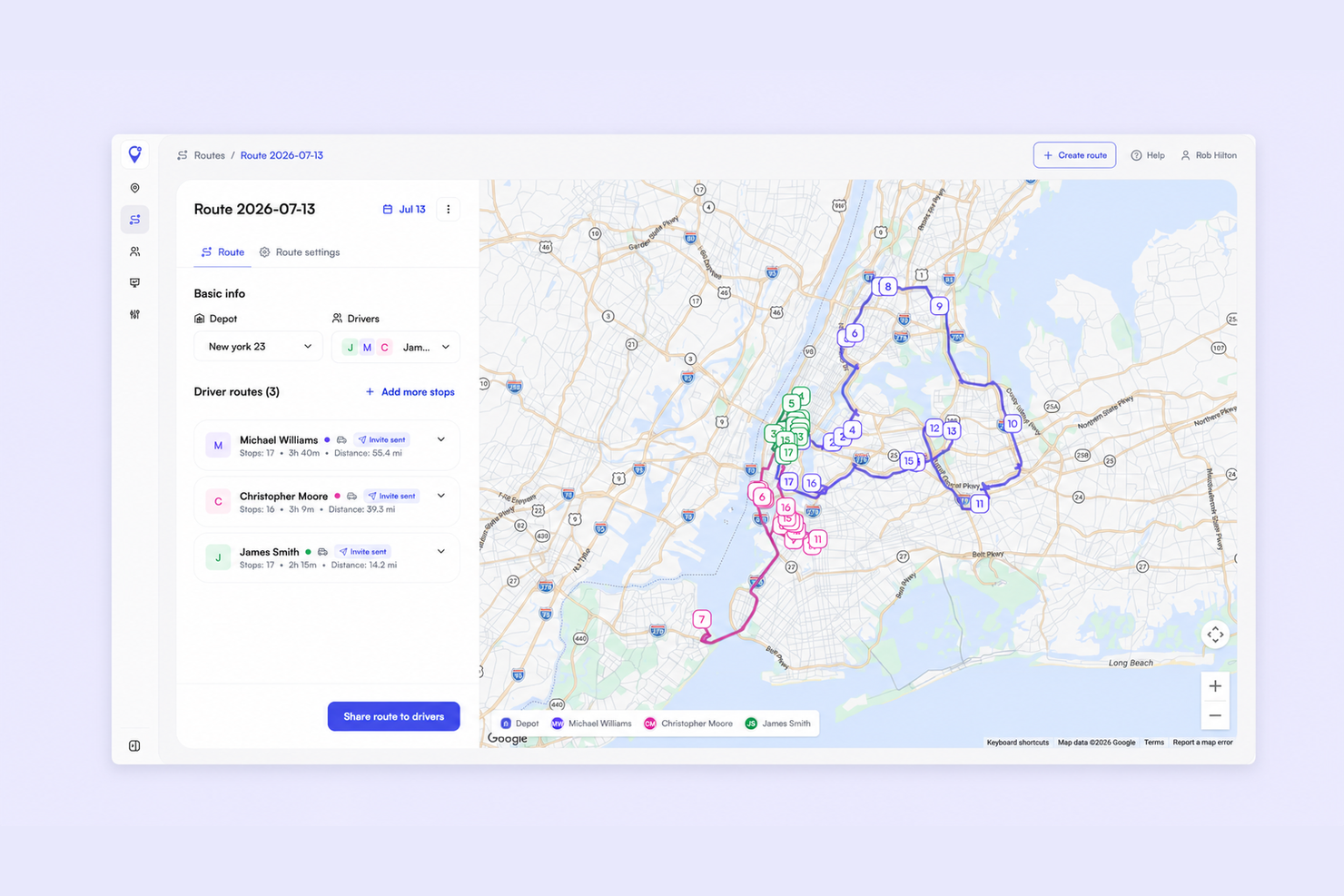
Small Business Dispatch Software: Assign Routes Without a Spreadsheet
How small delivery teams replace group-chat dispatch with one board - assign routes, track drivers live, and capture proof of delivery.
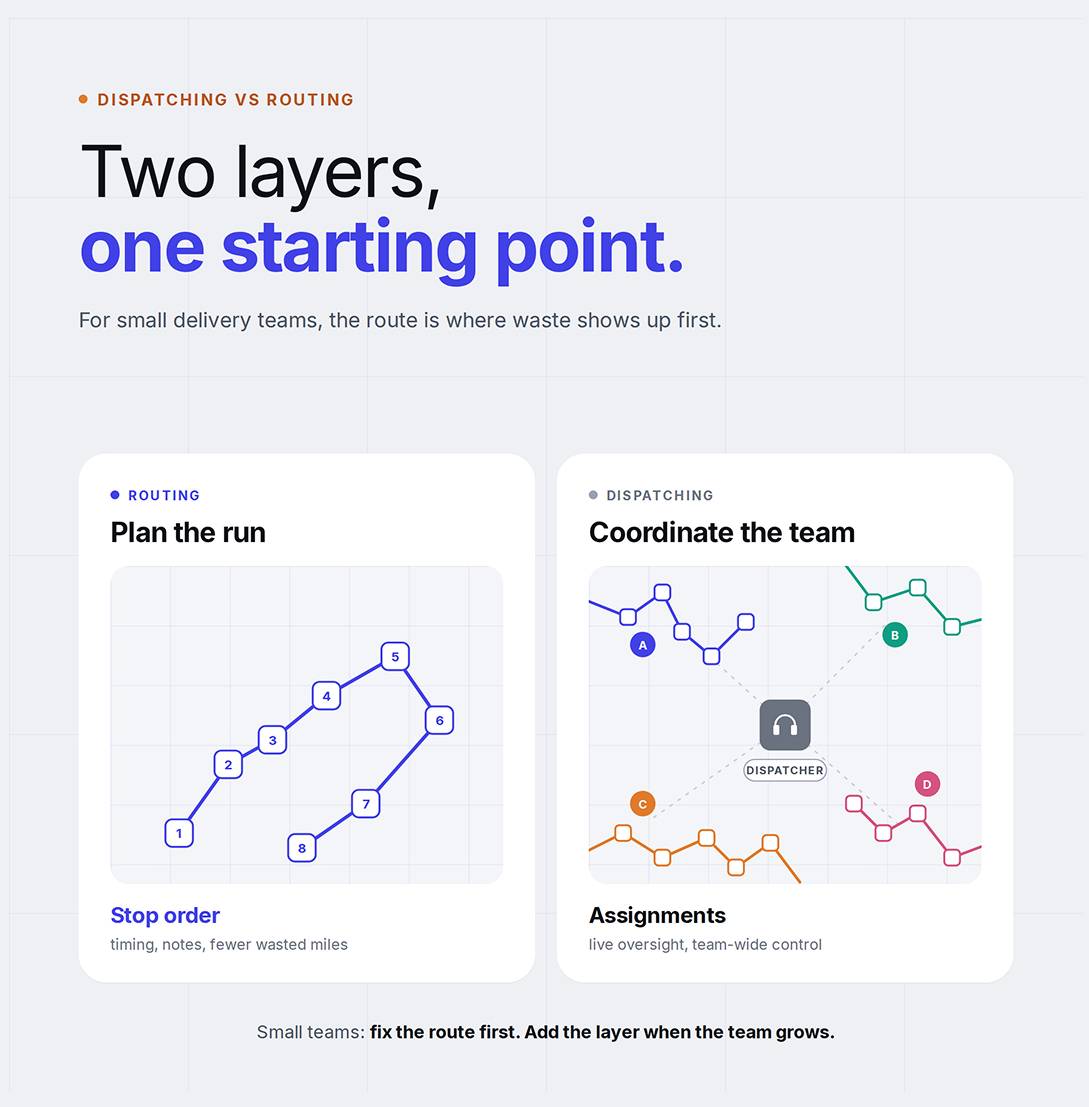
Dispatching vs Routing: Why Small Delivery Businesses Start With Route Optimization
Optiway explains why small delivery businesses usually get more value from better route optimization before adding heavier dispatch workflows.
Delivery Route Planning Best Practices — A Practical Daily Checklist
A practical daily checklist for delivery route planning best practices — from stop prep to post-route review.
Plan, assign and track every driver — live, from one dashboard.