Delivery Management System: From Stop List to Confirmed Drop
How a delivery management system covers the full cycle from address import to proof of delivery.

Route Planning

A dispatcher with 80 stops and three drivers can spend the first hour of every morning doing arithmetic in a spreadsheet. Sort by zip code, eyeball the map, guess at drive times, text each driver a list. By 9 a.m. the plan is already falling apart because the third driver hit construction on the expressway and nobody updated the other two routes.
Route optimization software replaces that guesswork with math. It takes a list of stops, factors in locations, time windows, and vehicle capacity, and returns a sequence that cuts drive time and keeps deliveries on schedule. The difference between a mapped route and an optimized one is the difference between showing where stops are and telling drivers the order to hit them.
This article covers what route optimization software actually does, where spreadsheets and consumer maps fall short, and how Optiway fits into a daily delivery operation.
At its core, route optimization software solves one problem: given a set of stops with constraints, find the sequence that minimizes drive time and distance while meeting every delivery window.
That sounds simple until you try it by hand. Ten stops already have 3.6 million possible orderings. By the time you hit forty stops, the number of permutations is so large that no human with a map and a highlighter is finding the best path through it.
The output is a driver-ready plan: numbered stops, per-stop ETAs, and one-tap navigation to each address. No second map app, no screenshot of a spreadsheet taped to the dashboard.
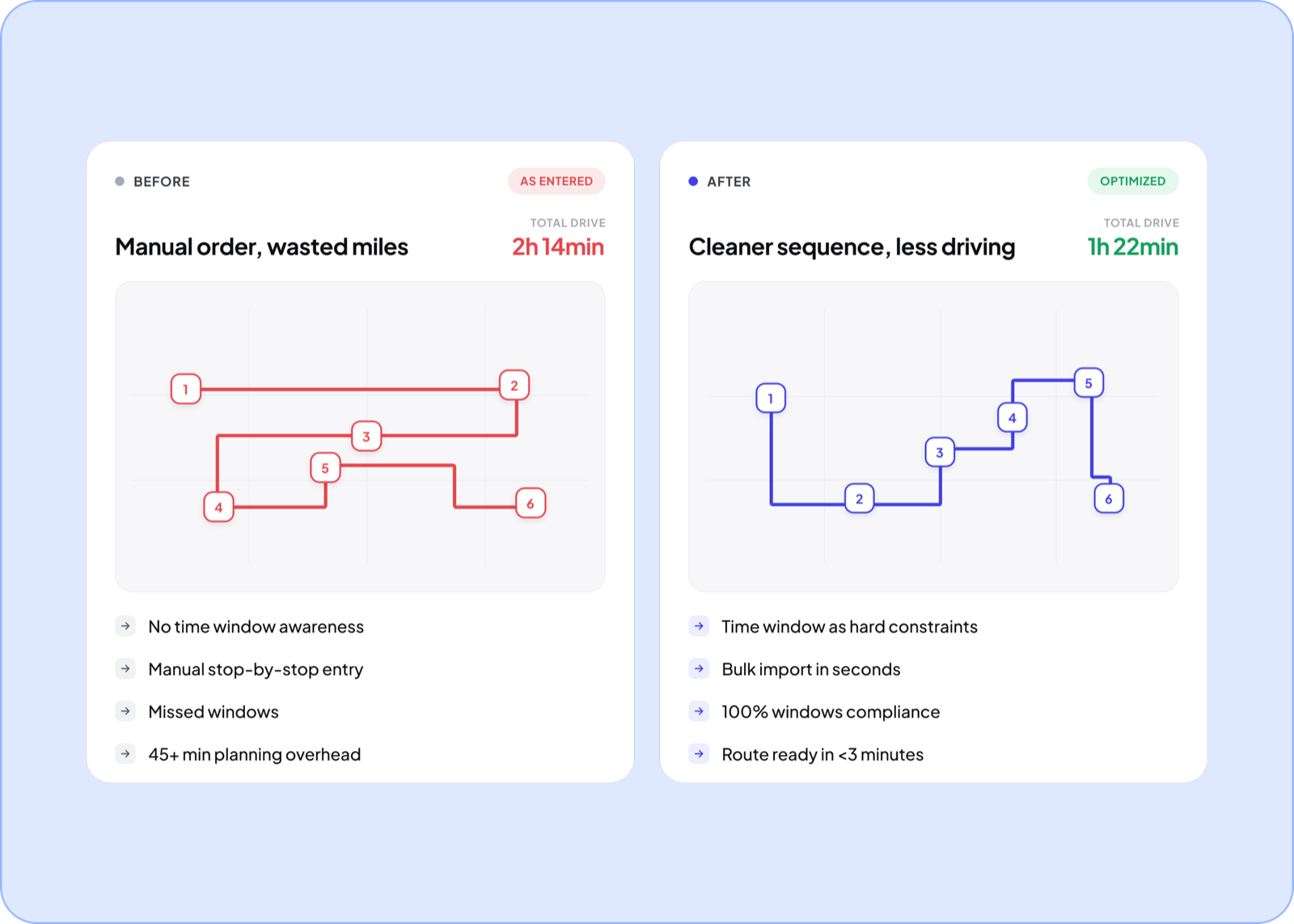
Most delivery teams cobble together a workflow from tools that were never built for multi-stop logistics. It works until it doesn’t.
Dedicated route planning software closes every one of those gaps: it imports your existing stop list, sequences it, enforces time constraints, and pushes the result straight to the driver. There is a good breakdown of what route planning involves day to day if you want the full picture before picking a tool.
Not every tool that calls itself delivery route planning software does the same thing. Here is what separates a useful platform from a glorified map pin board.
These aren’t nice-to-haves. They are the line between a tool drivers actually use and one that gets abandoned after a week.
Optiway is route optimization software built for the daily rhythm of last-mile delivery: import stops, optimize, dispatch, drive, confirm.
A typical morning looks like this:
The same platform scales from a single driver planning their own route in the mobile app to a multi-driver operation managed from the dispatcher dashboard. Early Access is free and covers 300 stops a calendar month, with no card and no time limit.
How is route optimization software different from Google Maps?
Google Maps is a navigation tool. It accepts a handful of stops and keeps them in the order you typed. Route optimization software reorders those stops into the most efficient sequence, factors in time windows and priorities, and scales to 200 stops per route — none of which Google Maps does.
How many stops can Optiway optimize in a single route?
Up to 200 stops per route. The optimization runs in seconds regardless of list size.
Can I import stops from a spreadsheet?
Yes. Upload a CSV or Excel file, or paste a column of addresses. Optiway maps your columns automatically — address, time window, priority, notes — so there is no retyping.
Does route optimization software work for multi-driver teams?
Yes. Optiway’s web dispatch platform lets a dispatcher plan and assign optimized routes across multiple drivers, track progress live, and capture proof of delivery at every stop.
Import your stop list, optimize, and dispatch — see the time savings on your first day. Try Optiway free for 7 days.
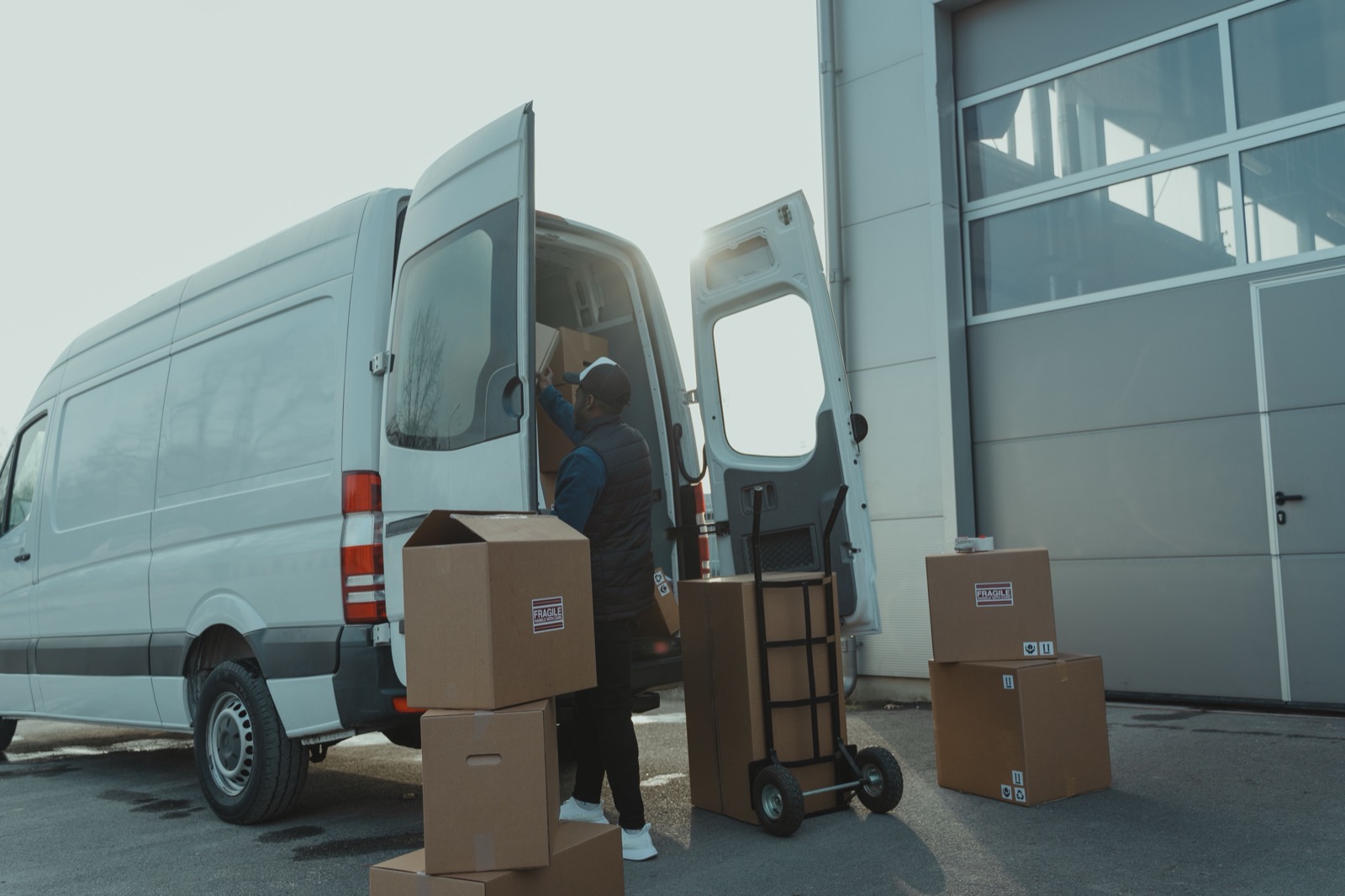
Delivery Management System: From Stop List to Confirmed Drop
How a delivery management system covers the full cycle from address import to proof of delivery.
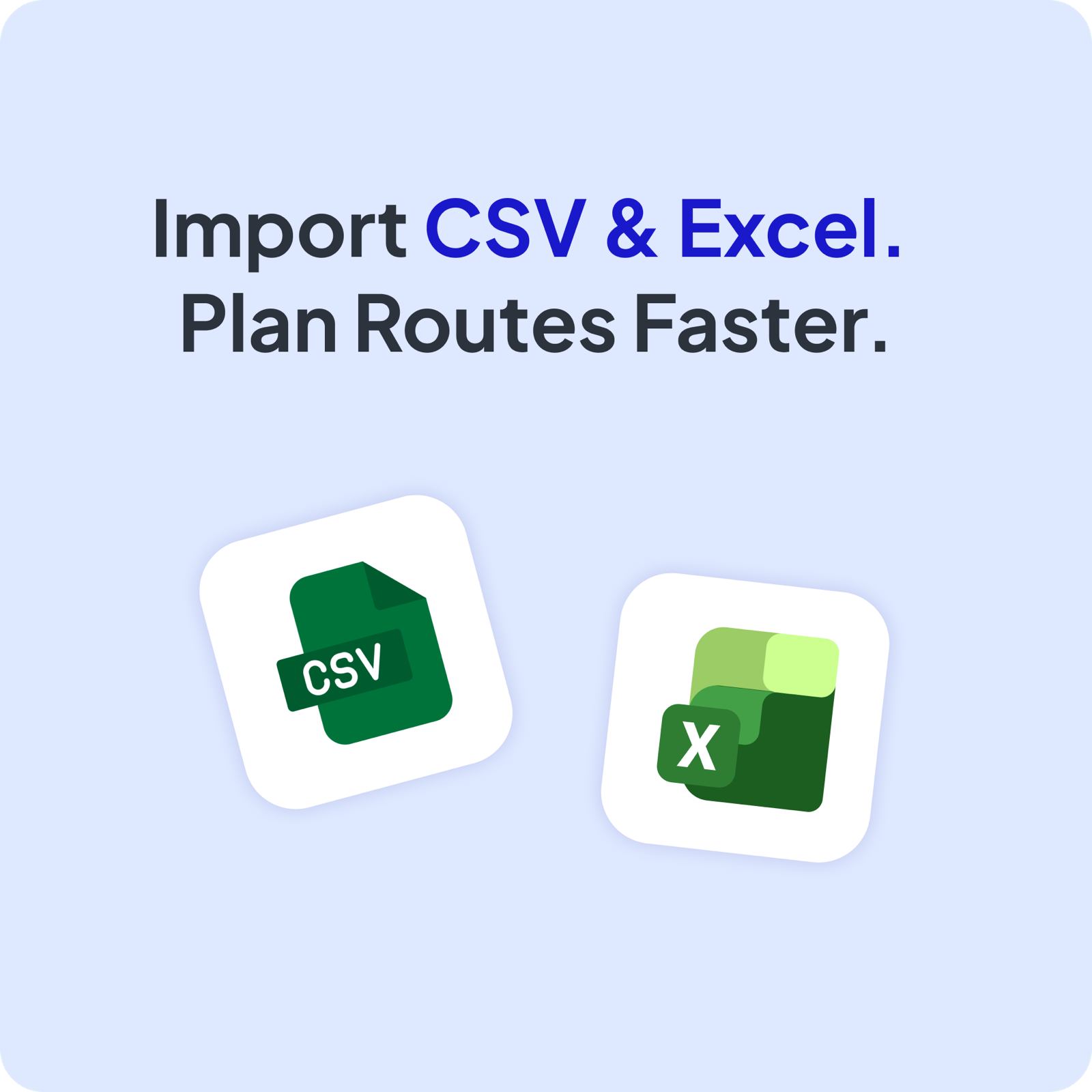
Route Planning Software with CSV & Excel Import
Import stops from a spreadsheet and schedule optimized routes in seconds with Optiway.
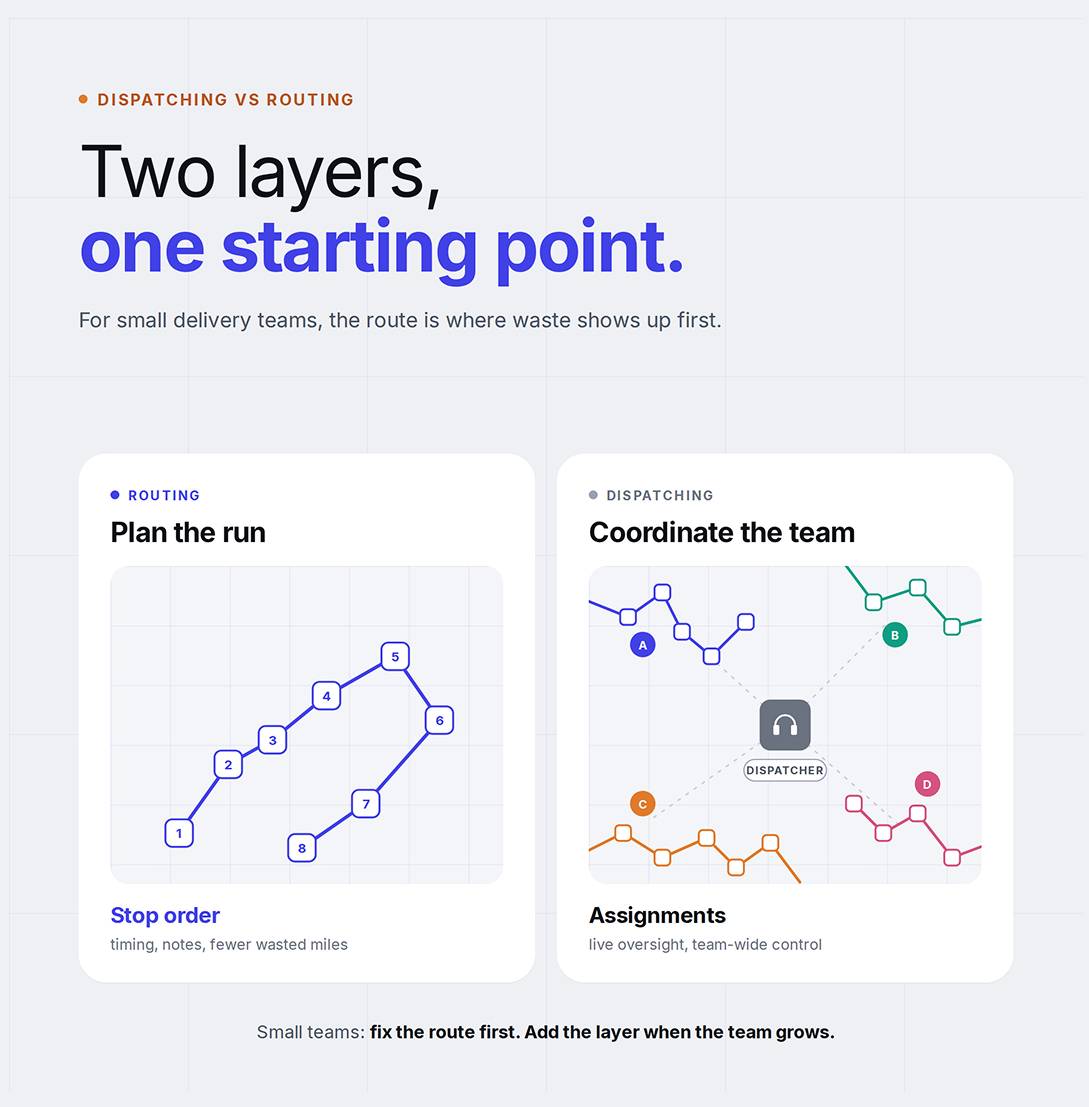
Dispatching vs Routing: Why Small Delivery Businesses Start With Route Optimization
Optiway explains why small delivery businesses usually get more value from better route optimization before adding heavier dispatch workflows.
Delivery Route Planning Best Practices: A Practical Daily Checklist
A daily checklist to help delivery teams plan routes, keep stops on schedule, and cut wasted miles.
Plan, assign and track every driver — live, from one dashboard.