Dispatch Management Software: Plan, Assign, and Track Every Delivery
Dispatch management software replaces spreadsheets with optimized routes, live driver tracking, and proof of delivery for multi-driver operations.

Business
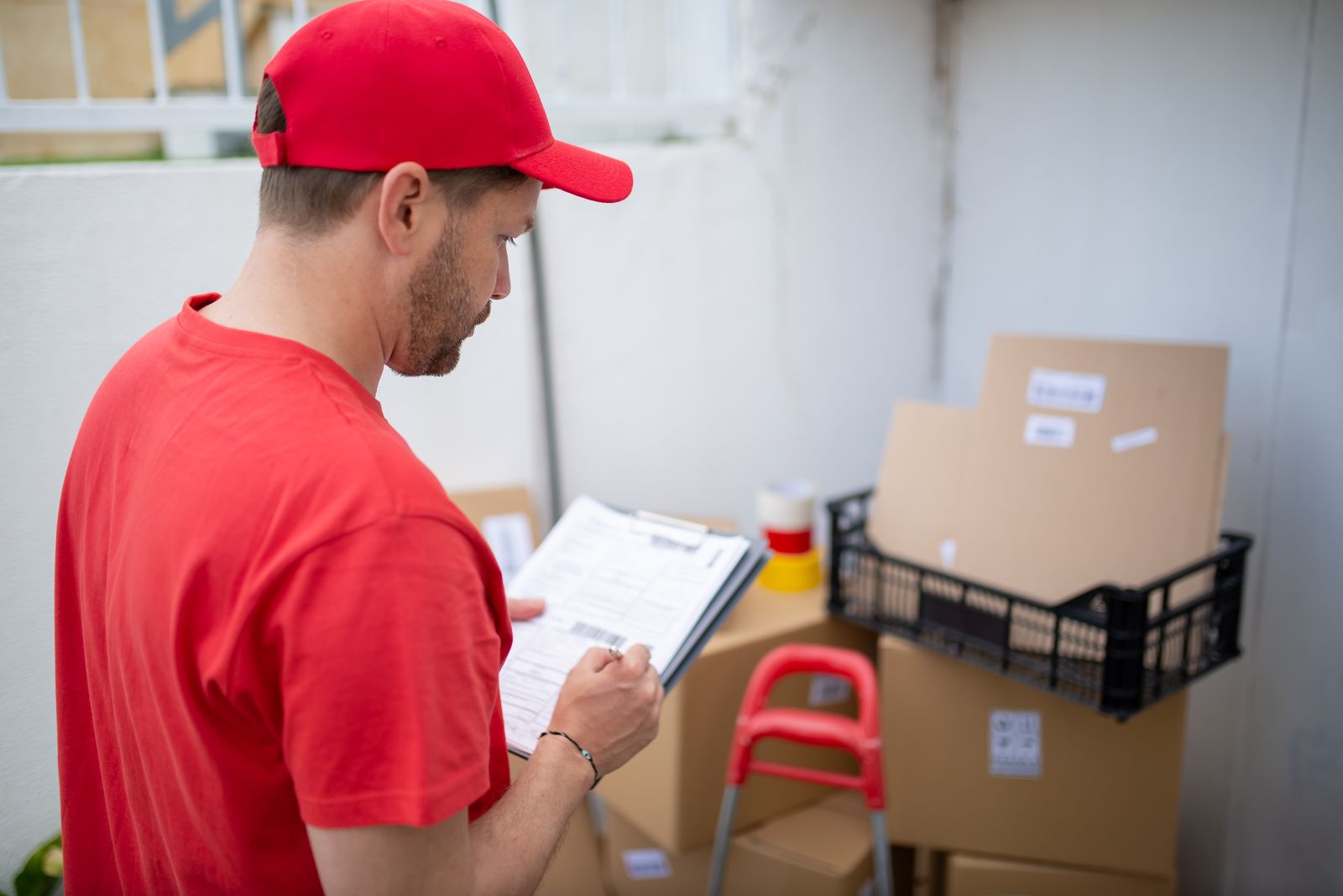
A home-goods retailer promises “delivery between 10 AM and noon” on every order confirmation. By 11:45, the driver assigned to that batch is still fifteen minutes away from the first stop because the route was built in the order addresses came off the packing slip. The customer calls. The dispatcher checks a shared spreadsheet, sees no live position, and improvises: “The driver is on the way.” By 12:20, the package lands on the porch. The window is blown, the customer is annoyed, and nobody has a record of what went wrong.
This is what delivery scheduling looks like when it depends on manual sequencing and memory. Delivery scheduling software replaces that guesswork with a system that assigns time windows, builds routes around them, and tracks every driver from first stop to last confirmation.
A spreadsheet can hold addresses and promised times. It cannot enforce them. The gap between what was promised and what the driver can physically accomplish grows wider with every stop added to the list.
Each of these problems is manageable at five stops a day. At forty or eighty, they compound into missed windows, refund requests, and dispatchers who spend more time on the phone than planning routes.
Delivery scheduling software connects the promise made to the customer with the route the driver follows. It does this in four steps:
The result is a delivery schedule that accounts for geography, time constraints, and driver capacity — not the order in which the warehouse printed labels.
A delivery management system that supports time windows does more than sort by distance. It treats each window as a hard constraint the optimizer must satisfy.
Consider a route with thirty stops. Five of them carry morning windows; eight have afternoon windows; the rest are flexible. The optimizer places morning-window stops at the top of the sequence, then weaves afternoon-window stops in between flexible ones so the driver moves outward and back without doubling over the same road.
Time-window routing is what separates route scheduling software from a basic map tool. Google Maps will navigate to each stop, but it will not reorder them to hit a 10–12 window first and a 2–5 window later.
Scheduling for one driver is a sequencing problem. Scheduling for five or fifteen is an assignment problem: which stops go to which driver, and in what order?
Schedule and dispatch software solves both at once. The dispatcher loads the full stop list, and the platform distributes stops across available drivers based on location, capacity, and time windows. Each driver receives a complete, optimized route on their mobile device.
Live tracking replaces the morning check-in call. The dispatcher sees every driver on a map, every completed stop marked green, every upcoming stop with an updated ETA. When a route drifts behind, the dispatcher spots the gap before the customer does.
ETA notifications go to recipients automatically. Instead of calling to ask “where is my delivery,” the customer sees a tracking page with a live arrival estimate. That single feature cuts inbound call volume noticeably on the first day.
A schedule without tracking is a wish list. The value of delivery scheduling software shows up after the routes leave the warehouse, not before.
Real-time tracking answers three questions the dispatcher used to resolve by phone:
An analytics layer shows patterns across days and weeks: on-time delivery rates, average stops completed per hour, and driver utilization. These numbers feed planning decisions — add a driver on Tuesdays, shift the pharmacy batch earlier, tighten the afternoon window by thirty minutes.
Route details export to PDF or Excel for billing, insurance, and record-keeping. The pricing page breaks down what each plan includes.
Optiway Dispatch covers the full scheduling-to-confirmation workflow:
Teams start on Early Access at no cost, which covers 300 stops a calendar month. The Team plan raises the allowance to 2,000 stops for $99 a month. Neither plan charges per driver, and both include every feature. Integrations with external order systems are set up on request.
What is delivery scheduling software?
Software that assigns delivery time windows, optimizes stop order around those windows, and gives each driver a route with per-stop ETAs. It replaces manual scheduling with a workflow that accounts for drive time, priority, and customer availability.
How is delivery scheduling different from route optimization?
Route optimization reorders stops to reduce drive time. Delivery scheduling adds a time dimension: each stop gets an arrival window, and the optimizer sequences the route so those windows are met. Scheduling without optimization produces a timed list that ignores geography; optimization without scheduling produces a fast route that ignores customer commitments.
Can Optiway schedule deliveries for multiple drivers at once?
Yes. Optiway Dispatch assigns routes across drivers from one dashboard. Each driver receives their scheduled route on the mobile app and navigates with one tap in Apple Maps, Google Maps, or Waze.
What happens when a delivery falls behind schedule?
The dispatcher sees real-time driver positions on a live map and can spot delays before customers call. ETA notifications update recipients automatically, and the dispatcher can re-optimize the remaining stops to recover time.
Every window you promise and miss is a customer who stops trusting the estimate. Import your stop list, set delivery windows, optimize the sequence, and watch every driver hit their marks from one board.
Dispatch Management Software: Plan, Assign, and Track Every Delivery
Dispatch management software replaces spreadsheets with optimized routes, live driver tracking, and proof of delivery for multi-driver operations.
Delivery Management System: From Stop List to Confirmed Drop
A delivery management system turns address lists into optimized routes, tracks drivers live, and captures proof of delivery at every stop.
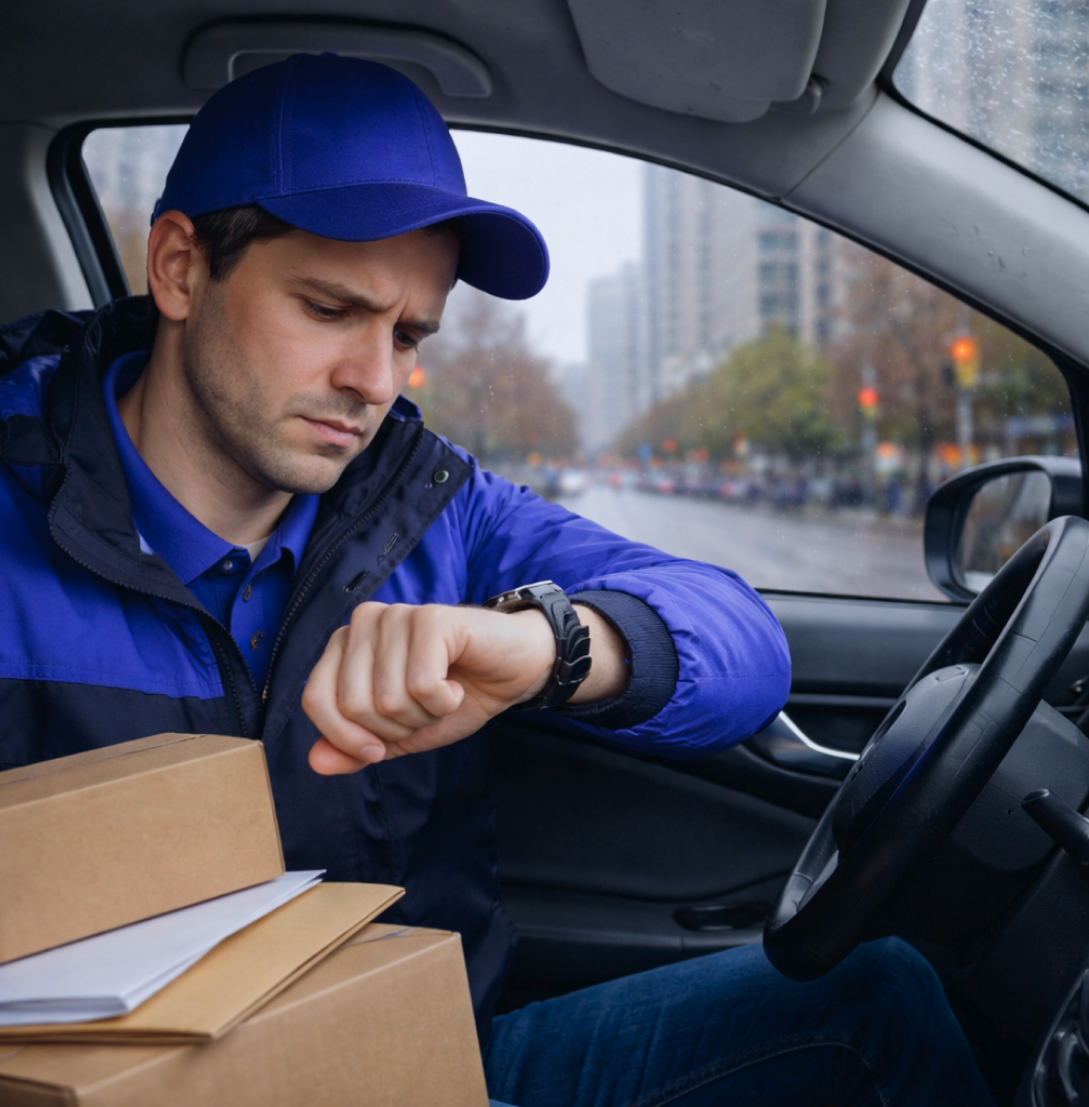
Delivery Time Windows: How to Avoid Late Arrivals and Waiting
Delivery time windows keep drivers on schedule and customers informed. Learn what breaks when windows are ignored and how to enforce them.
Plan, assign and track every driver — live, from one dashboard.